
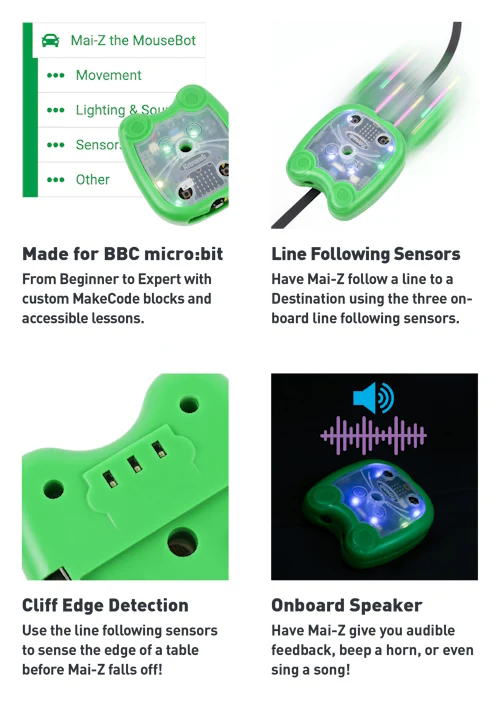
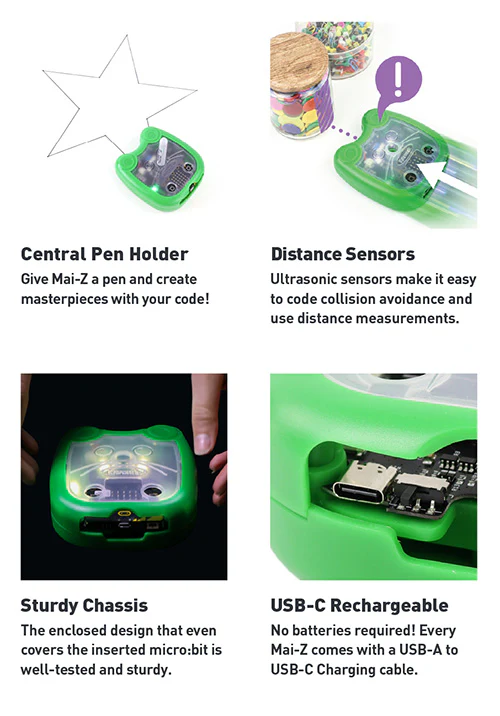
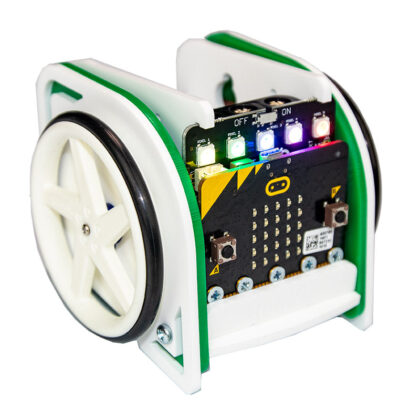
Smart, playful, and packed with potential, meet Mai-Z The MouseBot, the ultimate programmable robot buggy for young coders aged 8–14! Whether it’s drawing shapes, following paths, or responding to motion, your young learners are in the driver’s seat, literally!
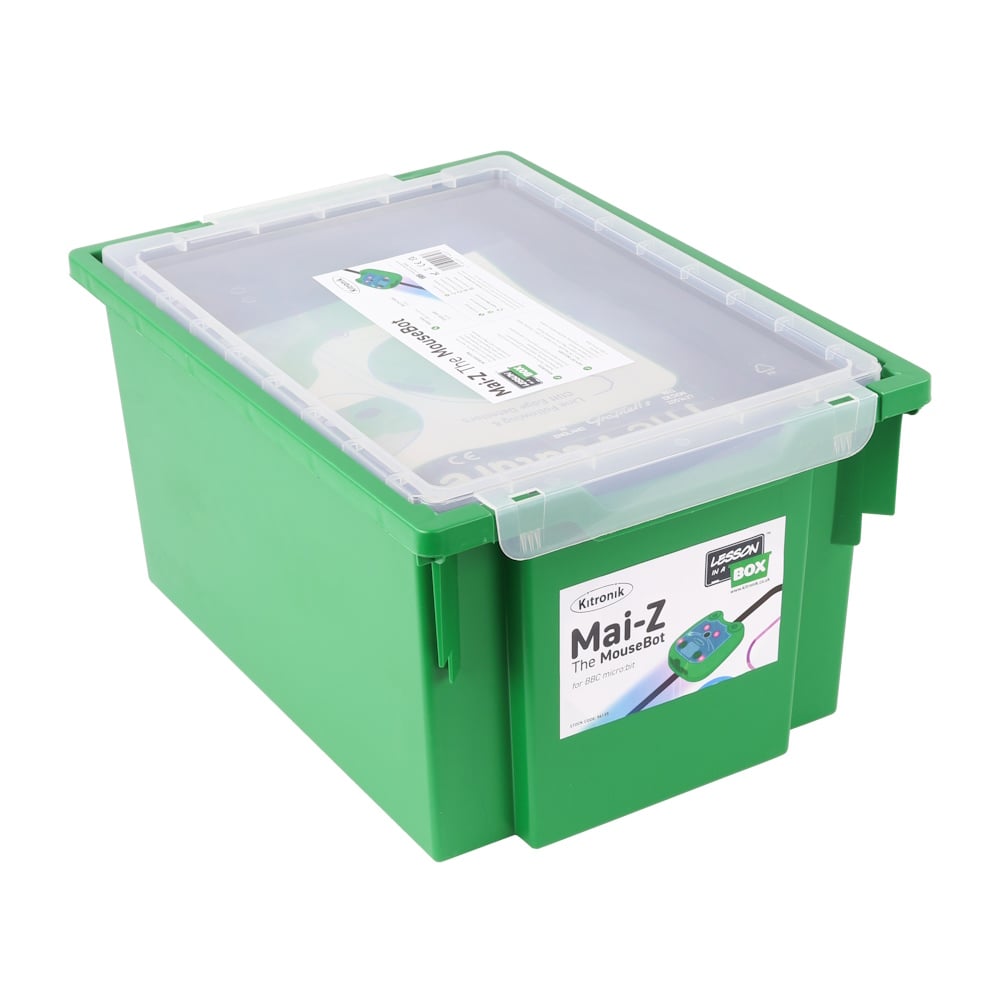
Our Lesson in a Box® for Mai-Z The Mouse Bot for BBC micro:bit is a complete class-based solution, designed for teachers with a limited coding background to allow a full exploration of all of Mai-Z’s features. The Lesson in a Box® for Mai-Z the MouseBot is a complete set of electronics and teaching resources to enable successful cross-curricular lessons with minimal teacher effort. The kit and teaching resources have been developed to save you precious time. The Lesson in a Box® – Mai-Z the MouseBot for BBC micro:bit is supplied in a sturdy and convenient Gratnells tray, with a lid, for safe storage.
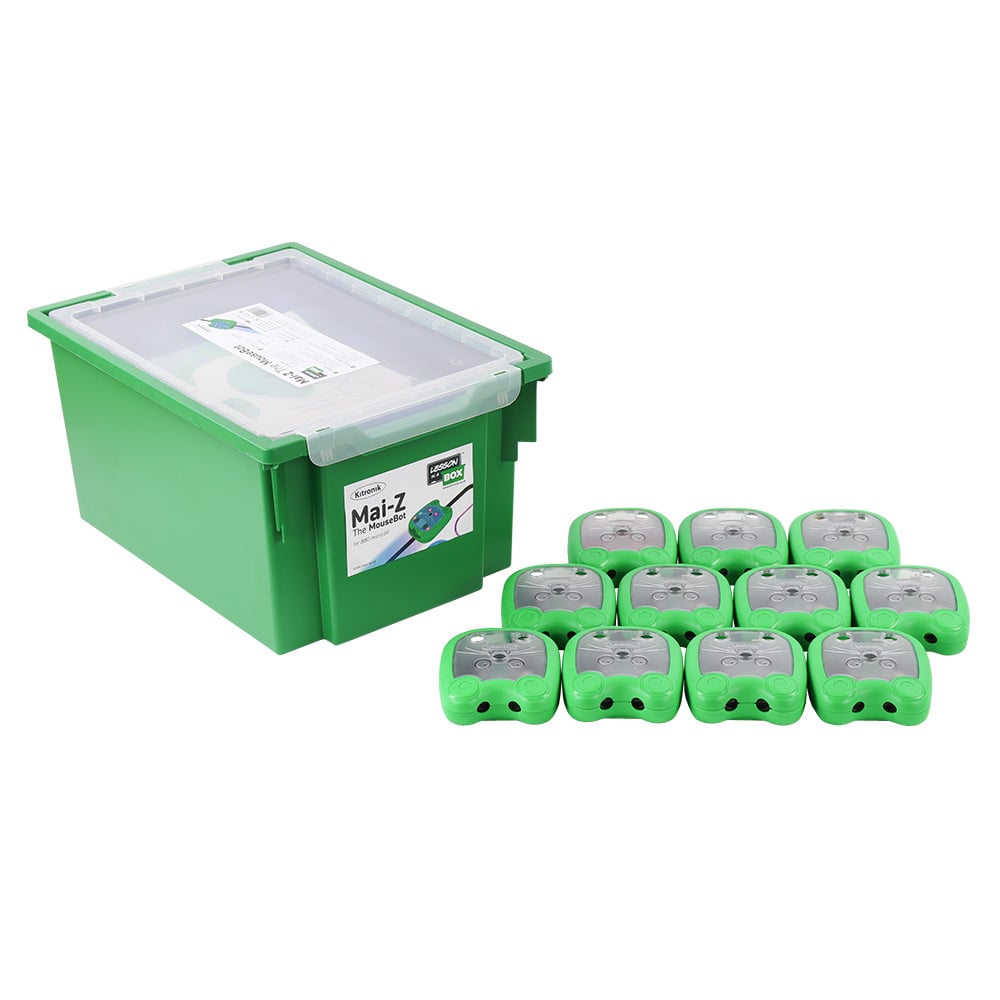
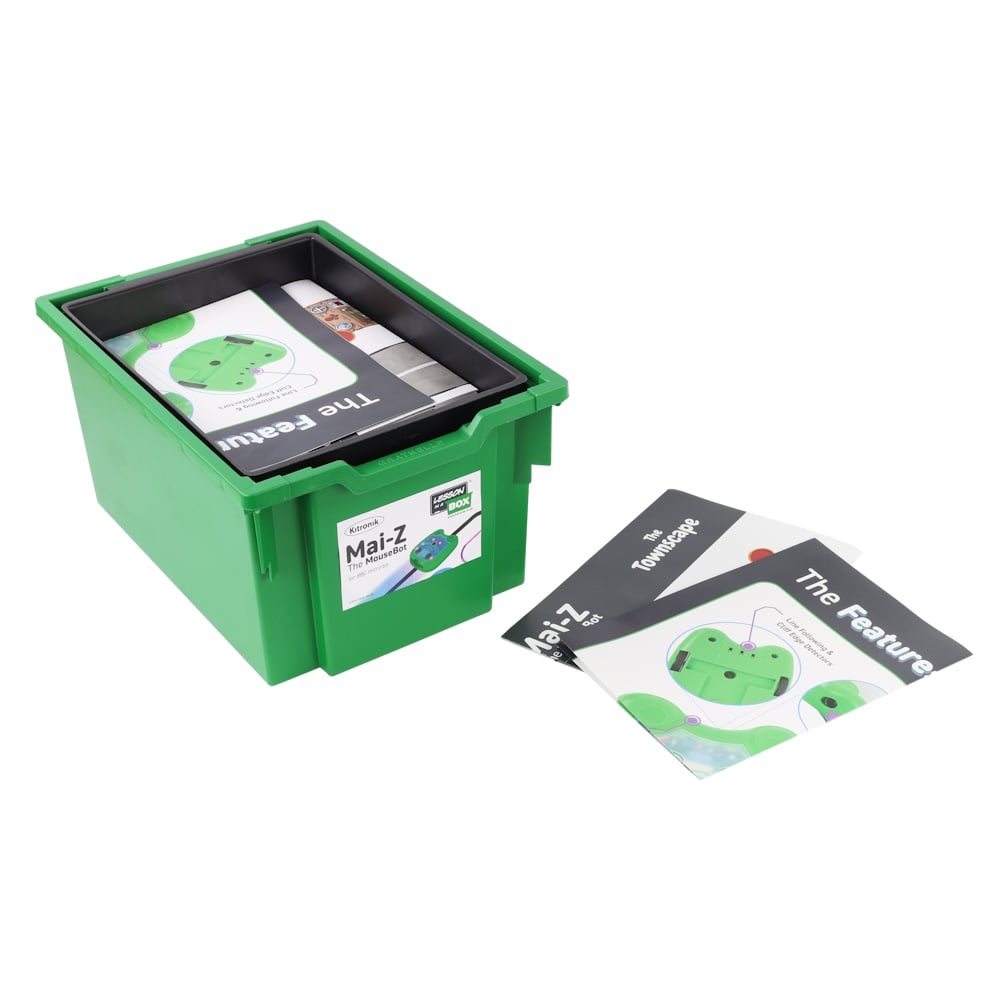
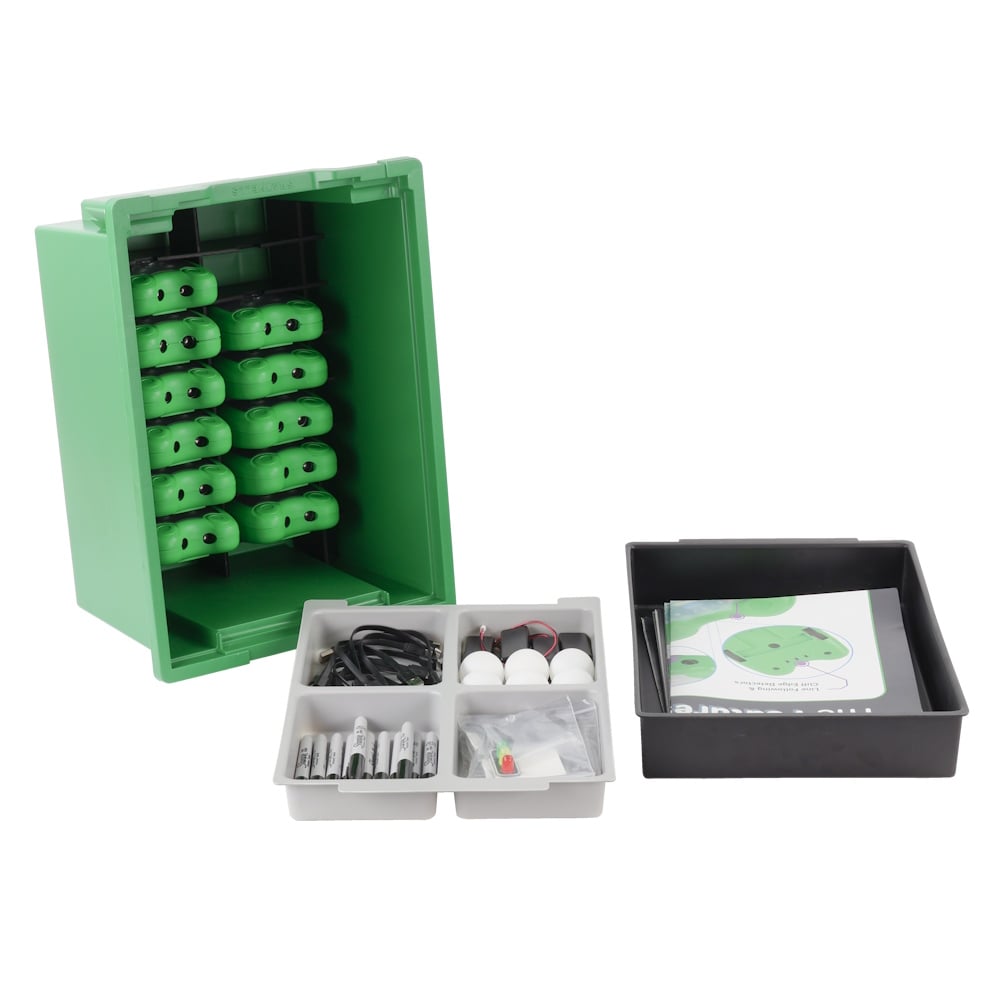
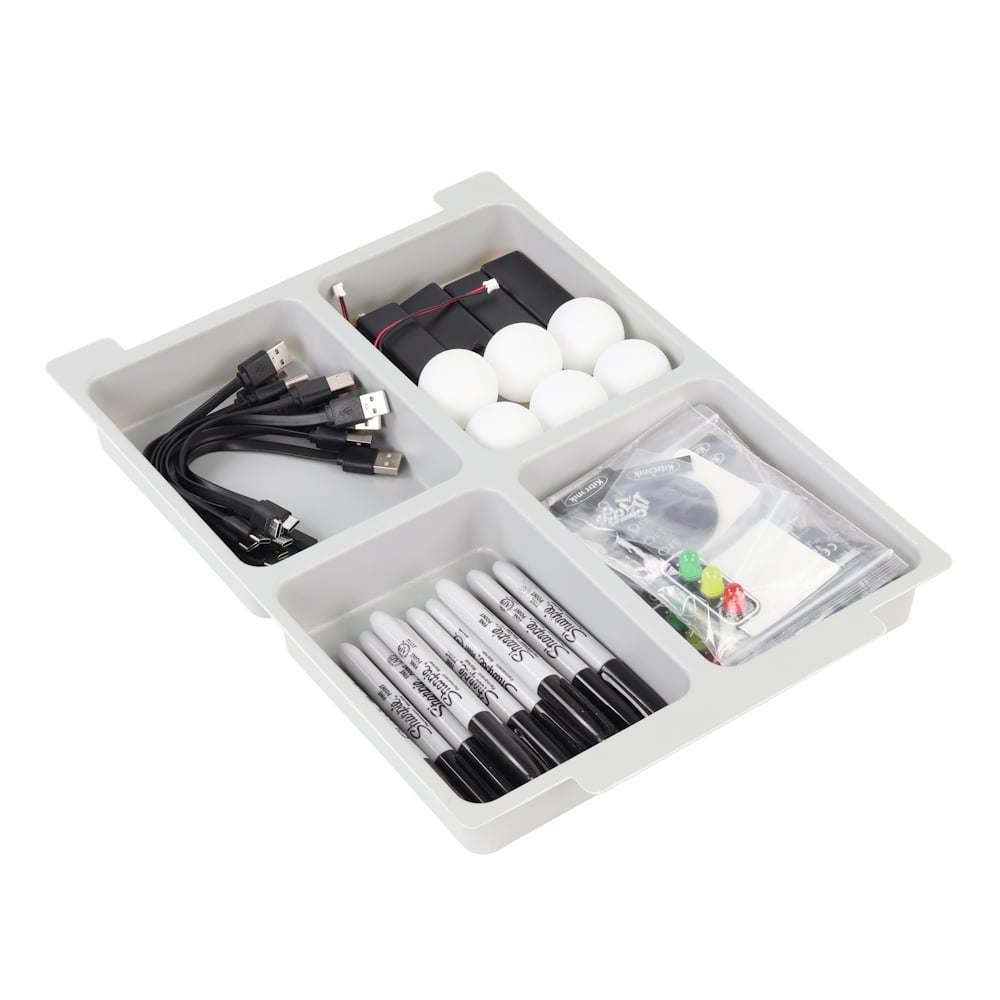
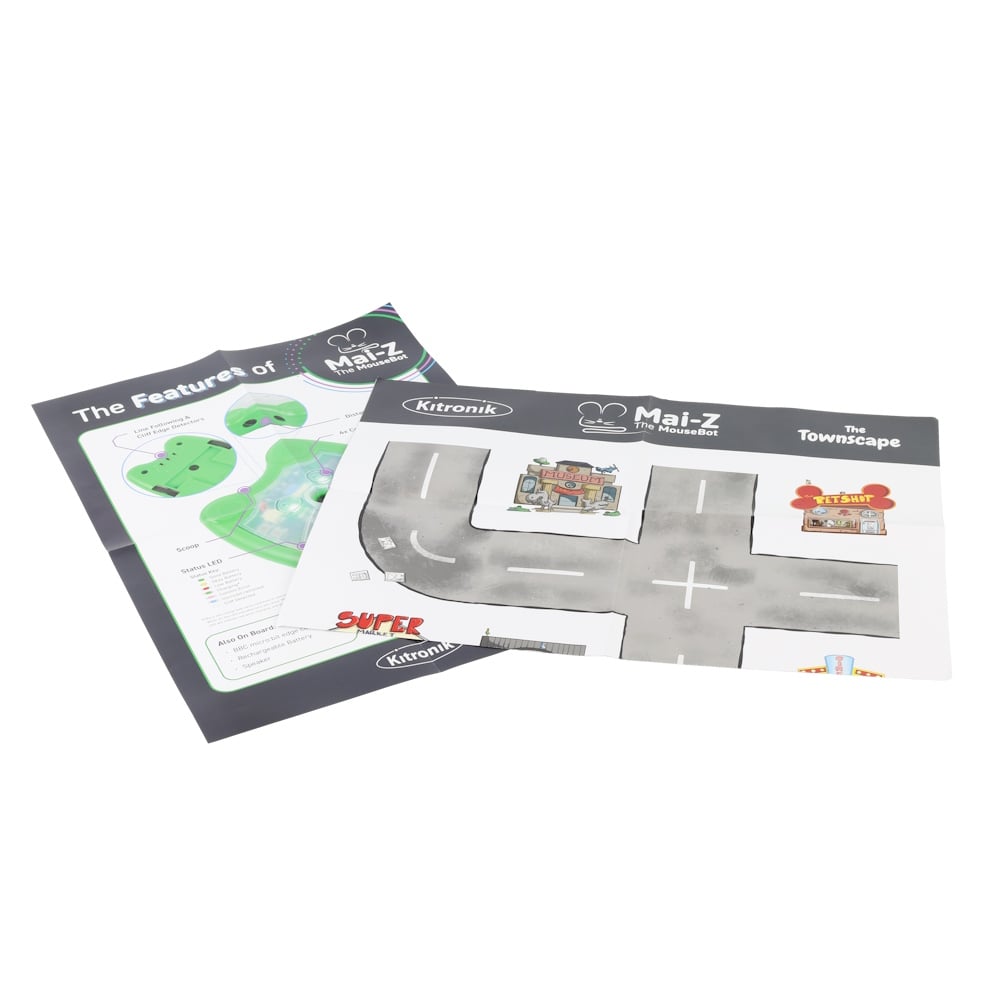
The kit is supplied with an extensive set of teaching resources that are aligned for both US & UK teaching, consisting of: a detailed scheme of learning for 9 innovative lessons, lesson plans, lesson presentations, exclusive digital versions of resources and code examples in hex file format. Each Kit comes with 11 x Mai-Z The MouseBot Floor Robots & USB-C Charging Cables, 11 x Double-sided A1 Map/Line Following Posters, 2 x A2 Features Posters, 4 x STOP:bits & accompanying switched battery holders, 11 x Sharpies, 6 x Table Tennis Balls.
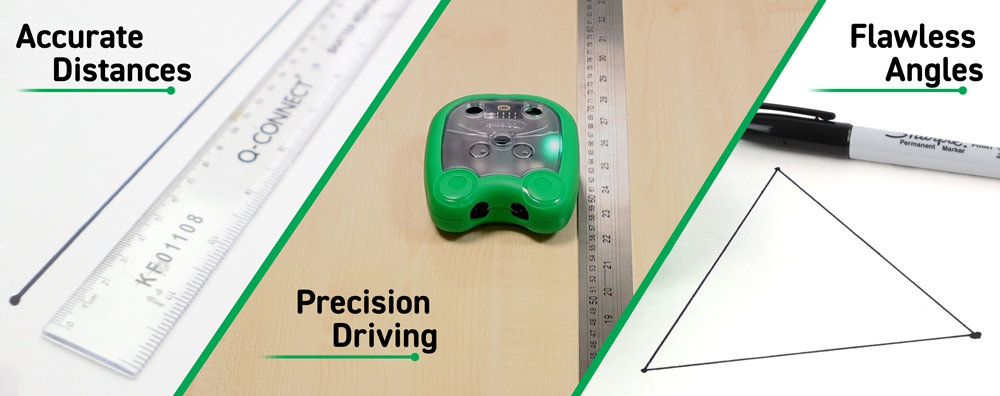
Designed for hands-on learning, the Kitronik Mai-Z is a versatile educational robot built to be used with the BBC micro:bit. Whether you’re diving into coding with MakeCode’s block-based editor or exploring a world beyond screens with our exclusive Screen-Free Programming Lesson in a Box®, Mai-Z makes STEM learning intuitive and fun. It’s even fully compatible with MakeCode CreateAI, allowing gesture-based control and AI-powered coding right out of the box. Aligned with UK and US curricula, Mai-Z empowers both learners and teachers to master core computing concepts through interactive, project-based activities.
In developing this Lesson in a Box®, we wanted it to be affordable, useful and robust enough for teachers to use time and time again. The teaching resources cover many curriculum specifications and have ample opportunities to foster personal development and digital confidence by encouraging pupils to view traditional STEM/STEAM activities as having value across their curriculum.
All of the teaching resources are set out in a teacher-friendly’ way, including lesson plans, presentations, and printable worksheets. These are supplied in Microsoft Word and PowerPoint formats as well as PDFs, which can be copied, modified, and printed to suit your teaching style.
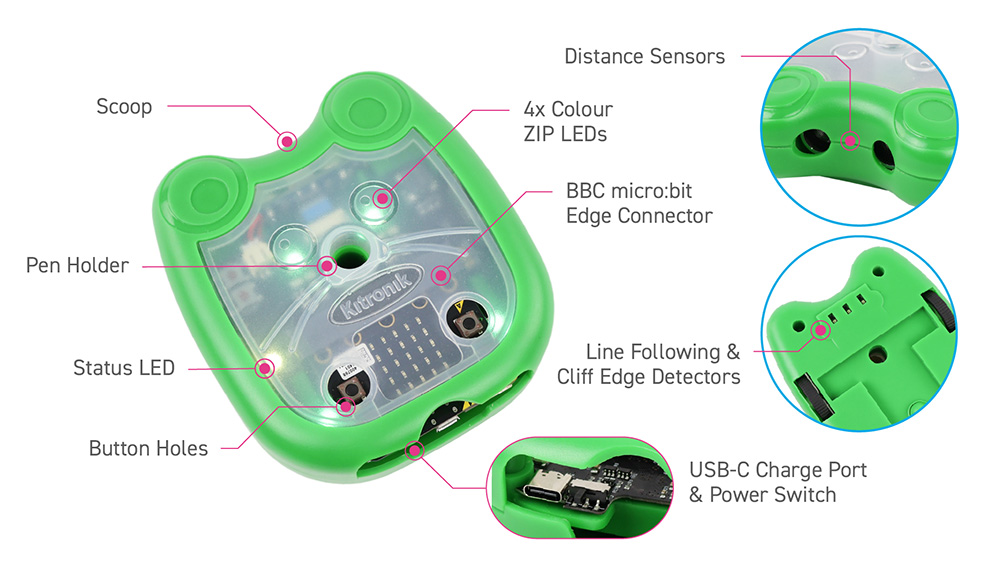
Features:
- The Lesson in a Box – Mai-Z the MouseBot for BBC micro:bit is a complete set of electronics and teaching resources to enable successful cross-curricular lessons with minimal teacher effort.
- No assembly required for technicians or students.
- Thorough testing to optimise classroom usage.
- Lesson plans, presentations and extension tasks.
- Designed for reusability and durability.
- Packaged in a sturdy, reusable Gratnells tray for safe, reliable storage.
- The kit and resources have been designed for both UK and US alignment.
- Curriculum documents aligned to UK and US curricula.
- It’s fun to teach and fun to learn!
Contents:
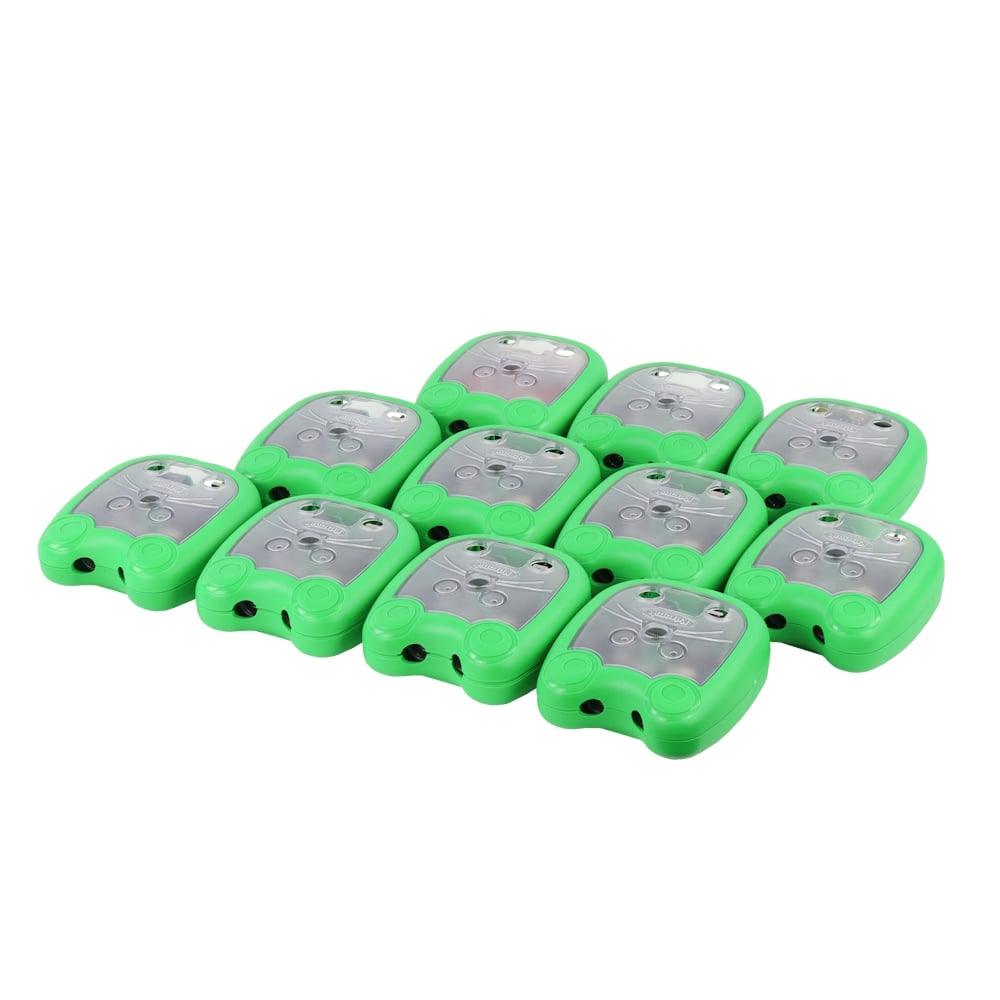
- 11 x Mai-Z The MouseBot Floor Robots & USB-C Charging Cables.
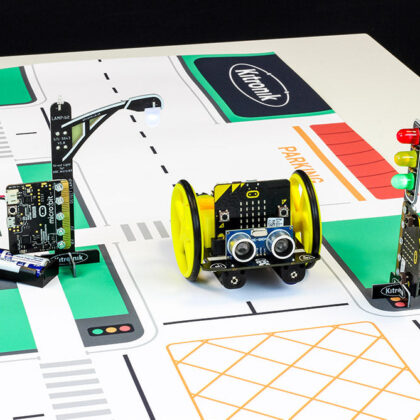
- 11 x Double-sided A1 Map/Line Following Posters.
- 2 x A2 Features Posters
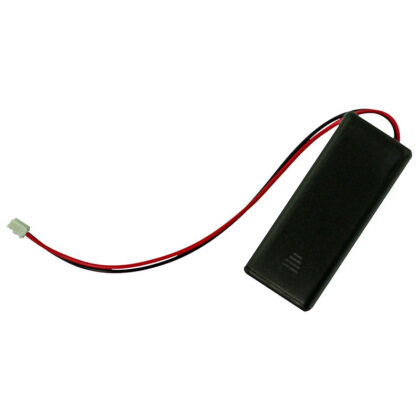
- 4 x STOP:bits & accompanying switched battery holders.
- 11 x Sharpies
- 6 x Table Tennis Balls
- 1 x Gratnells Storage Tray with Lid.
Lessons:
This kit has a dedicated secure downloads page, where all of the lessons and teaching resources can be obtained. Previously, this material would have been supplied on a removable drive. These pages are only available to customers/schools that have purchased the kits. Details of how to access these resources will be included with your purchase. The lessons are listed below, and each lesson includes: Word, PDF, Code Examples, and PowerPoint documents where appropriate.
Mai-Z is aligned to the UK National Curriculum and has alignment to ISTE and CSTA standards in the US.
- Start Here.
- Introductory Lesson.
- Drawing with Mai-Z.
- Townscape.
- Maze Escape.
- Line Following.
- Collision Avoidance.
- AI Gesture Radio Control.
- Song and Dance Routine.
- Remote Control.
- Connectivity.
Video:
Requires:
- 11 x BBC micro:bit.
Reviews
There are no reviews yet.