
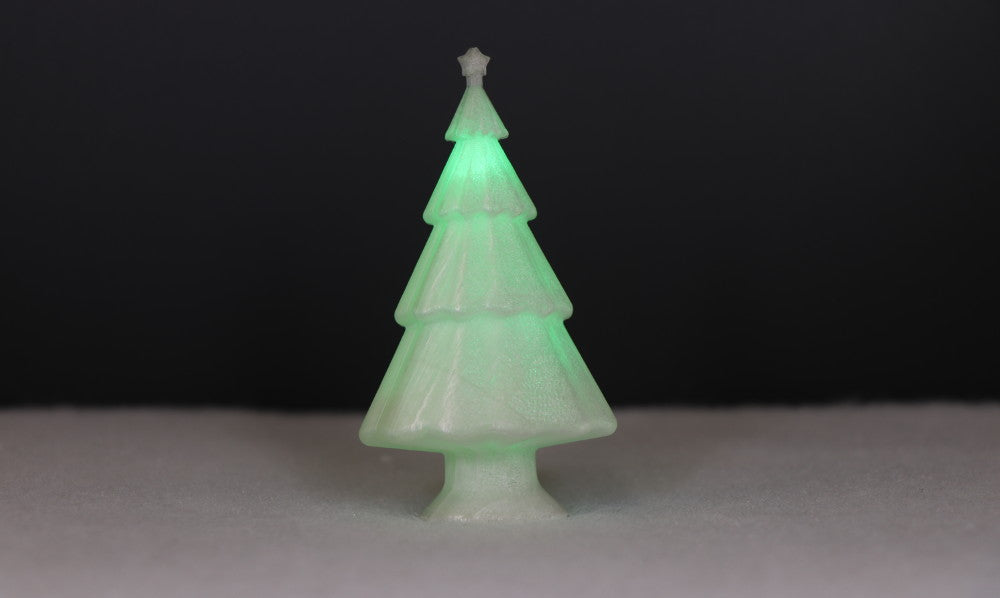
Nothing says it’s Christmas quite like a Christmas tree, learn to make our 3D Printed LED Christmas tree for day two of our 12 Makes of Christmas. It’s an easy project to make, once the parts are printed the job of putting it together shouldn’t take many minutes.
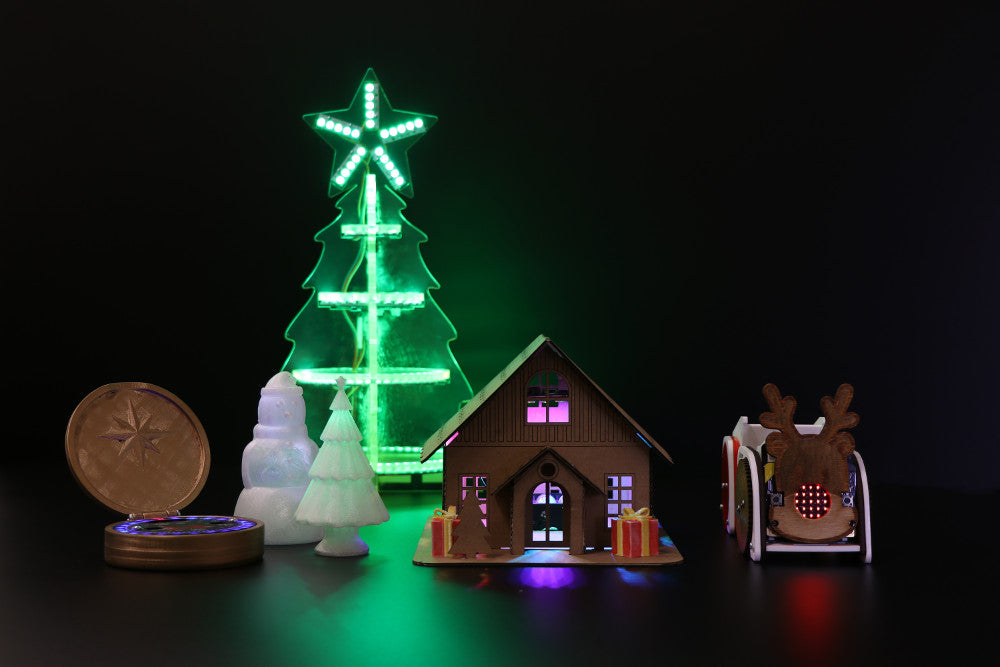
Kitronik 12 Makes Of Christmas Advent Calendar
The Kitronik 12 Makes of Christmas. We’ve gathered together 12 great Christmas projects that you can access via our interactive Christmas Advent Calendar. We will release a new making activity every day for the next 12 days.
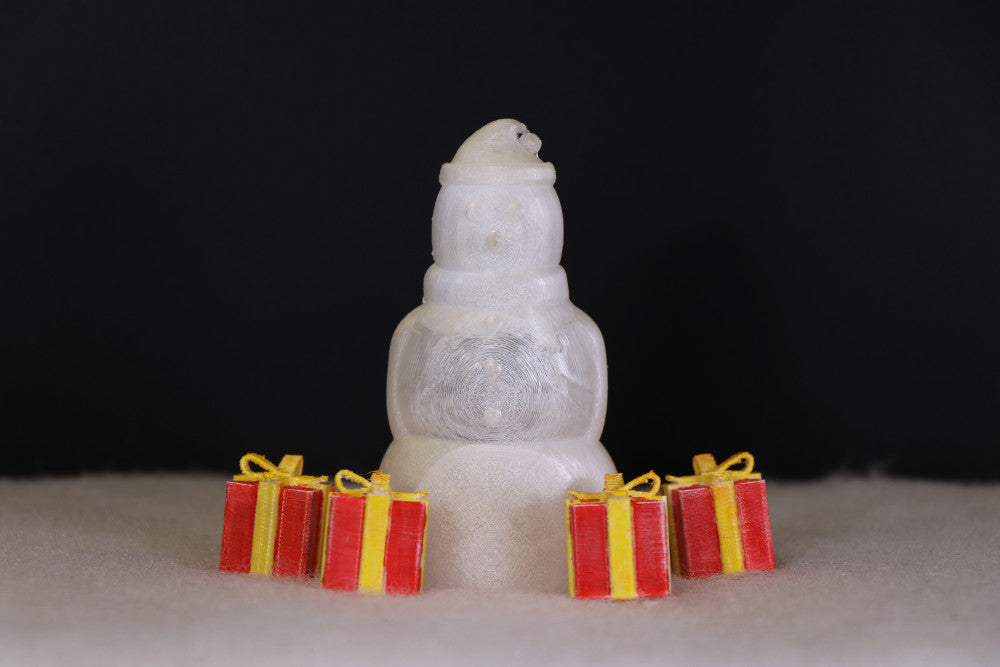
Day 1 – 3D Printed LED Snowman
Stay frosty this Christmas and learn how to make a 3D Printed LED snowman, the first of our 12 makes of Christmas. Grab the files and lets get making…
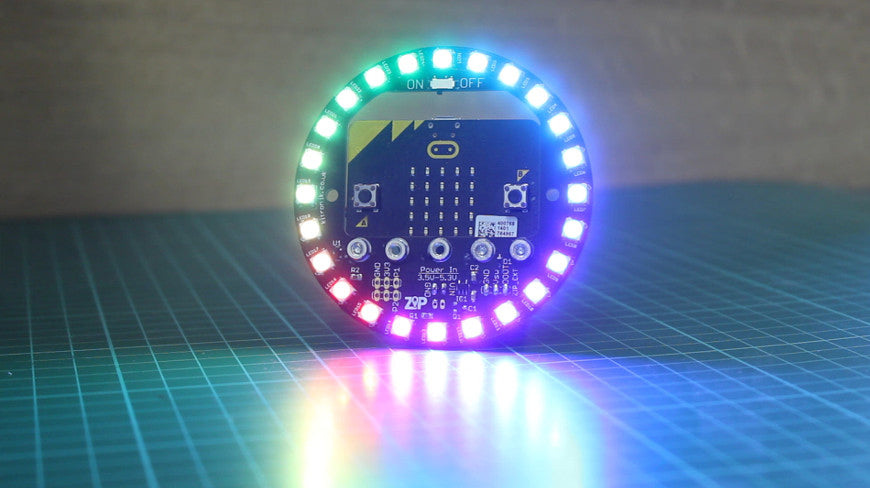
Get Started With Zip Halo For The BBC microbit
This is a short guide to help you get started with ZIP Halo for the BBC microbit. The techniques we cover will help to form the basis of your own coding adventures as you put ZIP Halo to work in your projects.
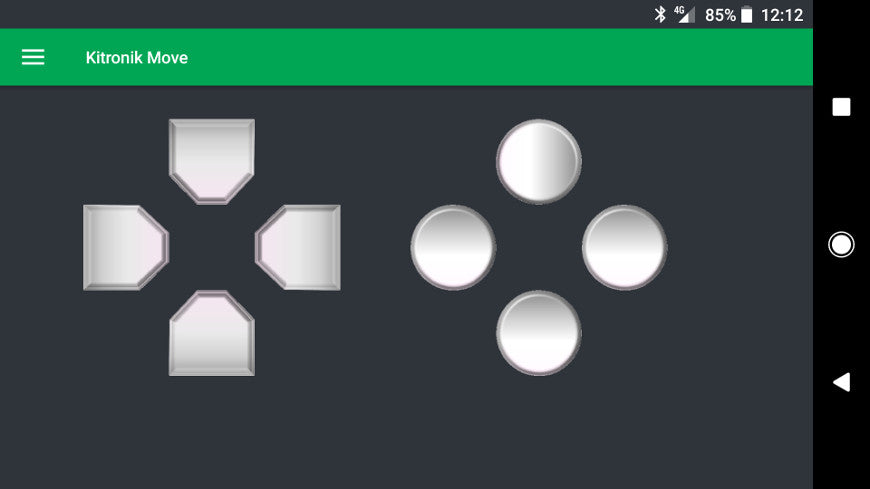
Kitronik Move App For Mobile Devices
This FREE Kitronik Move App has been developed in response to the growing number of products and resources we’ve produced that make use of the microbits Bluetooth functionality.
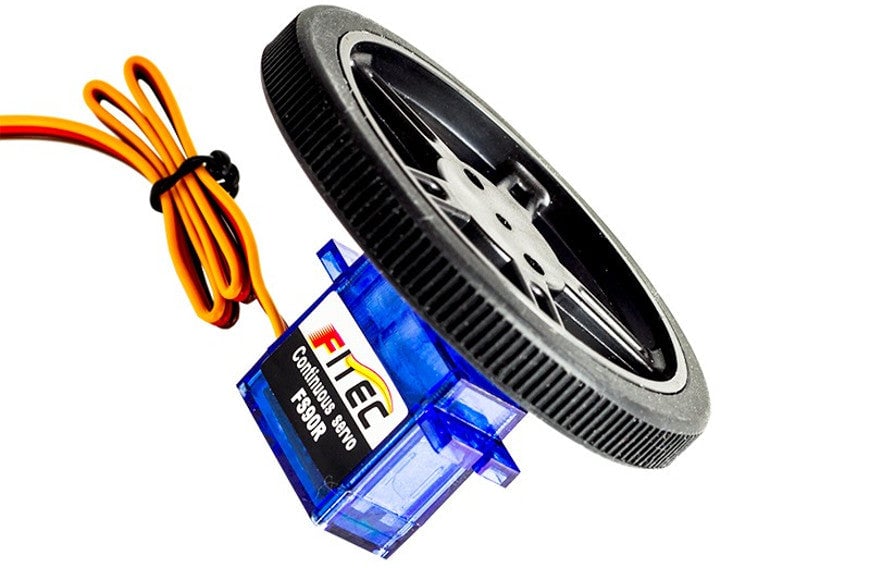
Trim A Continuous Rotation Servo With Code
In this quick tutorial, we are going to cover how to trim a continuous rotation servo with code. We will be writing our code in the Microsoft’s MakeCode Editor for the BBC microbit. For those times when the trim screw isn’t accessible or for when the continuous rotation servo doesn’t feature a trim screw.
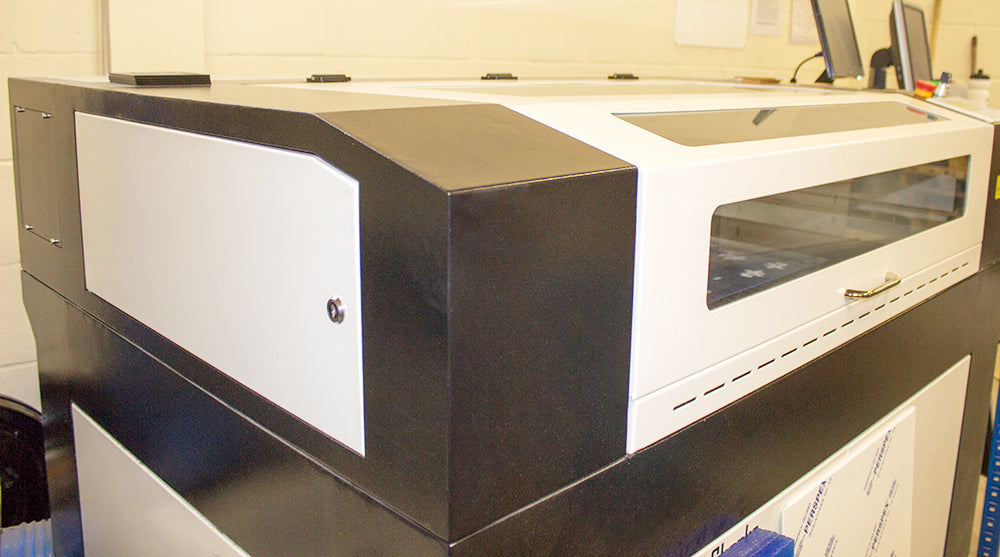
A Guide On Using Laser Materials
This guide on using laser materials covers both Perspex acrylic sheets and laser wood including MDF, laminated MDF and plywood, aiming to answer those questions.
Fun Kitronik Halloween 2017 Project Ideas
This year we’ve got a range of fun and creative projects to help make your Halloween a memorable one. We’ve got fancy dress modifications, fancy dress props, moving Halloween decorations, and some great Halloween themed add-ons for the Kitronik :MOVE mini.
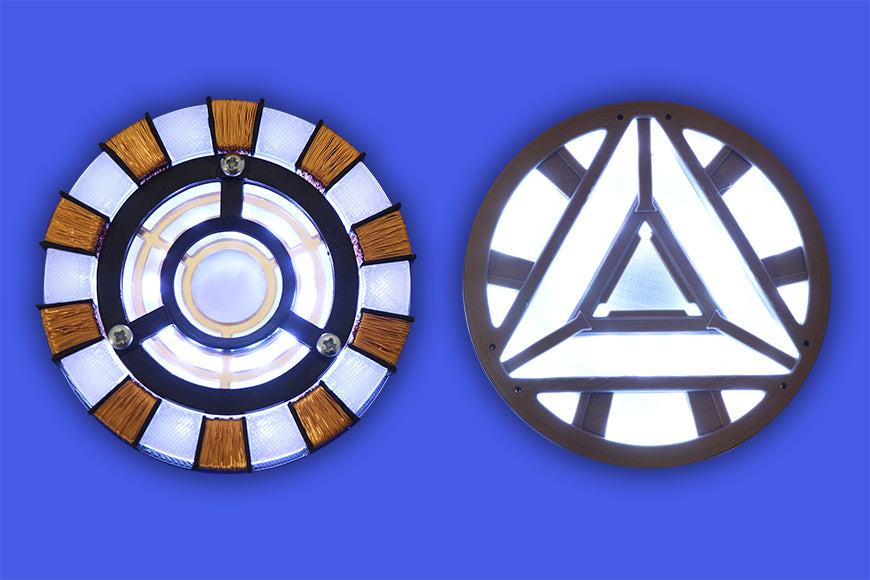
microbit Powered Halo-ween Ironman Arc Reactor
Become a superhero and create your own pulsing reactor to complete your Iron Man costume or wear underneath a t-shirt as Tony Stark.
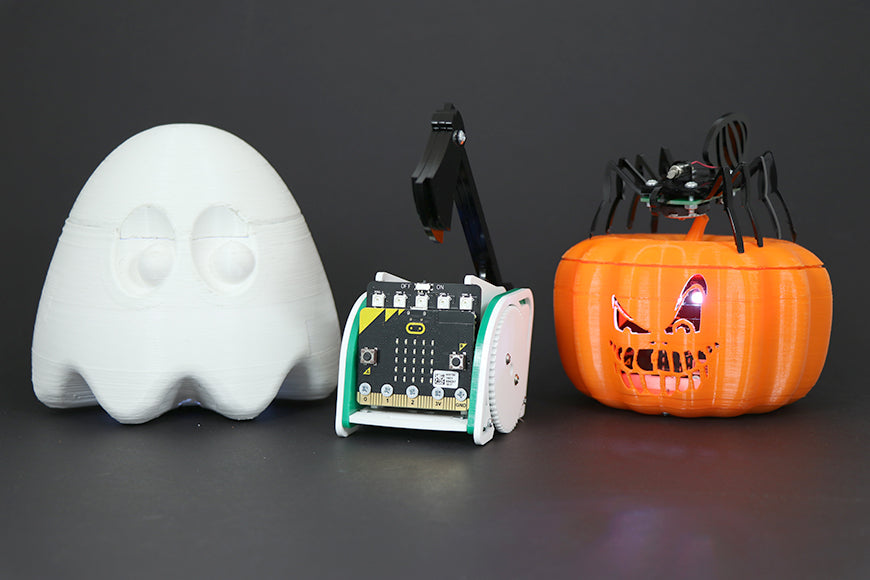
:MOVE mini Halloween Ghost & Pumpkin Shells
Turn your :Move mini into a spooky Halloween pumpkin or ghost with these 3D Printed bodies! All you need is a 3D printer, some screws, a :MOVE mini for the BBC microbit, and some code.