
Printed Circuit Boards (PCB) are made from layers of fibre glass and copper, glued together. Whilst the glues used are very heat resistant it is possible to overheat a PCB and damage it. Learn how to repair a damaged one here.
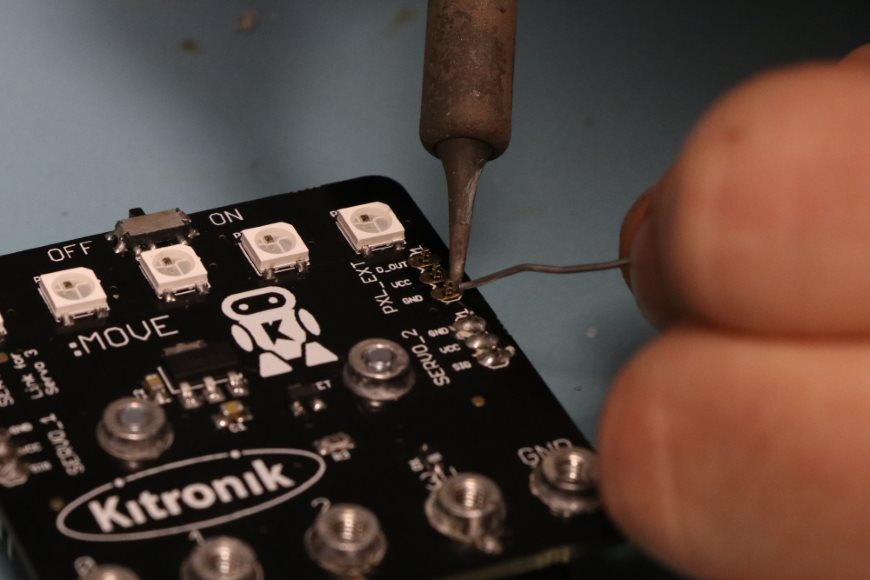
Soldering School – Kitronik University
The introductory guide to soldering explains what soldering is, contains lessons on soldering equipment, how to solder and how to look after your tools.
Happy Christmas And New Year From Kitronik
We would like to wish all of out a customers a very happy Christmas and New Year from all of us at Kitronik. Thanks to you it’s been a great year and we can’t wait to see what the next one brings!
Christmas Shutdown – Last Delivery Dates!
We’ll be taking a well earned break over Christmas as usual this year. We’ll be finishing on Friday the 22nd December at 4.30 as normal and we’ll be back in on January the 2nd.
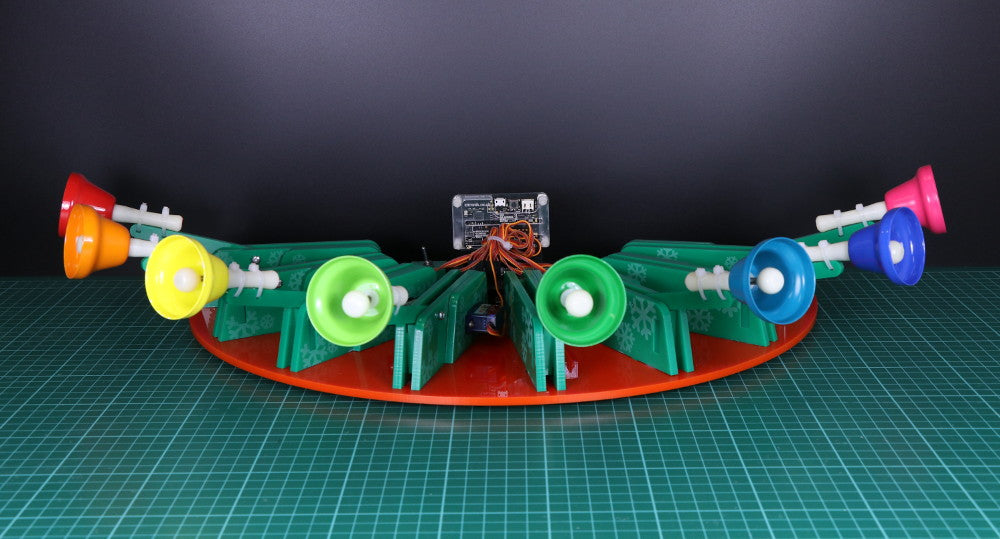
Servo & microbit Controlled Christmas Bells
For day twelve of our 12 Makes of Christmas we made Servo & microbit controlled Christmas Bells. Follow our step by step guide and build your own out of laser cut parts.
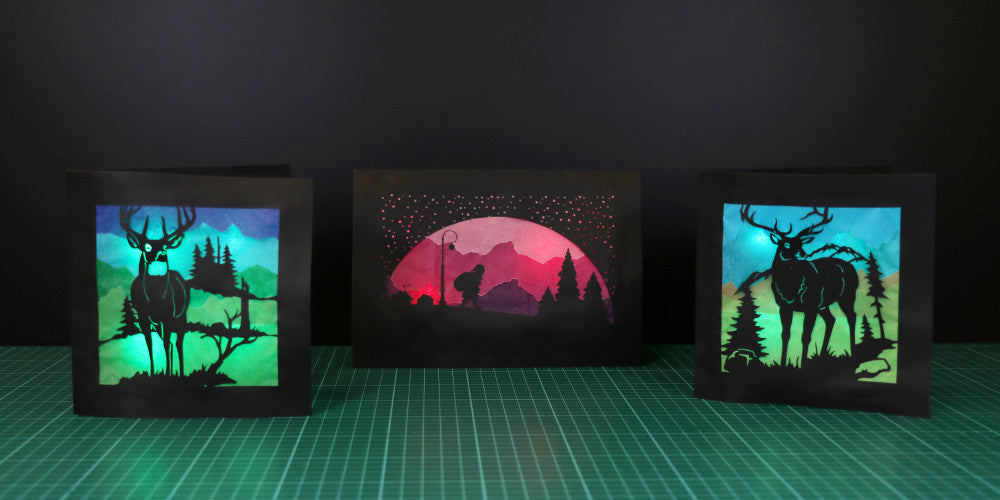
LED Silhouette Christmas Cards
For day eight of our 12 Makes of Christmas we made some LED Silhouette Christmas Cards. Follow our step by step guide and make your own.
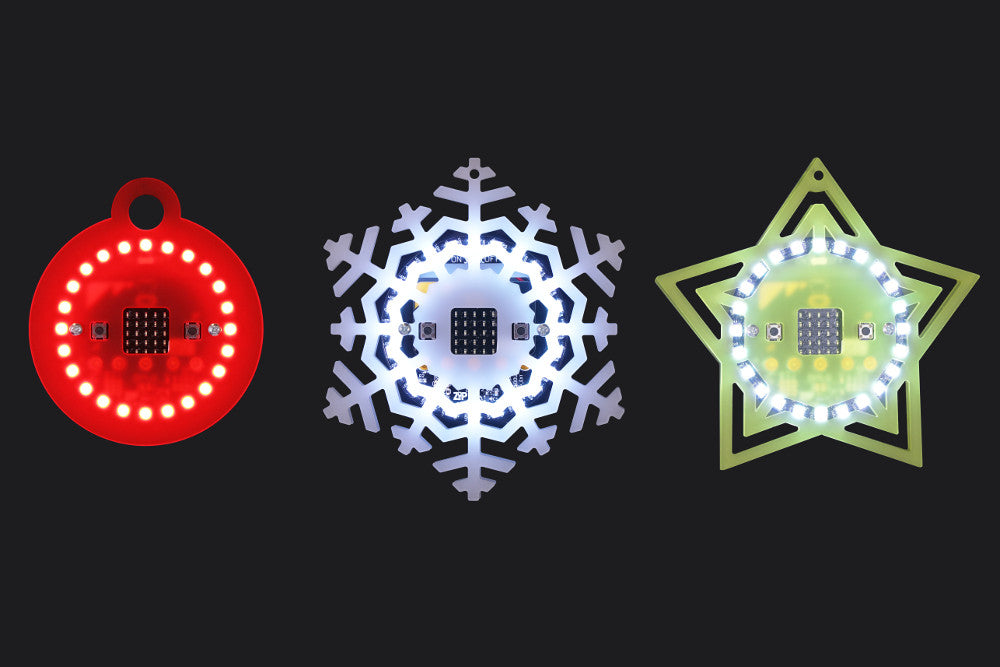
microbit ZIP Halo Christmas Baubles
For day seven of our 12 Makes of Christmas we’ve turned a ZIP Halo for BBC microbit into a fetching Christmas Bauble that would make a great addition to your Christmas tree!
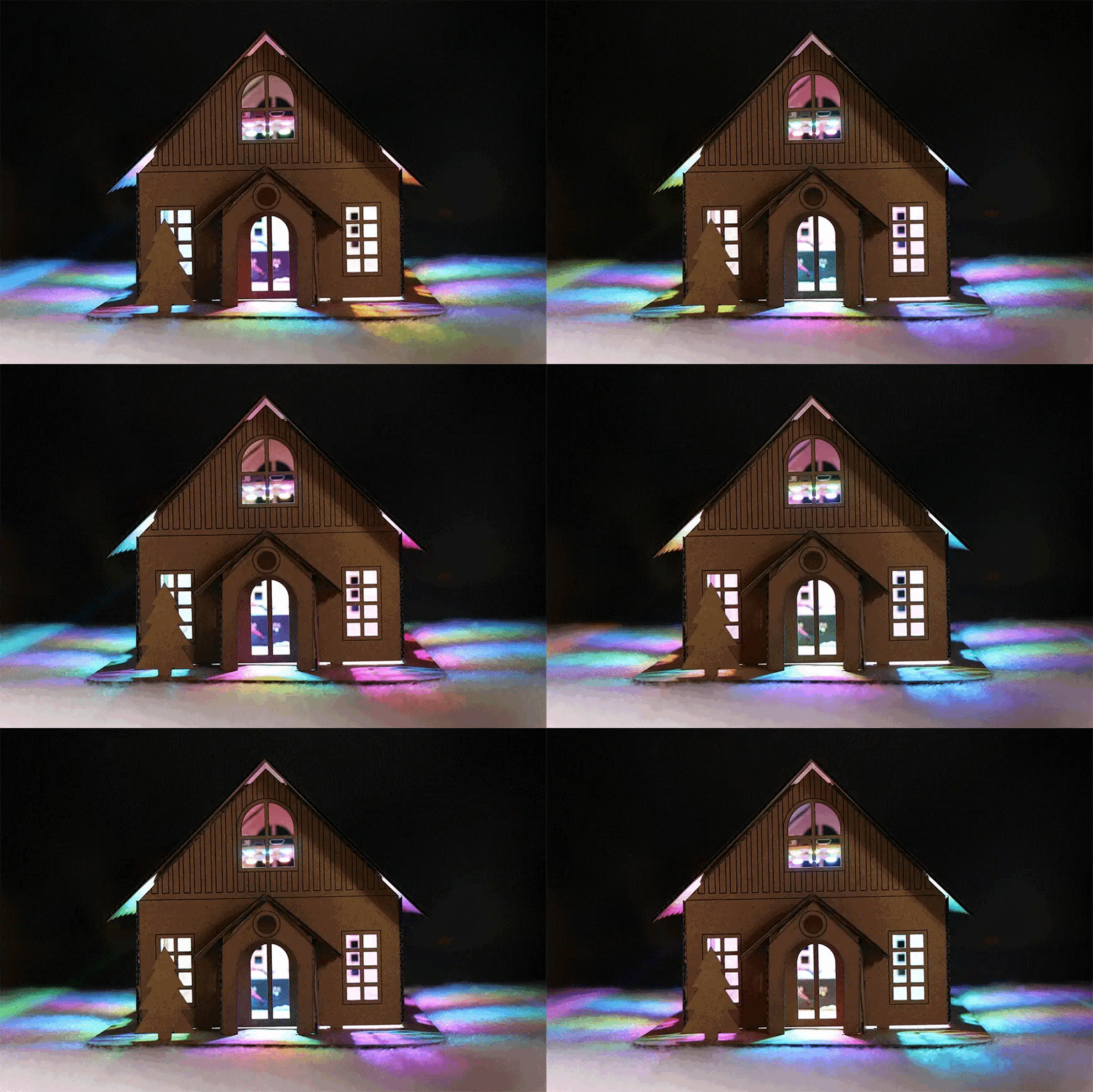
Cut Out Winter Cabin
For day six of our 12 Makes of Christmas we made a cut-out winter cabin, which we lit with a ZIP Halo for BBC microbit. Follow our step by step guide and build your own.
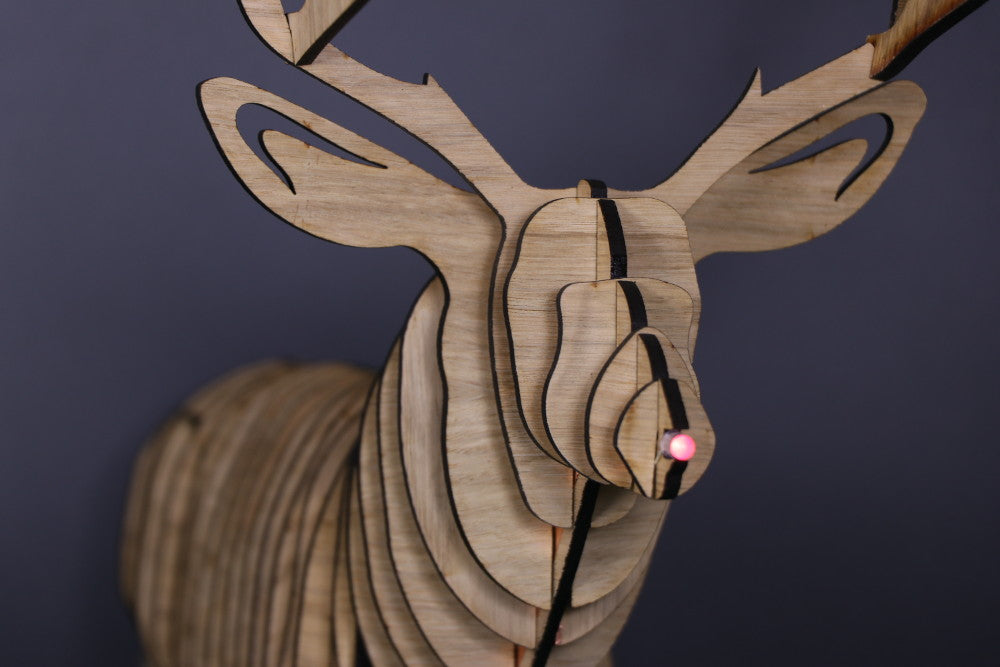
Rudolph The LED Nosed Reindeer
For day six of our 12 Makes of Christmas we made Rudolf the LED nosed Reindeer. Follow our step by step guide and build your own out of laser cut parts.
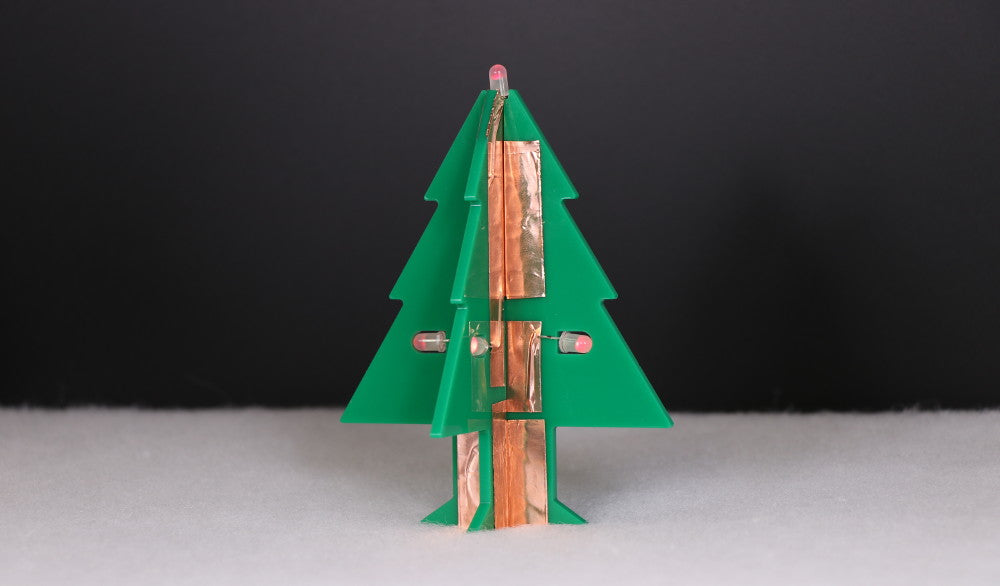
Day 4 – Copper Tape LED Christmas Tree
We return to the Christmas tree theme with another fun festive making activity, learn how to make our laser cut LED Christmas tree with copper tape circuit for day four of our 12 Makes of Christmas.