
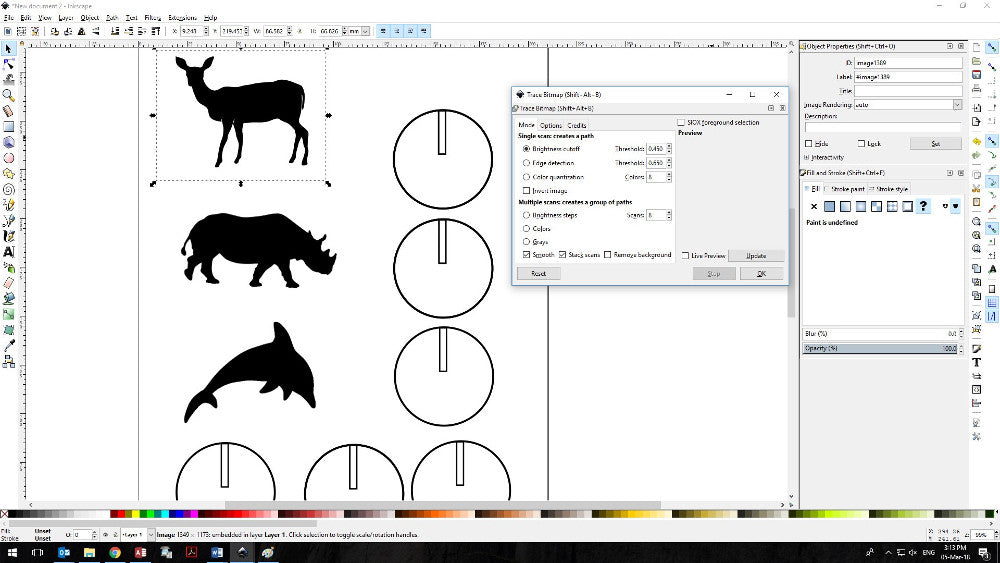
This is a basic laser cutting guide for laser cut animals showing you how to turn images into DXF laser files ready for your cutter. In addition, we used Inkscape to sketch out a little stand so that once cut we could show off our laser cut animals in the best possible light! Learn how!
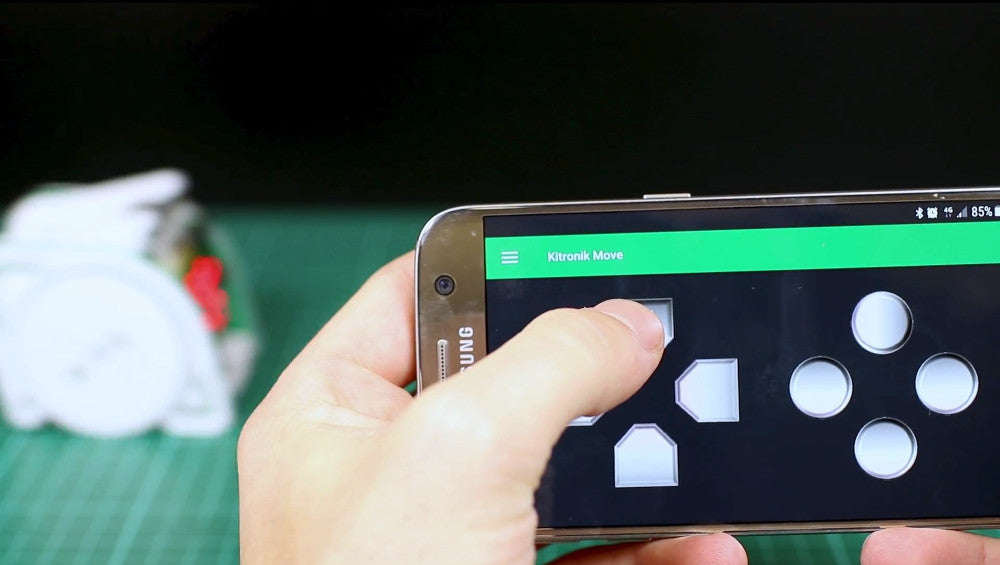
Pairing A microbit That’s Attached To :MOVE mini
This is a short guide detailing pairing a microbit that’s already attached to a :MOVE mini. If you forgot to pair it with your phone before completing assembly, then this is the guide for you! We’ll show you that having an inaccessible reset button is not a problem.
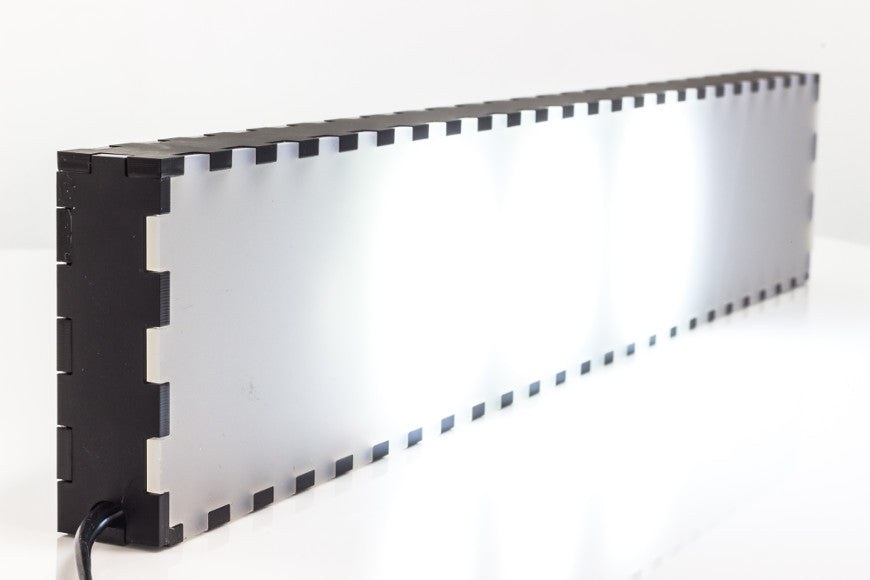
Basic Laser Cutting Guide – Make A Perspex Box
This step by step guide shows you how you might design and make a simple perspex box. We have used free design tools for this guide but we will also highlight an alternative method, using different software and browser-based tools.
New Product News Roundup And Much More
In this new product news roundup, we’ve got a mixture of new lines, re-introduced lines, a special offer, and some free coding resources. Quite a mixed bag, we think you’ll agree. Find out more…
Parent’s Complete Guide To The BBC micro:bit
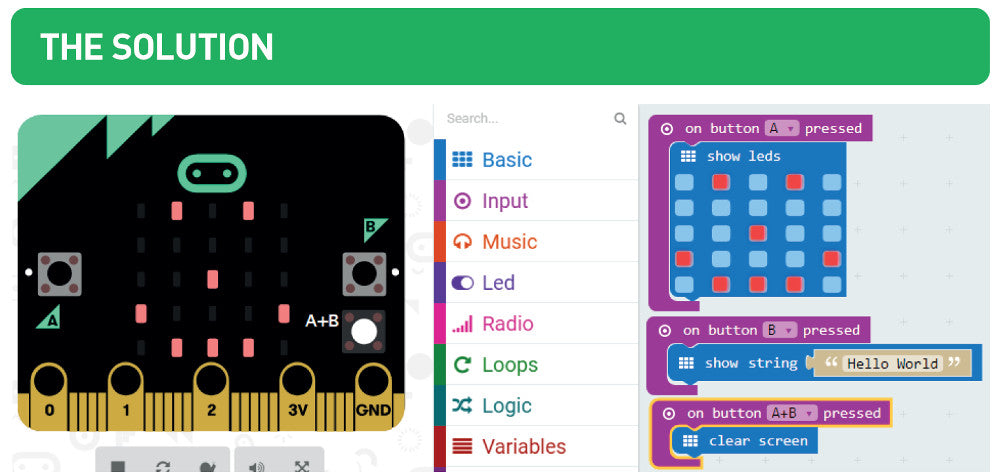
We are very pleased to introduce the Kitronik Parent’s Complete Guide To The BBC micro:bit. We’ve created this free resource to help parent’s get actively involved in helping their children learn how to code. The guide contains everything you need to introduce your children to the microbit, even if you have no prior coding experience yourself.
5V LED Desk Lamp Kit – Grace Academy Darlaston
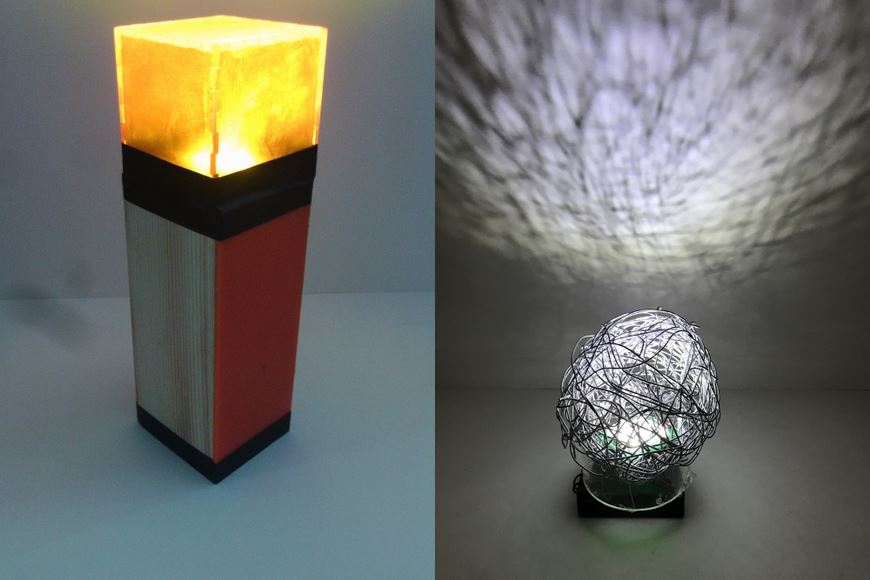
Amy North of Grace Academy Darlaston sent us these great completed projects from her year 9 pupils. They used our really bright 5V LED Desk Lamp Kit.
Calibrating 360 Degree Servos For :MOVE mini
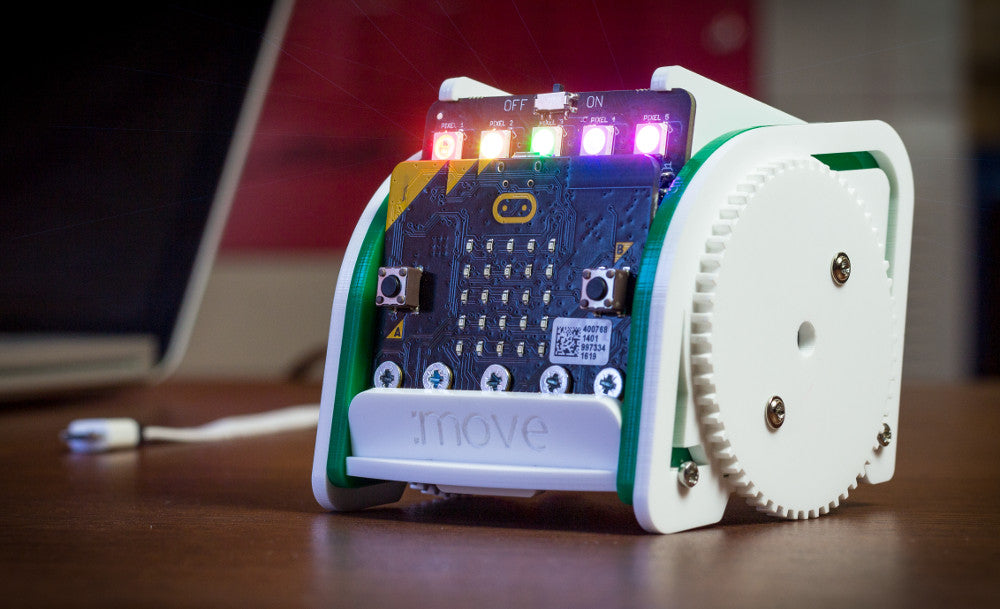
This is a guide for calibrating 360-degree servos for use with :MOVE mini for the BBC microbit. To make the task a little easier we created a couple of custom blocks for the Microsoft MakeCode editor.
Development Of The Christmas Bells
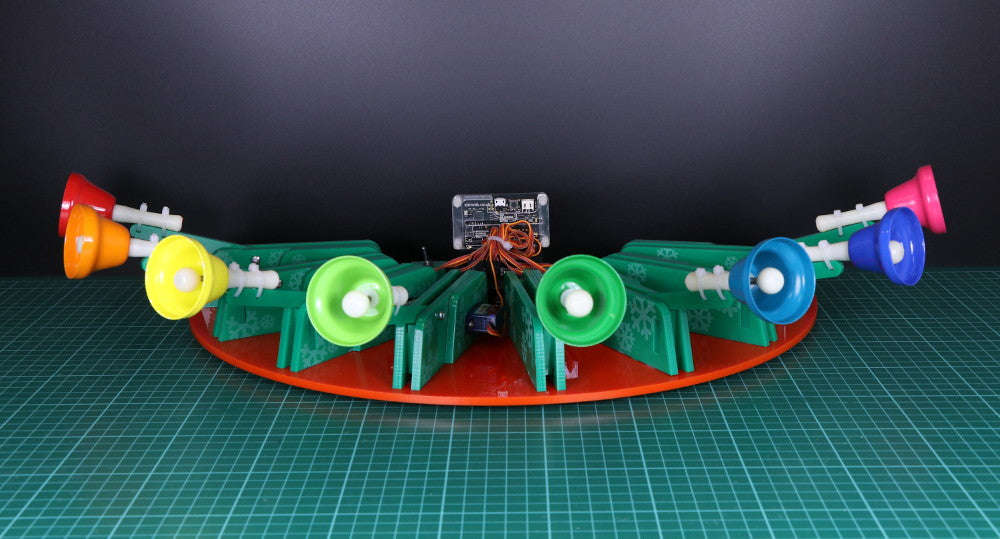
How we approached the development of the Christmas bells for our twelve makes of Christmas resource last December and our prototyping process.
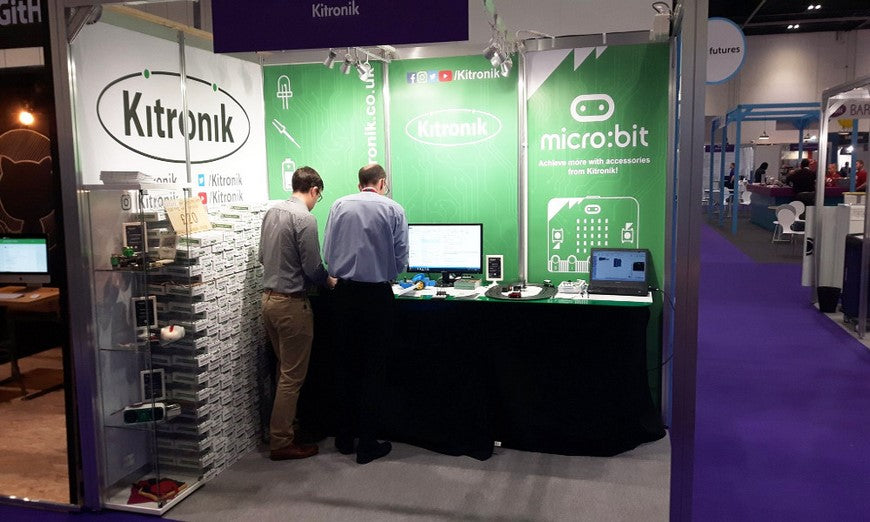
Kitronik Attending The BETT Show 24-27 Jan 2018
Kitronik are heading back to ExCeL London, Royal Victoria Dock for the BETT Show 2018. We will be joined by 850 other leading companies, bringing with us ideas and tech to help shape the future of education.
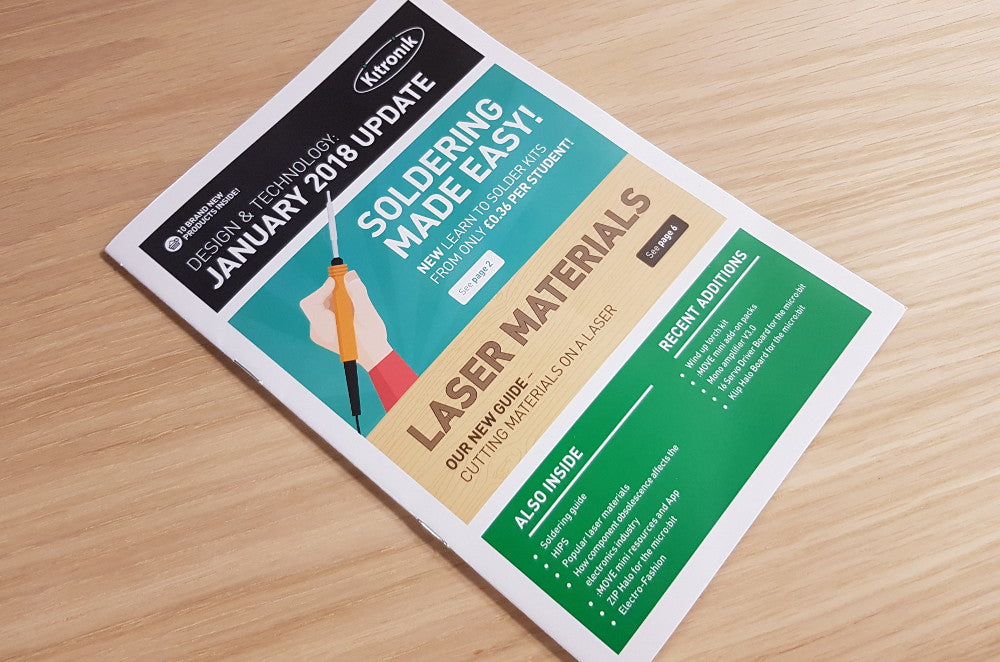
The Jan 2018 D&T Update Flyer Now Online
The Kitronik Jan 2018 D&T update flyer is now out and it’s choc full of great new products! If you don’t yet have your hard copy, we’ve also put it online for your convenience.