
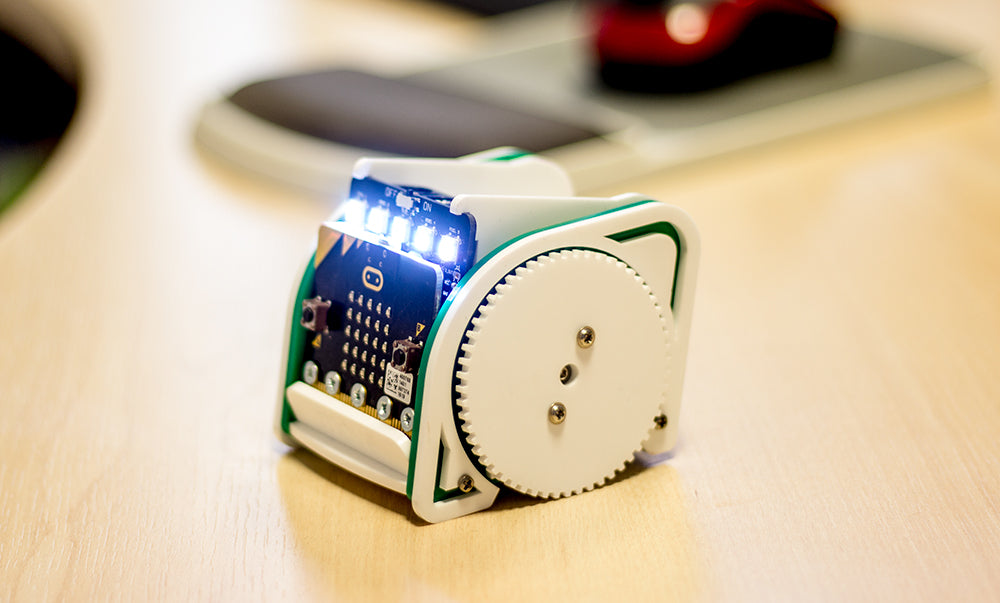
Learn how to code automatic headlights for the :MOVE mini buggy in the Microsoft PXT Editor and have the buggies lights turn on and off automatically and also to dim or brighten in response to changes in light level.
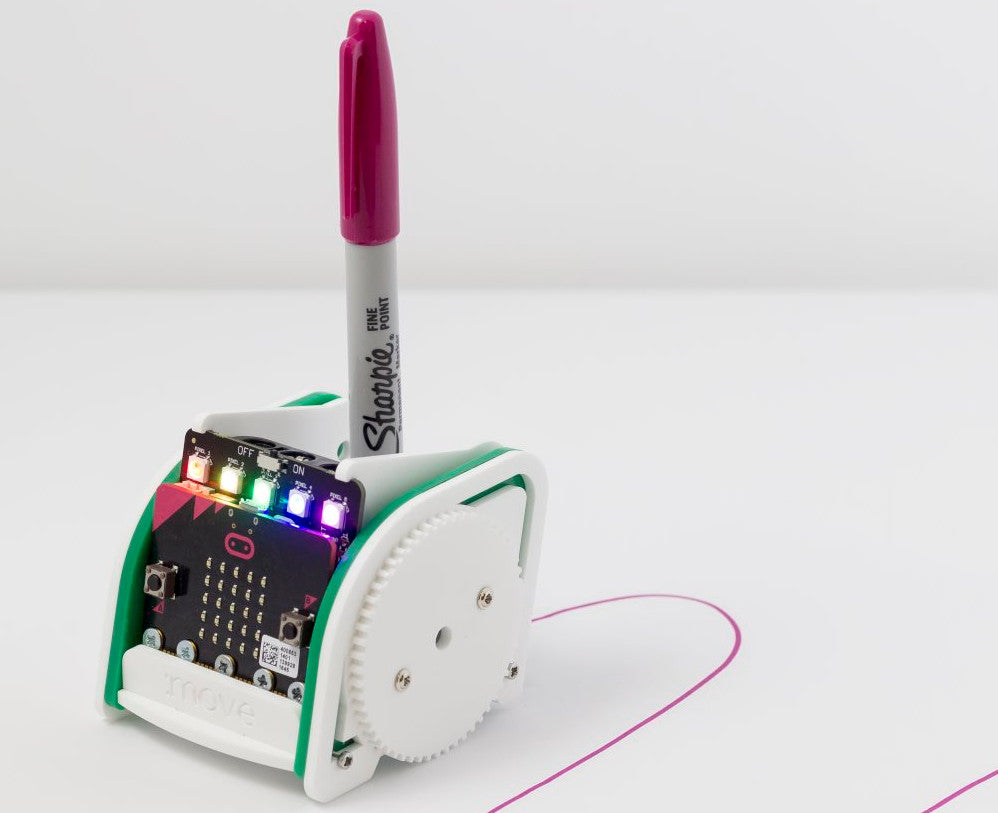
Drawing With The :MOVE mini For The microbit
The :MOVE mini has a hole in the boot lid designed to accept a marker pen, such as a Sharpie, for line drawing. All it takes is the sharpie and some code. This guide will show you how to get started with both the PXT editor for the BBC microbit using both blocks and also Java Script.
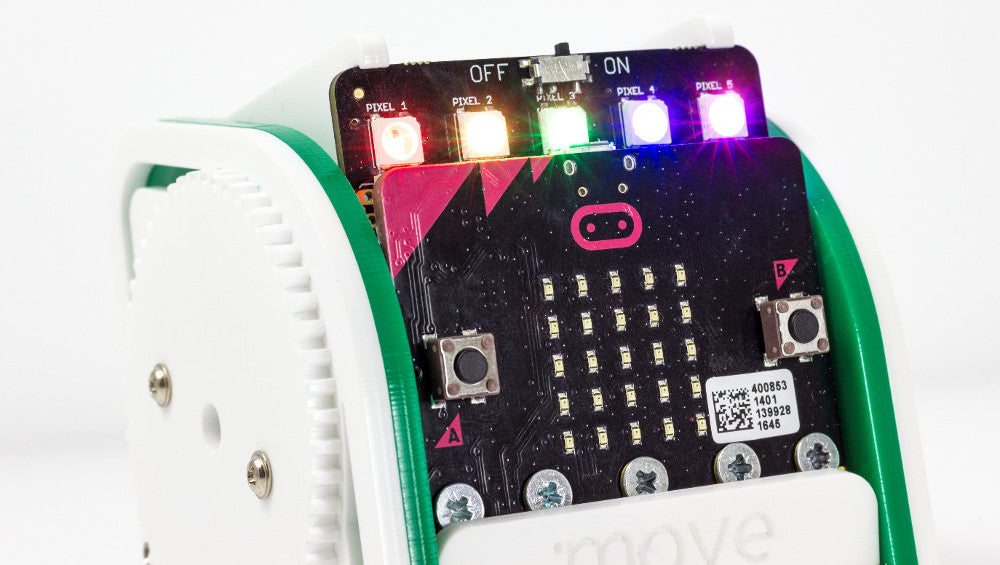
Controlling :MOVE mini With The microbit Radio
In this resource we are going to look at some code we’ve produced that allows you to control :MOVE mini by tilting a second micro:bit and transmitting that information to the micro:bit that is attached to the Servo:Lite board in the :MOVE mini buggy.
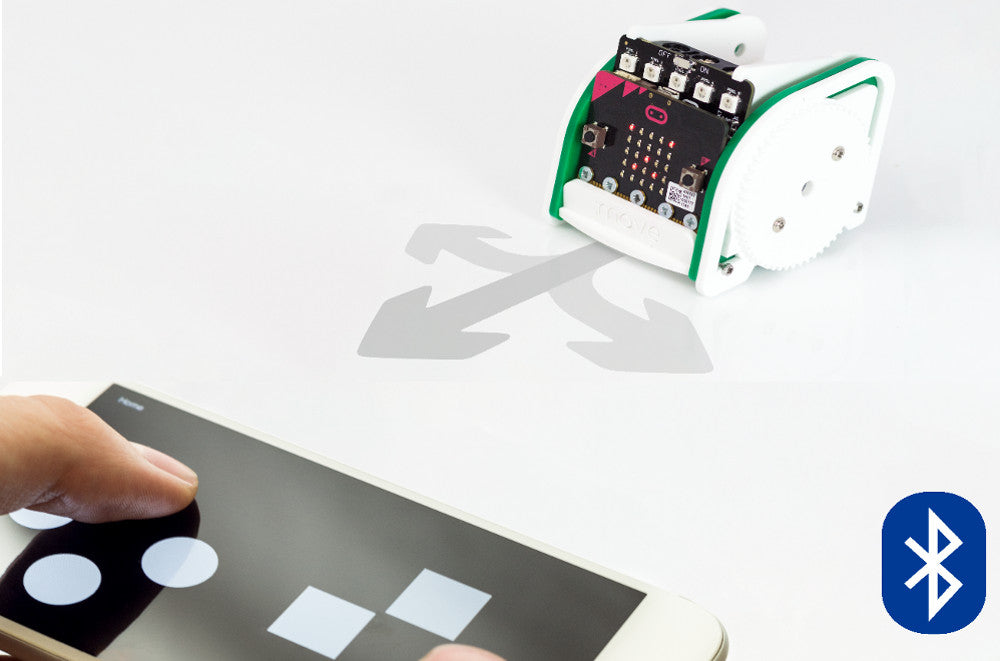
Adding Bluetooth Remote Control To :MOVE mini
In this resource we’d like to show you how to add Bluetooth remote control to :MOVE mini for the BBC microbit with the PXT editor.
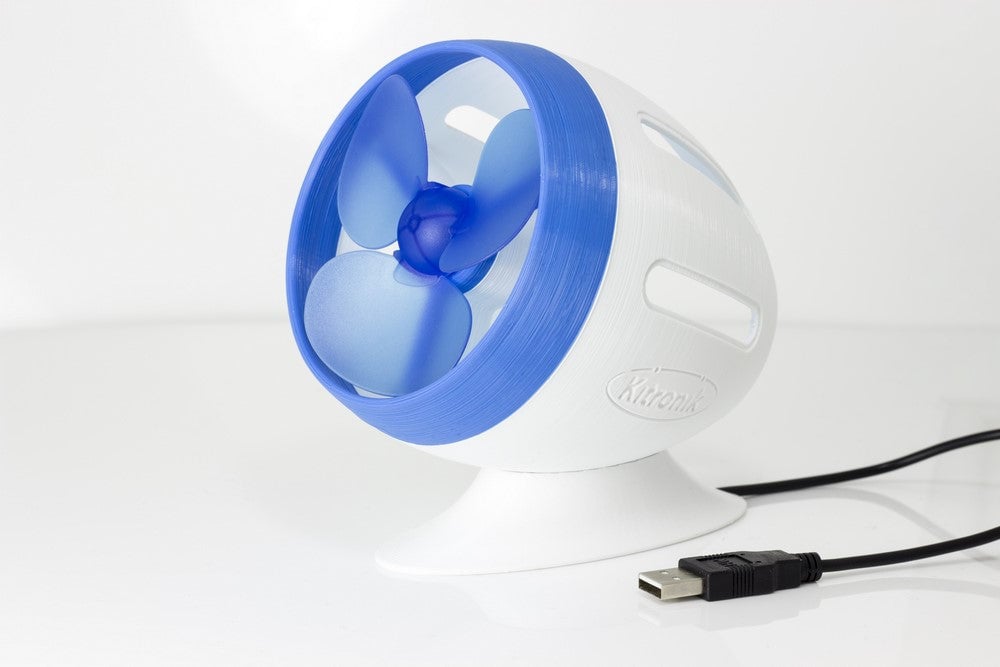
3D Printed Desktop Fan Resource
In this 3D Printed Desktop Fan Resource we show you how to design and 3D print a stylish enclosure for our new easy build USB Fan Kit. For the budding designers, we’ve included a walk-through of our process from concept to finished product that you can use for inspiration for your own designs.
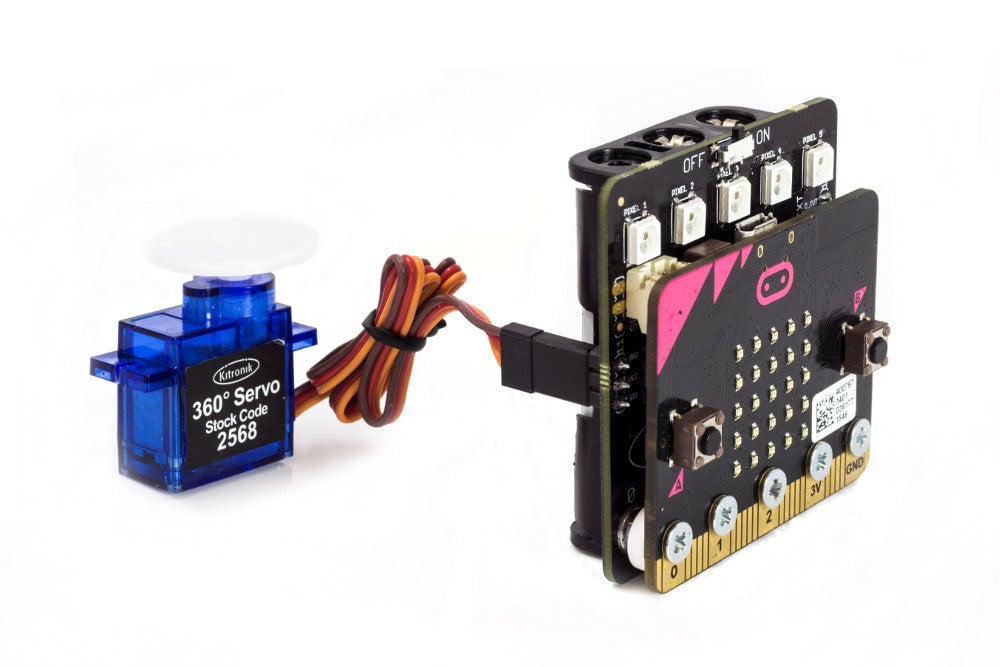
Kitronik Custom MakeCode Editor Servo Blocks
We’ve created some custom servo blocks for the PXT editor that anyone can use and that make the job of coding as quick and as painless as possible. Find out how to use them.
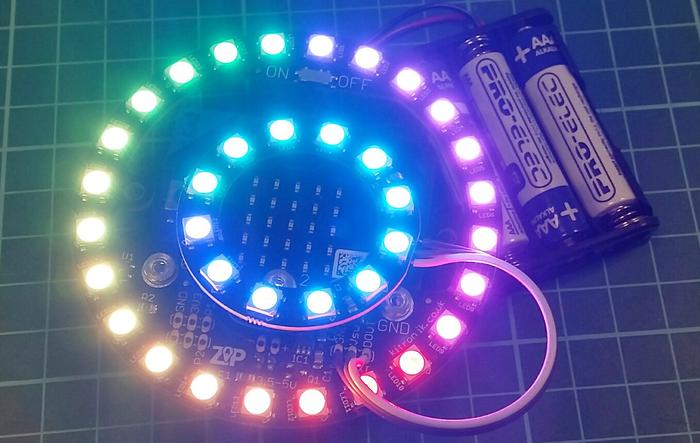
Using Kitronik ZIP LEDs With The BBC microbit
In this practical guide for Kitronik ZIP LEDs, we cover; what ZIP LEDs are, how they work and how to write code for them, using the Microsoft PXT Editor.
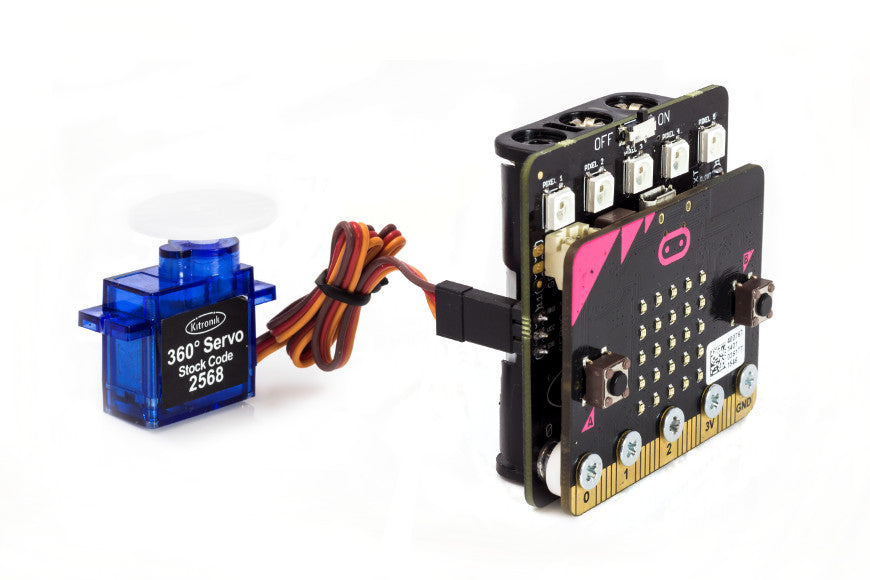
Controlling 3 Servos With The Servo:Lite board
In this resource for the Servo:Lite board we are going to cover how you can ‘hack’ the board to facilitate the driving of three servos.
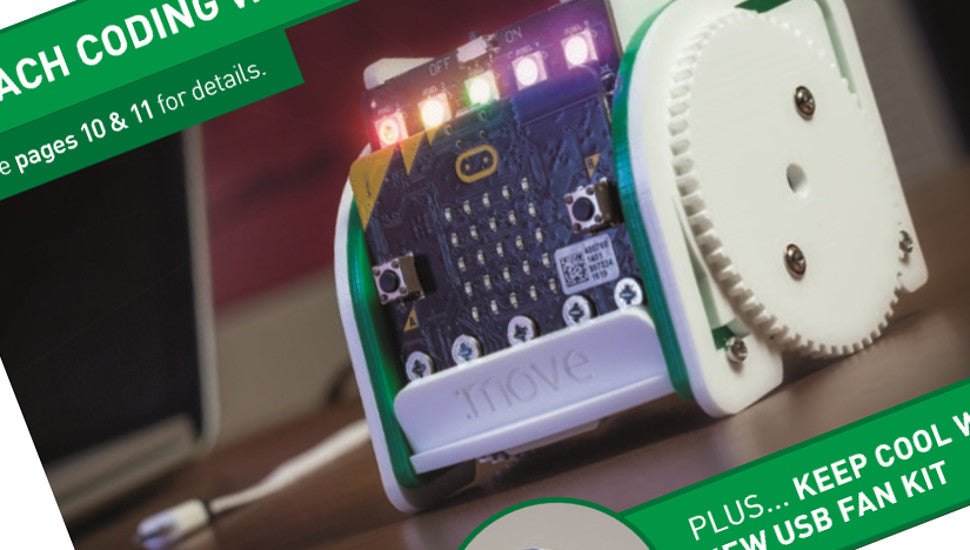
The June 2017 Update Design & Technology Flyer
The Kitronik June 2017 D&T update flyer is now out and it’s choc full of great new products! If you don’t yet have your hard copy; we’ve also put it online for your convenience, access it anytime, anywhere and on any device that has an internet browser.
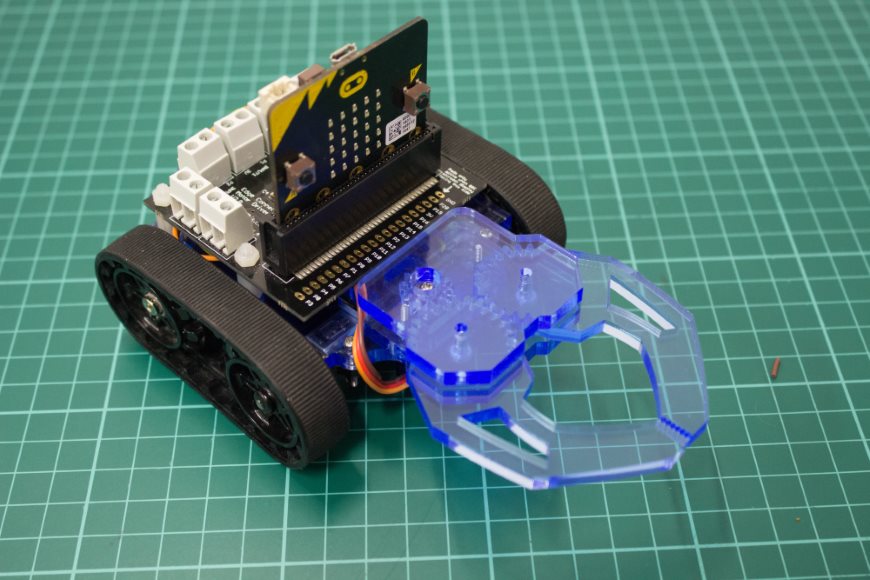
Build a micro:bit controlled Zumo buggy
The Zumo Chassis is a great starting point for buggy project. In this tutorial we will show you how it can be used in conjunction with our Motor Driver board for the BBC micro:bit and our Klaw kit to create this fun buggy with gripper action!