
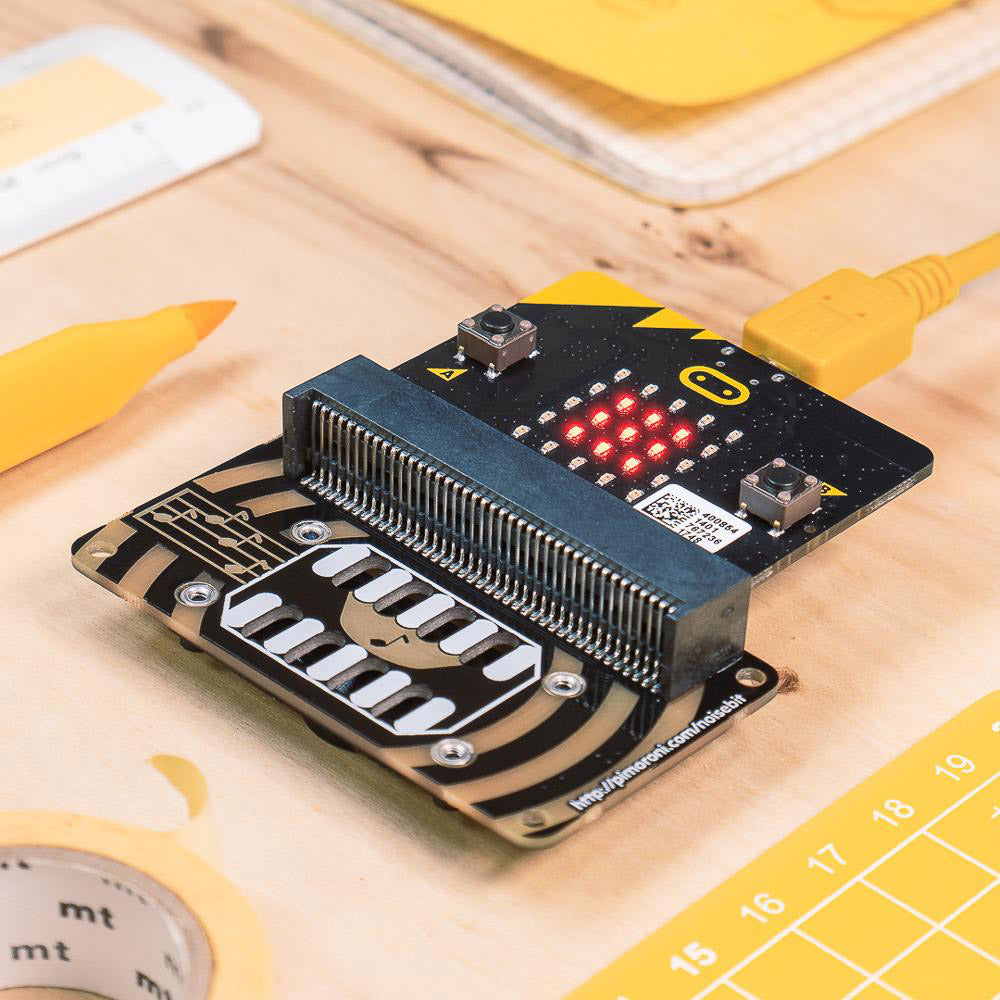
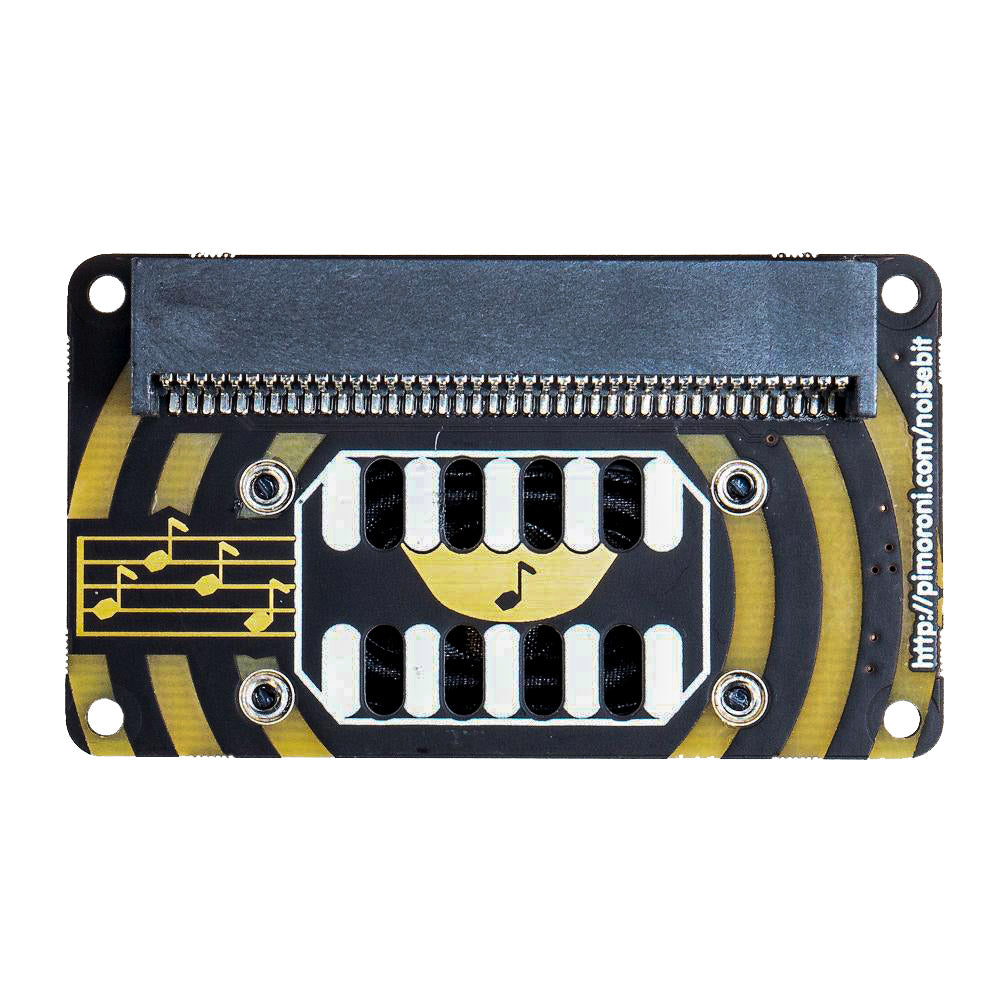
Just slot in your micro:bit, and use the sound generation blocks and code in Microsoft MakeCode and MicroPython to generate tones, sounds, and speech. You can do all sorts of fun and crazy things with it, such as combining it with a second microbit and using enviro:bit’s light sensor and the wireless function to make a radio-controlled theremin!
You can code noise:bit with the block-based Microsoft MakeCode editor, using its audio generation blocks, if you want to delve deeper, then you can use MicroPython in the Mu code editor.
Features:
- Comes fully-assembled and ready to use.
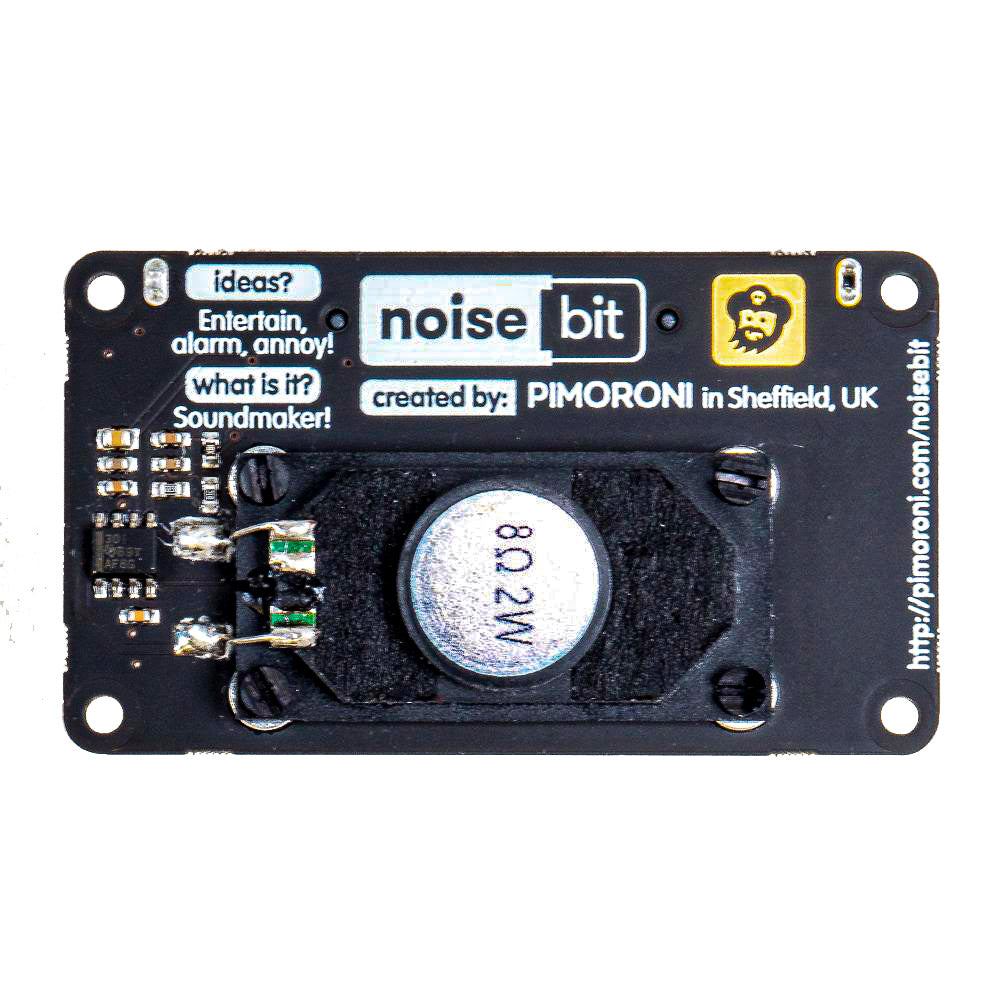
- TPA301 amplifier chip.
- 8Ω 2W Mylar speaker.
- No soldering required!
Contents:
- 1 x Pimoroni noise:bit for micro:bit.
Video:
Reviews
There are no reviews yet.