
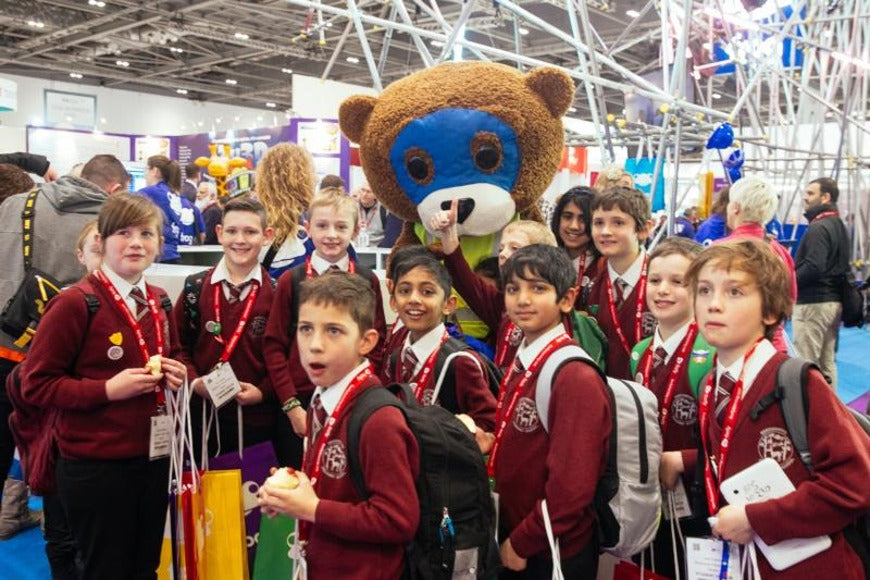
This week we’ve been busy preparing for next week’s BETT show 2017. The BETT (British Educational Training and Technology) show is running from 25 -28 January 2017 at ExCeL London, Royal Victoria Dock.
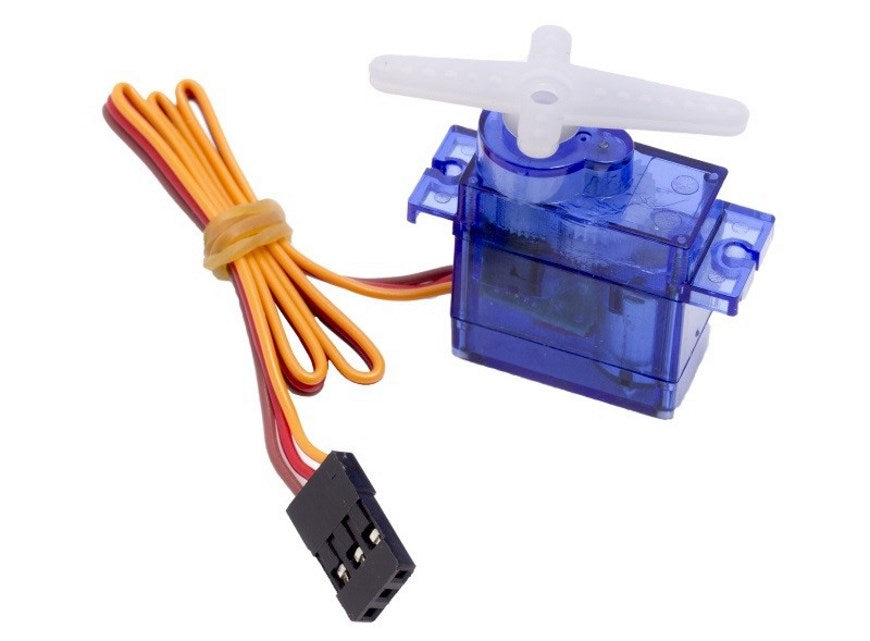
New Product Update! Mini 360 Degree Servo
Introducing the new Mini 360 degree Servo, perfect for those occasions when 180 degrees just isn’t enough! Since we introduced the mini 180 degree servo it has gone on to be one of our best selling servo’s, that it can be use directly with the BBC micro:bit is definitely a big plus in its favour.
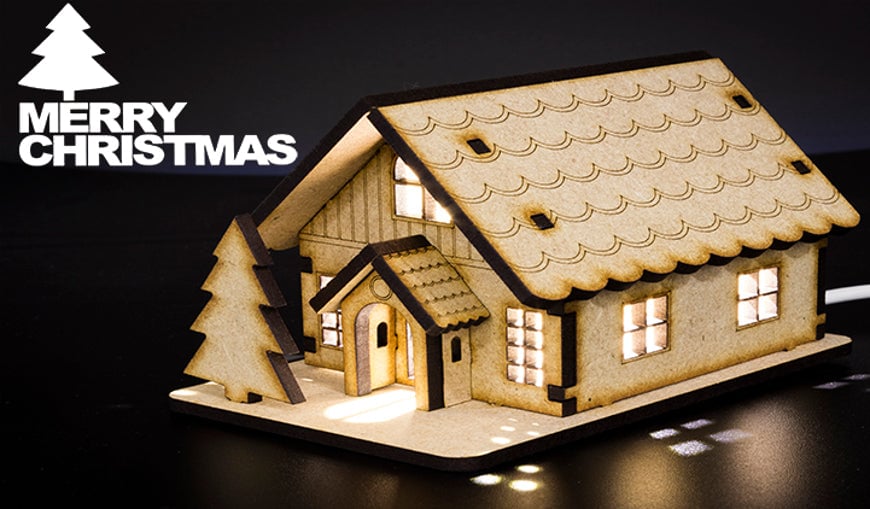
Merry Christmas From All At Kitronik
We would like to wish all of our Customers a very Merry Christmas and a Happy New Year. We will be closed between Friday the 23rd December 2016 and the 3rd January 2017. We’ll be back in the New Year fired up and ready to go! We hope you have a good one, see you in the new year!
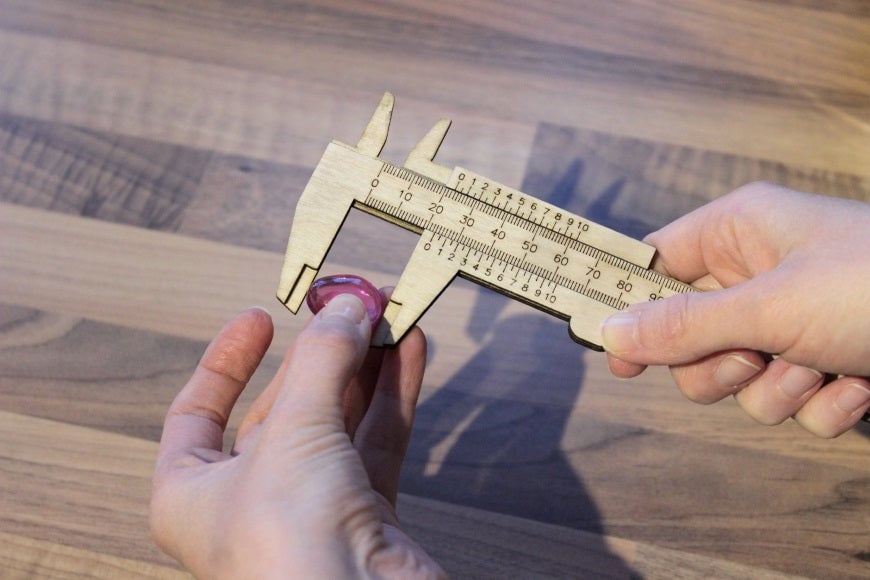
DIY Precision Tools Project
Our good friends at Just Add Sharks have created a great resource detailing how you can make your own precision tools. These projects show how you can make cost effect precision tools with some plywood and access to a laser cutter.
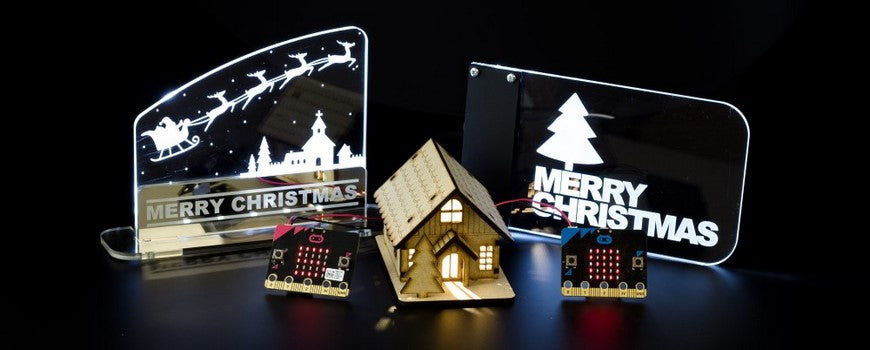
Christmas 2016 Project Ideas
The festive season is now officially on! To mark the occasion we’ve put together a few project ideas to help to get you into the mood and to, hopefully, give some you a few ideas. We’ve included downloads for all of our designs so that you can fire up the laser cutter and get making straight away.
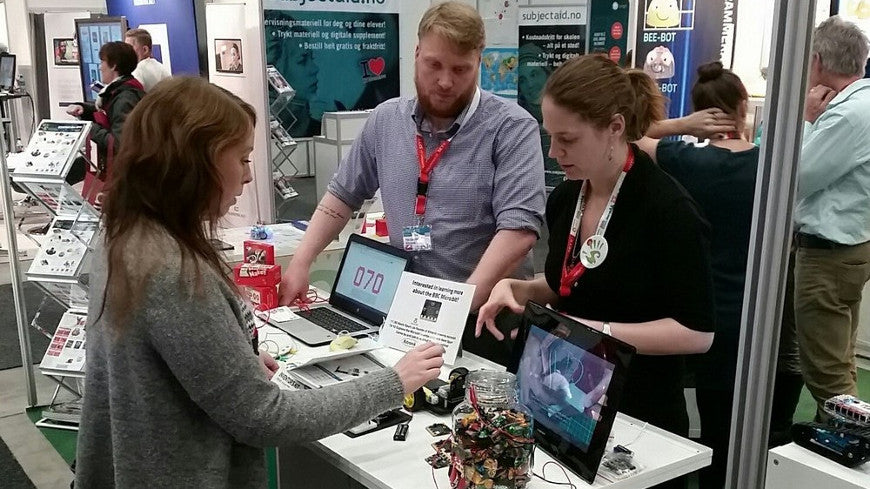
Kitronik & Hands-On Science At The SETT Show
On Monday and Tuesday of this week Kevin and Tim travelled to the beautiful city of Oslo in Norway to attend the SETT show. We were there to support our good friends Hands-On Science from Sweden as they exhibited the BBC micro:bit on their large and varied stand.
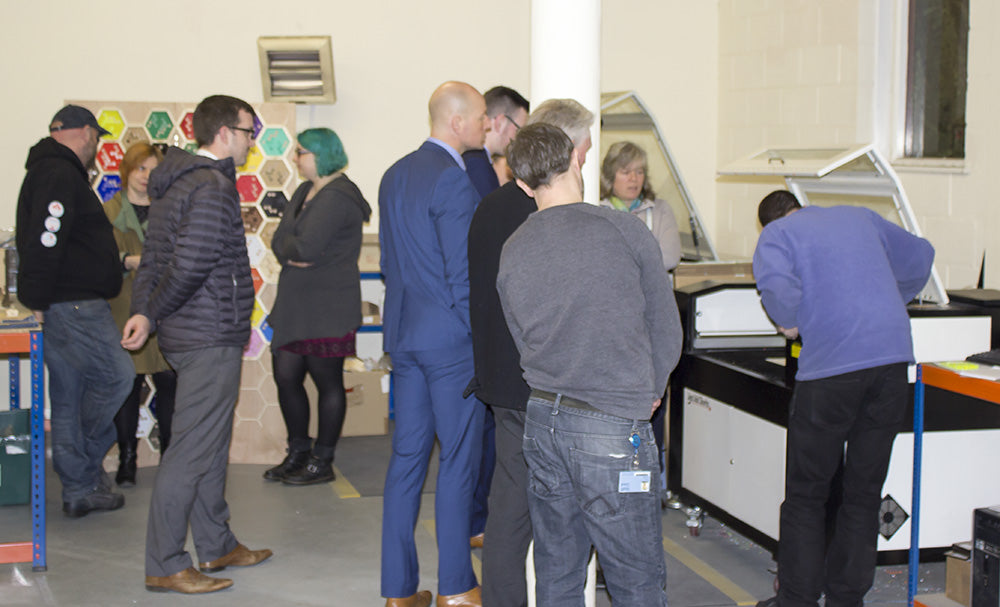
The First Kitronik Teacher Training Evening
On Thursday 24th November we held our first ever Teacher training evening, here at Kitronik HQ. Joining us from Just Add Sharks were our good friends Dominic Morrow and Martin Raynsford, who brought with them their expertise of all things laser cutters.
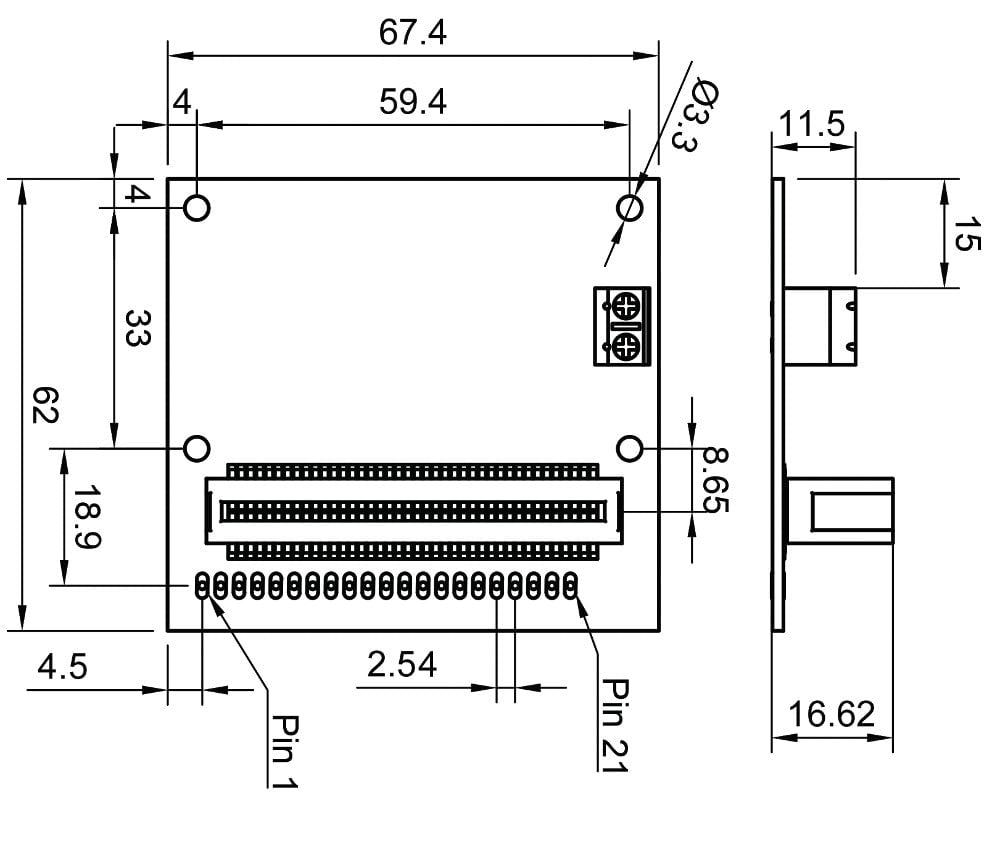
The Link accessory board standard for BBC micro:bit accessories
The Link accessory board standard for BBC micro:bit accessories designed by Kitronik. The BBC micro:bit is a standalone programmable computer. It has an edge connector that can be used for […]
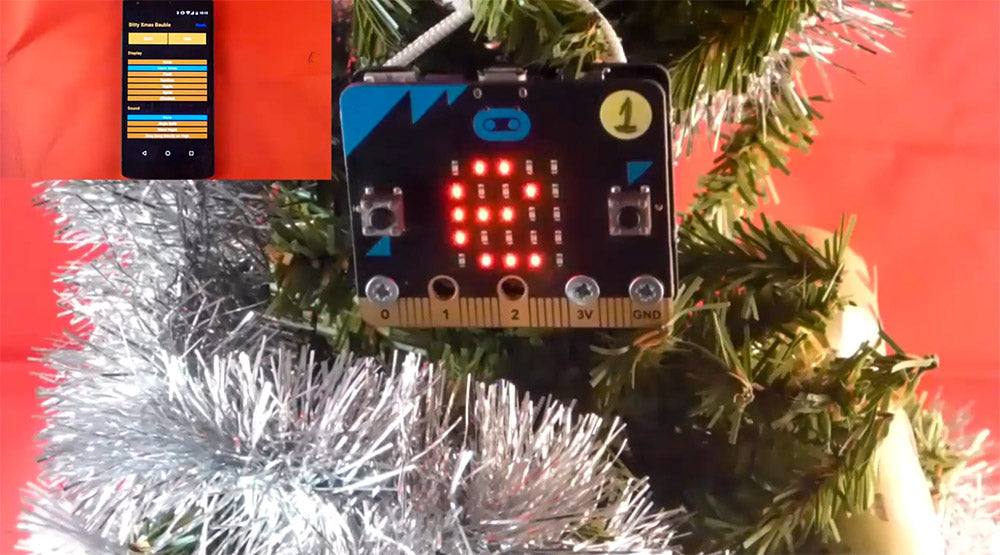
Bitty BBC micro:bit Xmas Bauble App
Bitty Software have just released a fun little Xmas Bauble App that turns your BBC micro:bit into a musical and visual decoration for your Xmas tree. All you need is your BBC micro:bit, a power source for the microbit, a sounder (such as a piezo buzzer) and the Xmas bauble App and you can instantly add some Christmas cheer to anywhere that needs it.
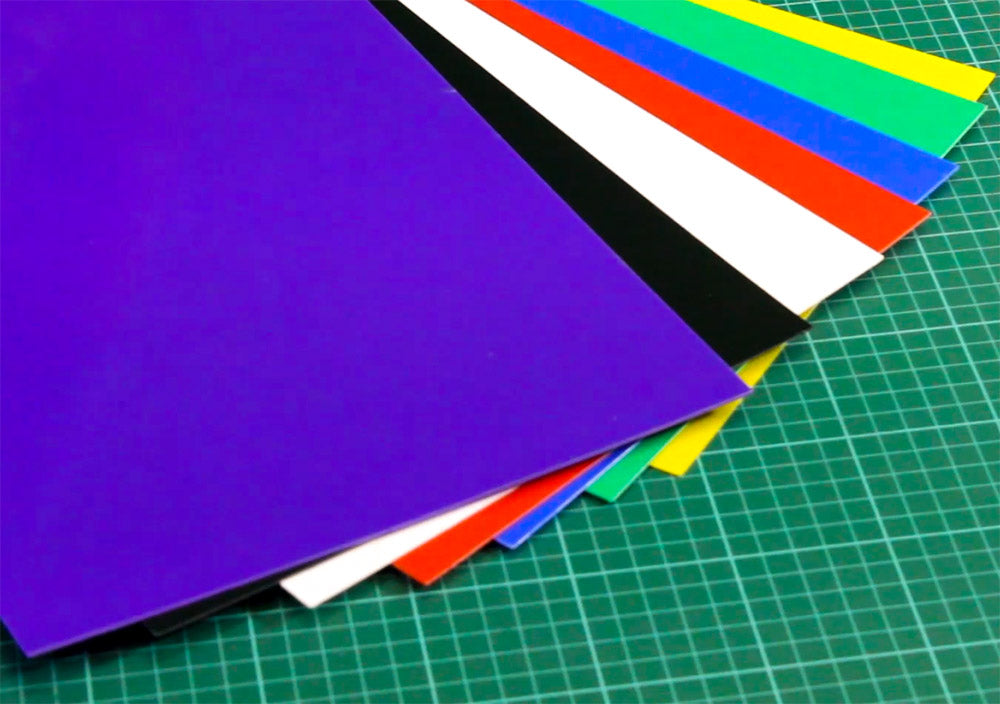
New! High Impact Polystyrene Sheets (HIPS)
In line with recent customer requests, we are pleased to announce that we are now stocking High Impact Polystyrene Sheets (HIPS), in seven different colours and in two different thicknesses. The colours are; black, red, purple, yellow, white, green and blue, and all seven colours are available in both 1mm and 1.5mm thicknesses and a bed size of 457mm x 254mm.