
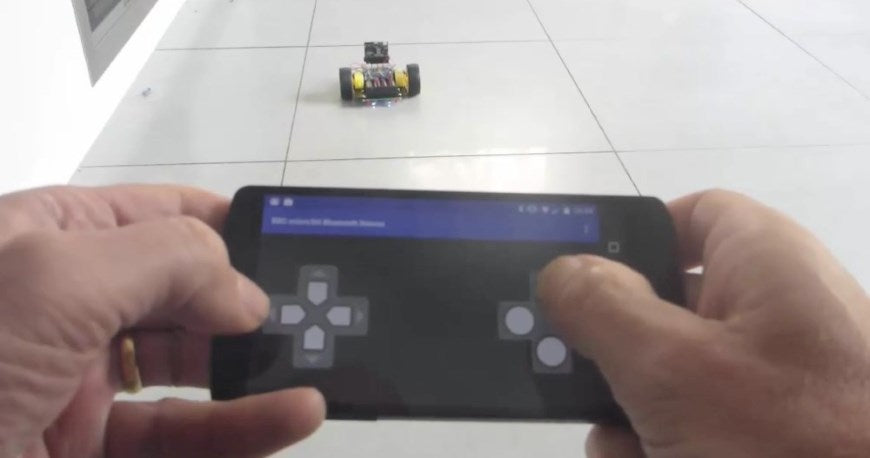
Take the BBC micro:bit to the next level with Bluetooth Low Energy. The BBC micro:bit uses Bluetooth Low Energy, a power friendly version of Bluetooth technology that allows for wireless communication between devices such as PCs, smartphones and tablets allowing for seamless connection to the Internet of things. Every smartphone and tablet platform available comes with Bluetooth Low Energy API’s. Android, iOs, Windows Phone, BlackBerry 10 and even Tizen. We explore some of the Bluetooth Low Energy functionality of the BBC micro:bit and the possibilities that it opens up.
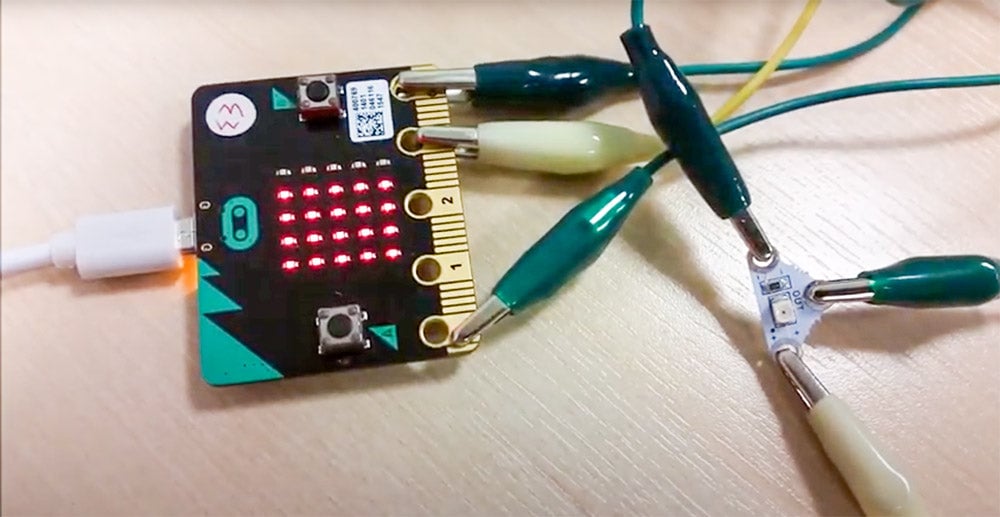
Add Additional Light Sensing To The BBC micro:bit
Add light sensing to functionality to the BBC micro:bit is incredibly easy if you use the Light Sensing board from our Electro-Fashion range. Learn how to add light sensing to the BBC micro:bit with this very simple tutorial.
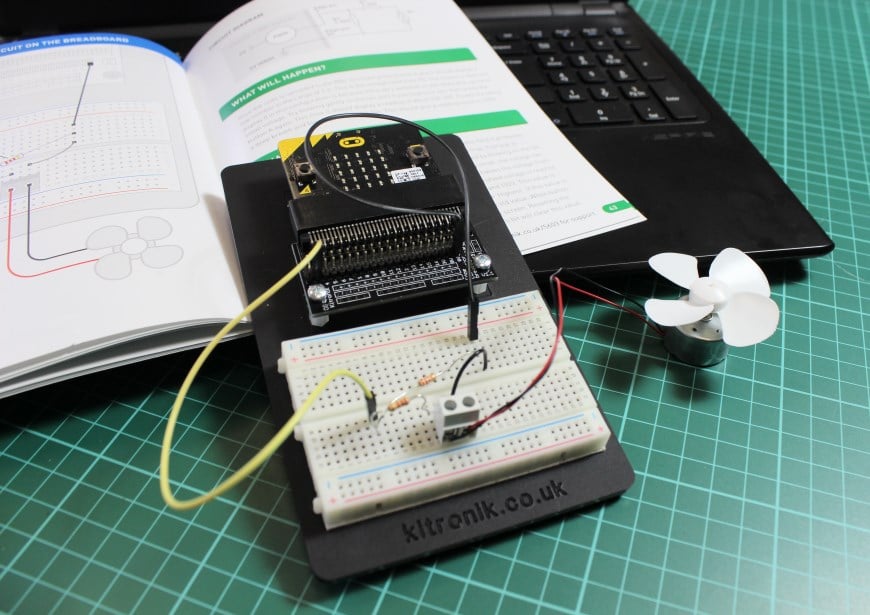
Inventors Kit Experiment 7 Full Experiment
In this tutorial you will find Experiment 7 Wind Power from the Kitronik Inventors Kit for the BBC micro:bit. We’ve included the entire experiment as a free example of the great practical experiments that are contained within the Inventors Kit. Learn how to build the circuit and how to code the BBC micro:bit to control the circuit.
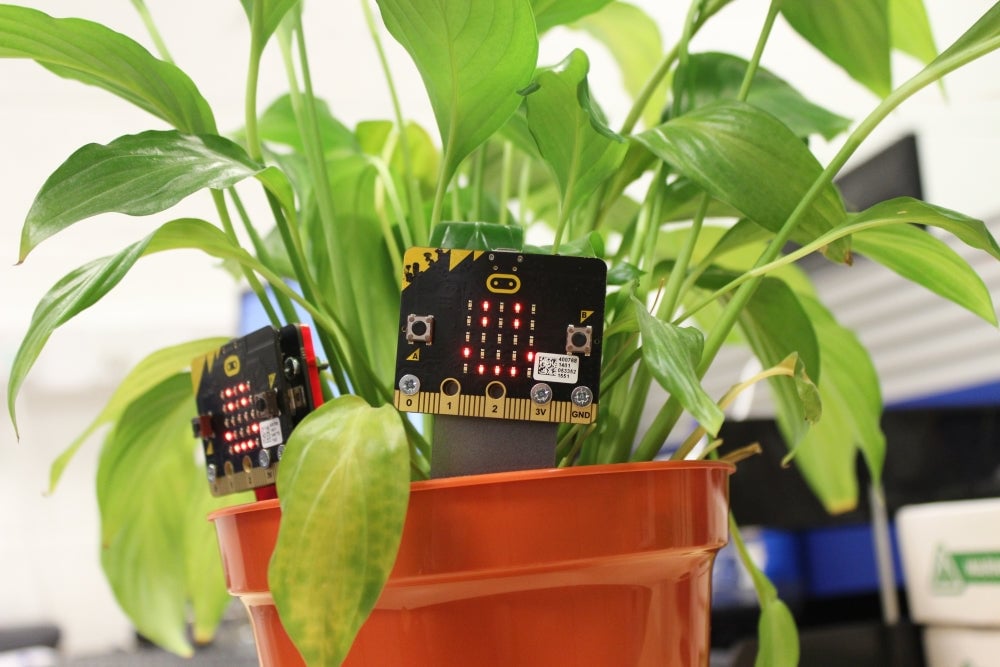
Project Ideas For The MI:power Add On For The BBC micro:bit Including Free Laser Cutter Files
To highlight the range of possibilities that using the MI:power board to power your micro:bit opens up, we’ve created some free laser cutter files that you can download and use with your own laser cutter. All of the designs fit directly to the MI:power board and increase both the portability and the potential uses for your micro:bit.
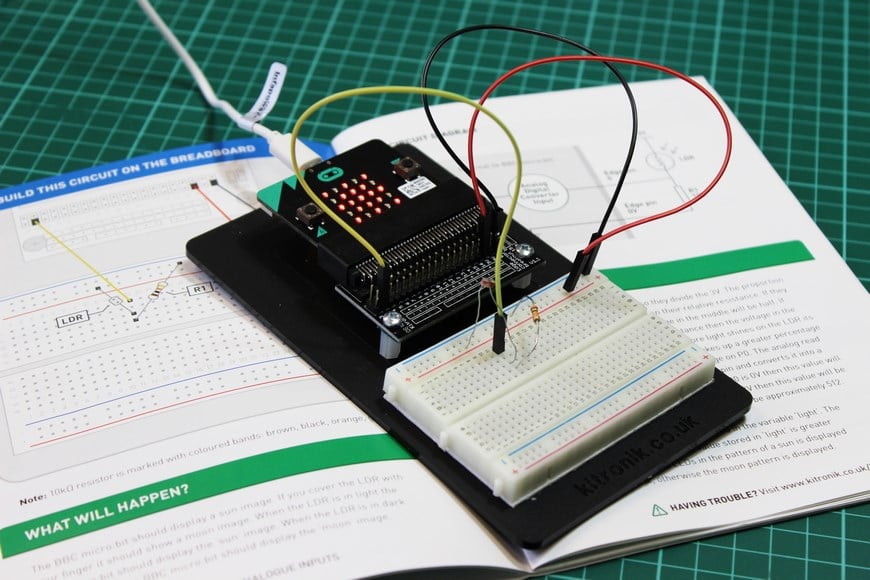
Inventors Kit Experiment 2 Full Experiment
In this tutorial you will find Experiment 2 Using an LDR & Analog Inputs from the Kitronik Inventors Kit for the BBC micro:bit. We’ve included the entire experiment as a free example of the great practical experiments that are contained within the Inventors Kit. Learn how to build the circuit and how to code the micro:bit to control the circuit.
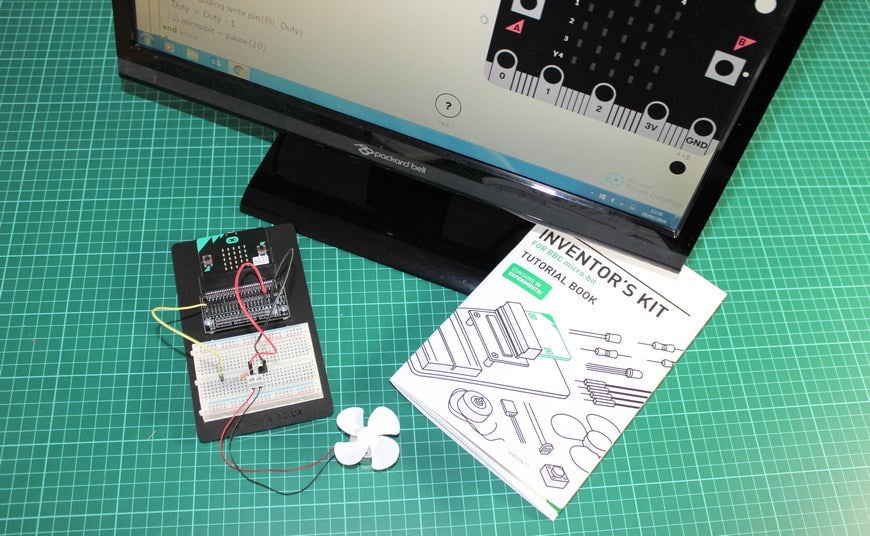
Inventors Kit Experiment 4 Full Experiment
In this tutorial you will find Experiment 4 Using a Transistor to drive a Motor from the Kitronik Inventors Kit for the BBC micro:bit. We’ve included the entire experiment as a free example of the great practical experiments that are contained within the Inventors Kit. Learn how to build the circuit and how to code the BBC micro:bit to control the circuit.
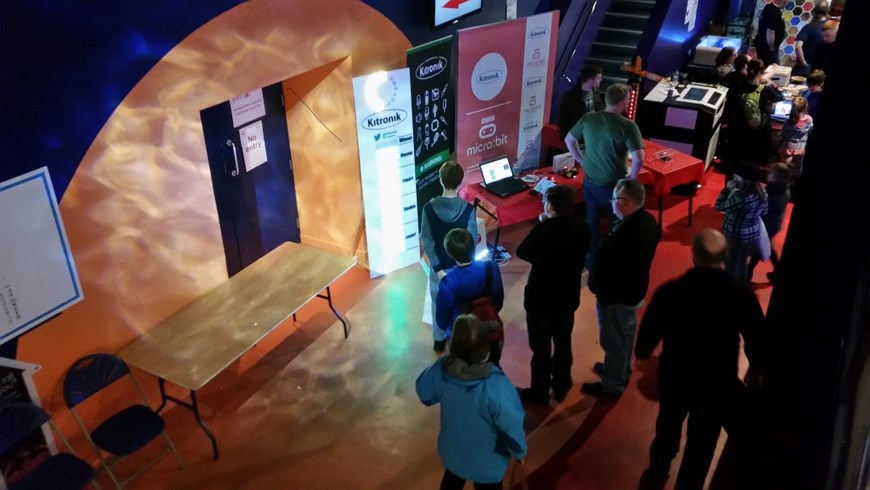
UK Maker Faire 2016 In Newcastle
We were excited once again to be at the Life Science Centre in Newcastle all weekend for the UK Maker Faire 2016. The UK Maker Faire is the UK’s biggest collection of hackers, crafters, coders, DIYers and garden shed inventors and offers a great way to spend an enjoyable day out with the family whilst offering endless learning opportunities via fun activities.
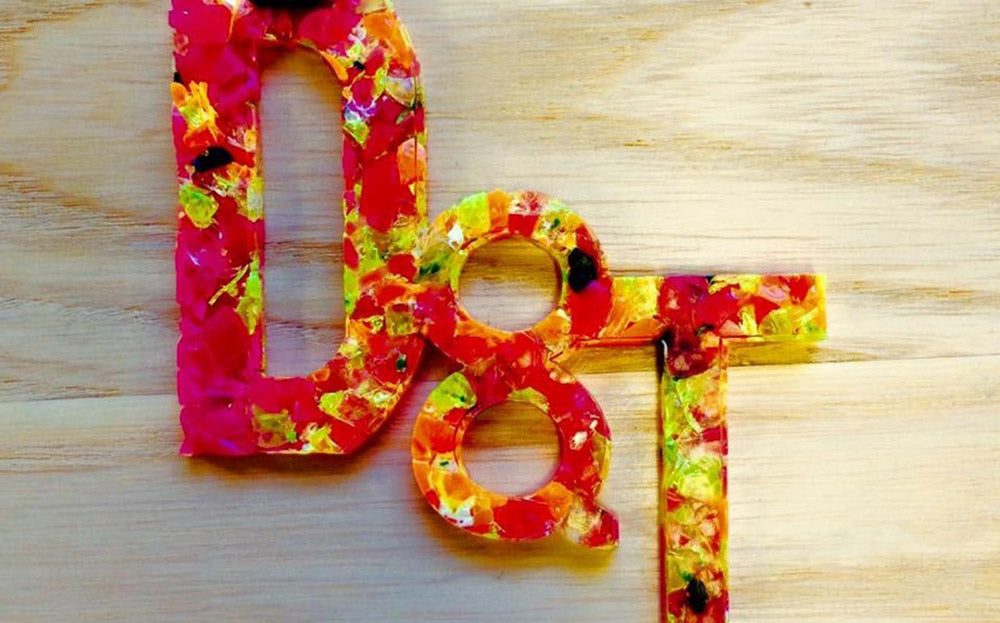
What to do with scrap Perspex?
If you’ve ever done any projects involving Perspex, no matter how careful you’ve been to maximise your usage, you’ll always have at least some scrap Perspex left over. Harry Gowlett, a second year Secondary Design and Technology Education student at Nottingham Trent University, shares some excellent tips on how you might recycle your Perspex offcuts into useful items.
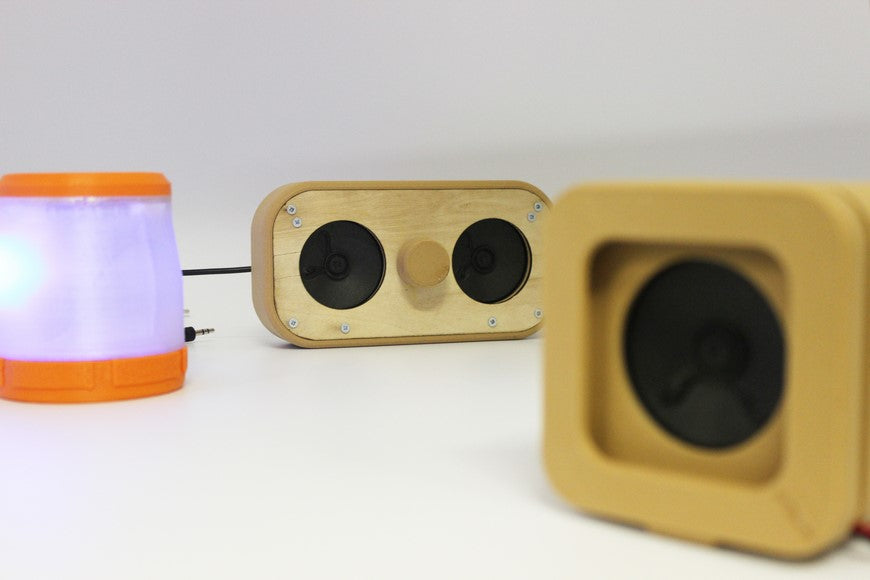
Amplifier/Speaker Case 3D Printing Resources
This resource has been designed to show how you can use our Mono and stereo amplifier module kits as the basis for a 3D printing project.
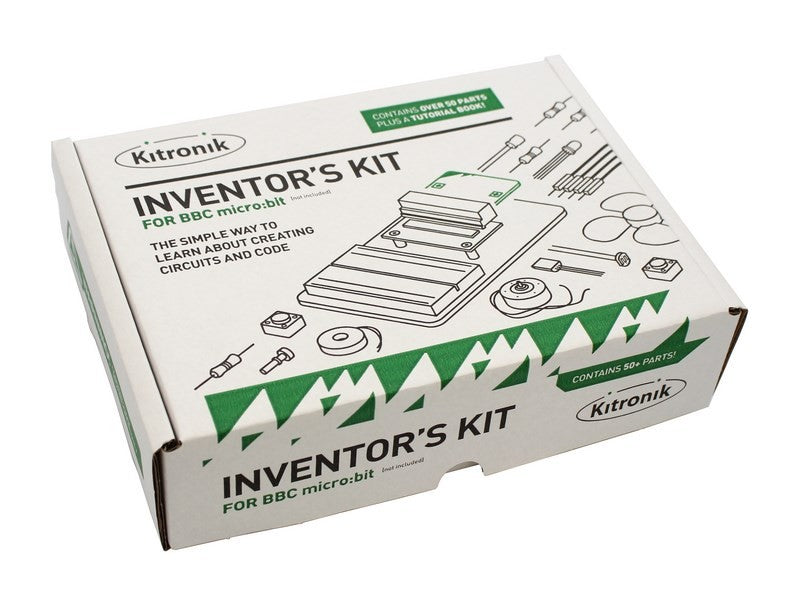
Programming and creating circuits with the BBC microbit
Our Inventor’s Kit for the BBC micro:bit contains over 50+ parts and allows you to make 10 experiments that are included in detail using the provided Tutorial Book.