
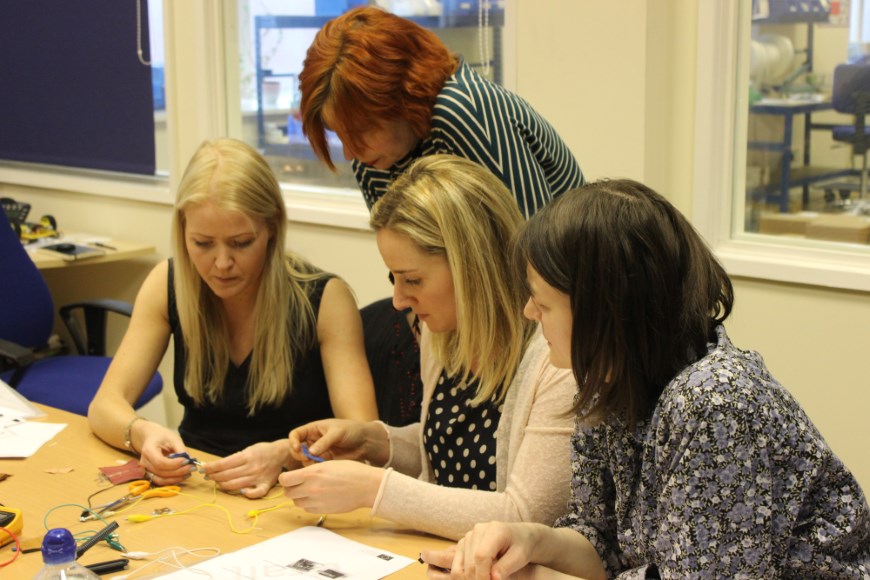
This Lighting up a Simple E-Textiles Circuit (Tinkering Activity) resource has been developed as part of a European Reginal Development Fund (ERDF) project between Nottingham Trent University and Kitronik.

Looking after your plywood
Whilst we take every reasonable precaution to store our laser plywood’s (laserply) and other sheet materials flat, in some cases there will be unavoidable warping or twisting. Read on to find out the best way to look after it.
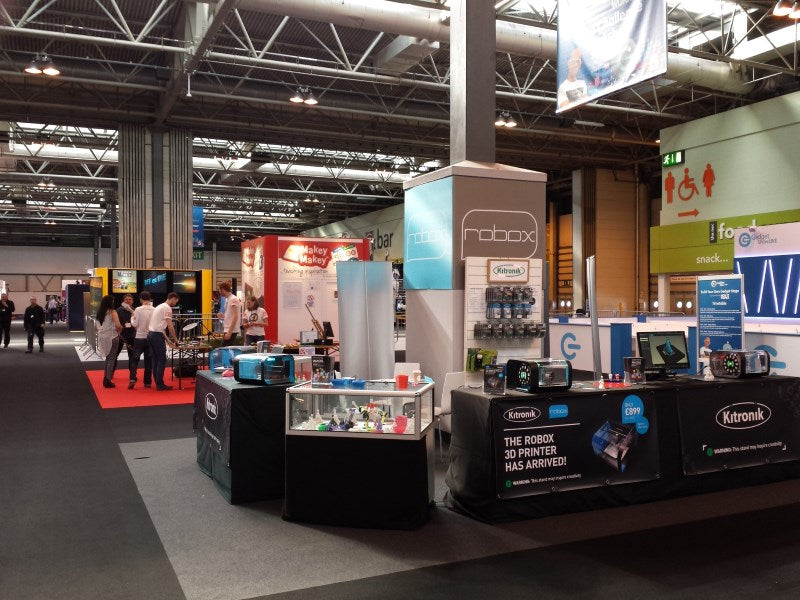
Inside The Gadget Show Live 2015
This week sees the 7th annual Gadget Show Live held at the Birmingham NEC from April 8th – 12th, we’re there alongside CEL to showcase the Robox printer.
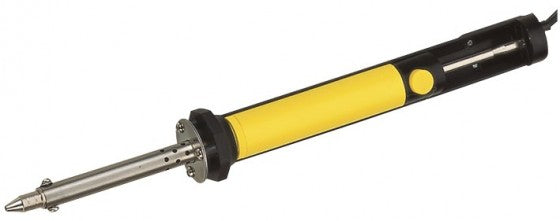
Introducing: Desoldering Iron/Solder Suckers, Soldering Tips, and Accessories!
This week we bring you our new desoldering iron/solder sucker, some new soldering iron tips, and some other accessories for your soldering kit.
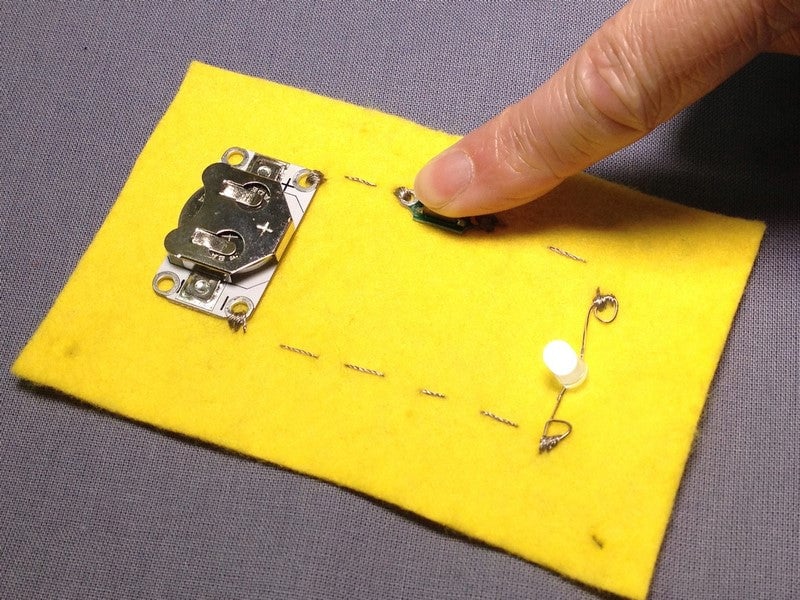
Getting Started with E-Textiles: Adding Switches to a Circuit
There are a range of different switches that can be integrated into a circuit to enable you switch the LED on and off. Here is an overview.
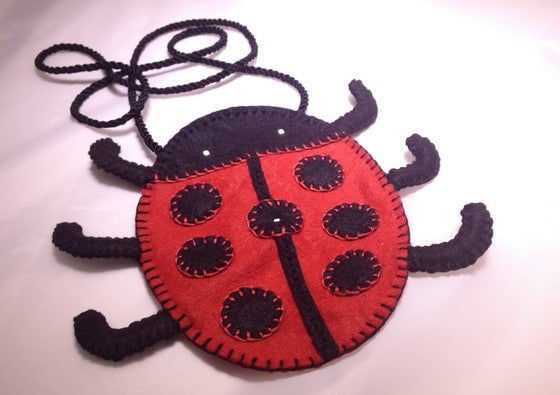
How to Make a Light-up Ladybird Bag
Make this fabulous ladybird bag using our sewable flasher controller unit.
BBC Make It Digital 2015 & The BBC micro:bit
Last month the BBC launched it’s Make it Digital campaign, a major UK-wide initiative to inspire a new generation to get creative with coding, programming and digital technology. BBC Make it Digital will capture the spirit of the BBC Micro, which helped Britain get to grips with the first wave of personal computers in the 1980s, for the digital age.
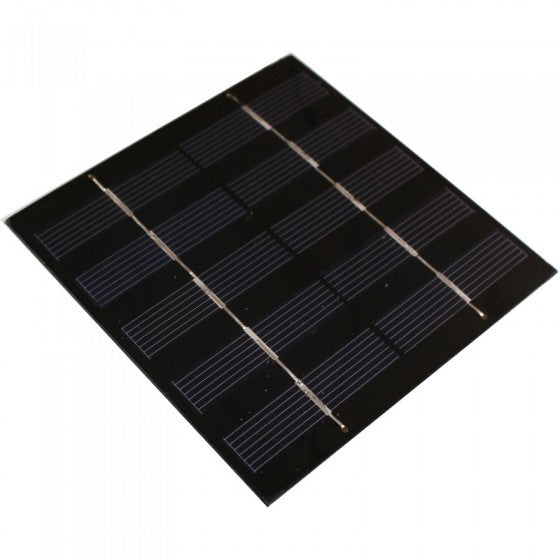
Introducing: Exciters, Solar Cells, & How To Use Them!
This week we have introduced solar cells to give your kits renewable energy sources, and exciters to turn any surface into a speaker!
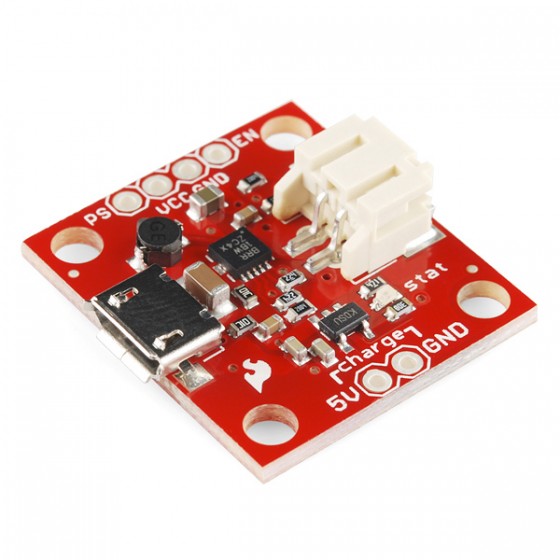
Introducing: LiPo Battery Chargers and more!
Another product launch here at Kitronik, this week bringing you our new range of Lithium Polymer (LiPo) chargers and boosters, perfect for powering up your own home builds and devices such as mobile phones, amplifier kits, arduino projects, and more.
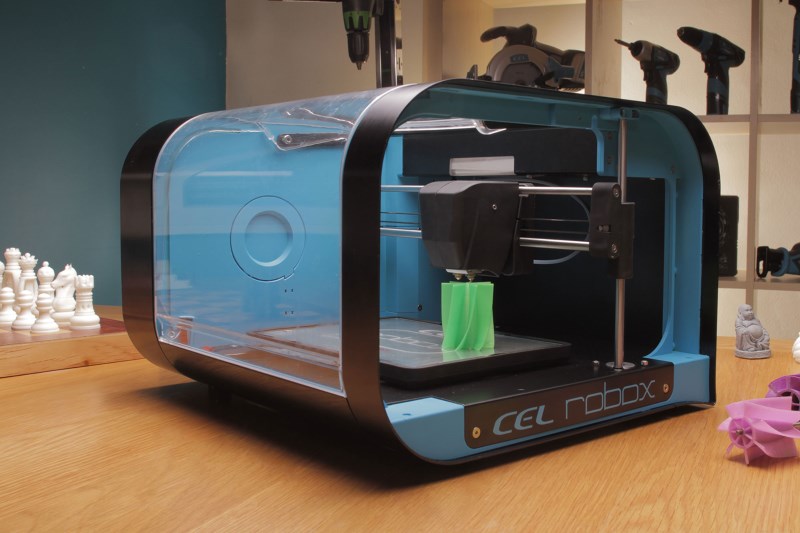
Kitronik Becomes A Robox Affiliated Reseller!
Last week two of the team went down to CEL Headquarters in Portishead, to learn more about the technical process behind the Robox RBX-01 printer and build one too during the trip.