
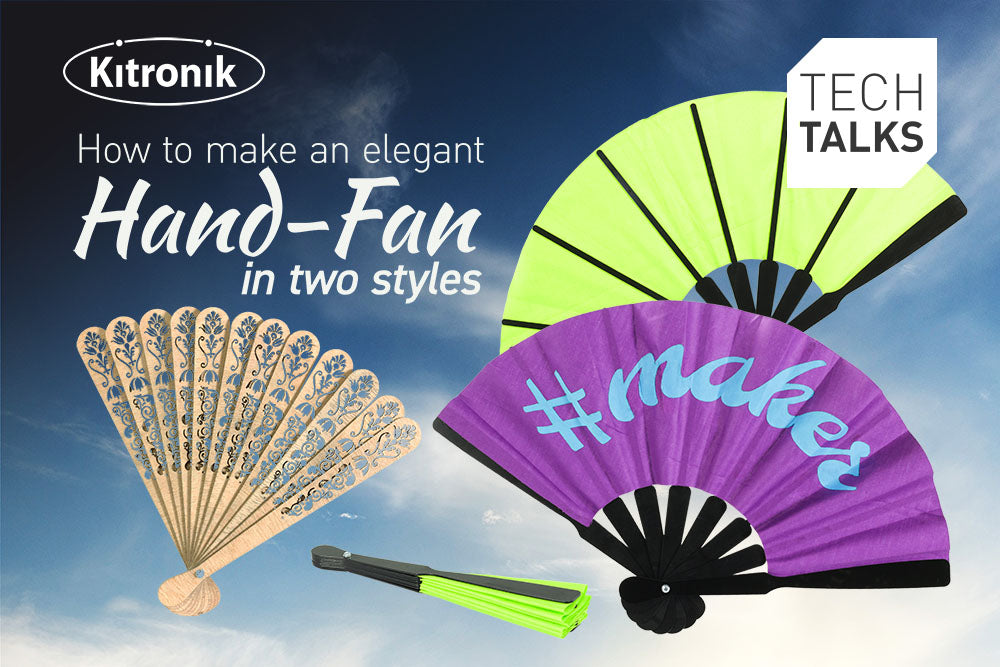
Kitronik and Smoke & Mirrors are back with another materials themed tech talk. Join Emma and Dominic as they show you how to make two super stylish hand-fans. Tune in to YouTube on Thurs 3rd Aug 2023 at 10:30AM BST to watch it all go down live. Find out more…
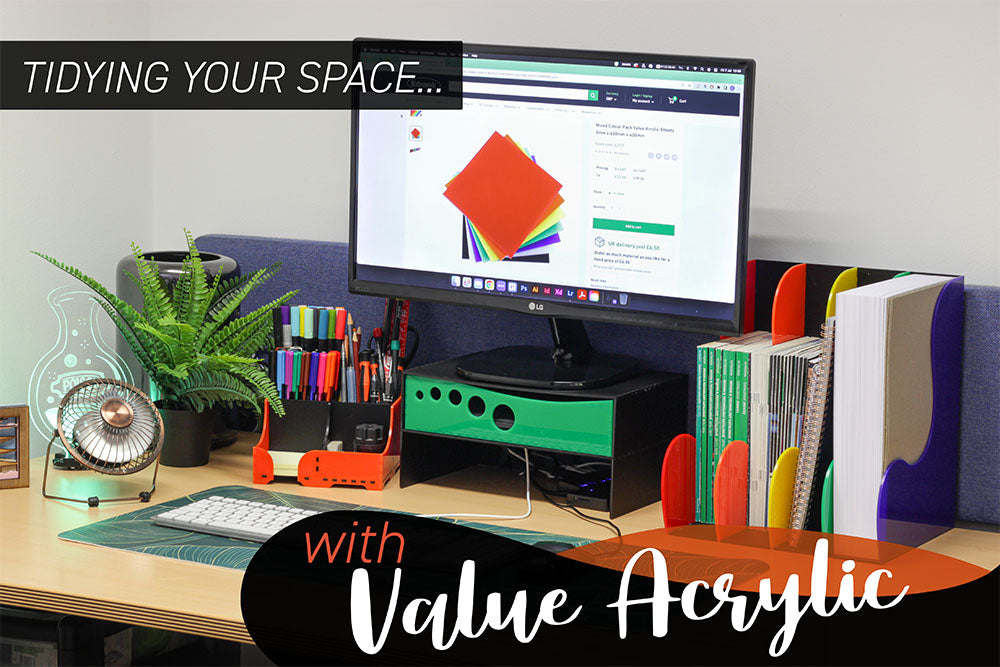
Making Laser Cut Desk Tidies with Value Acrylic
Hello again everyone! This time around, Emma brings you a set of makes that will brighten your desk space and help you keep things orderly. Follow along below with three extremely simple laser cut makes, using our awesomely budget-friendly Cheap Acrylic sheets! Find out how…
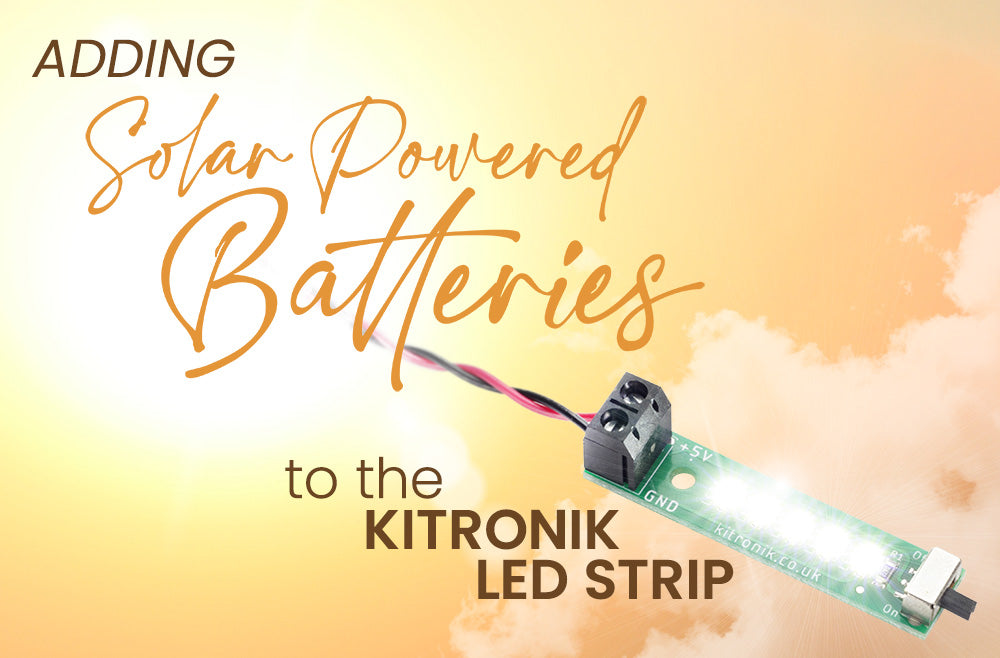
Adding Solar Powered Rechargeable Batteries to the Kitronik LED Strip
This simple guide shows you how you can easily add a solar powered recharging circuit to our new Kitronik LED Strip with Solder Free Connections. If you are going to create an enclosure for the kit this resource will allow you to include a sustainable power source in your design. Find out more…
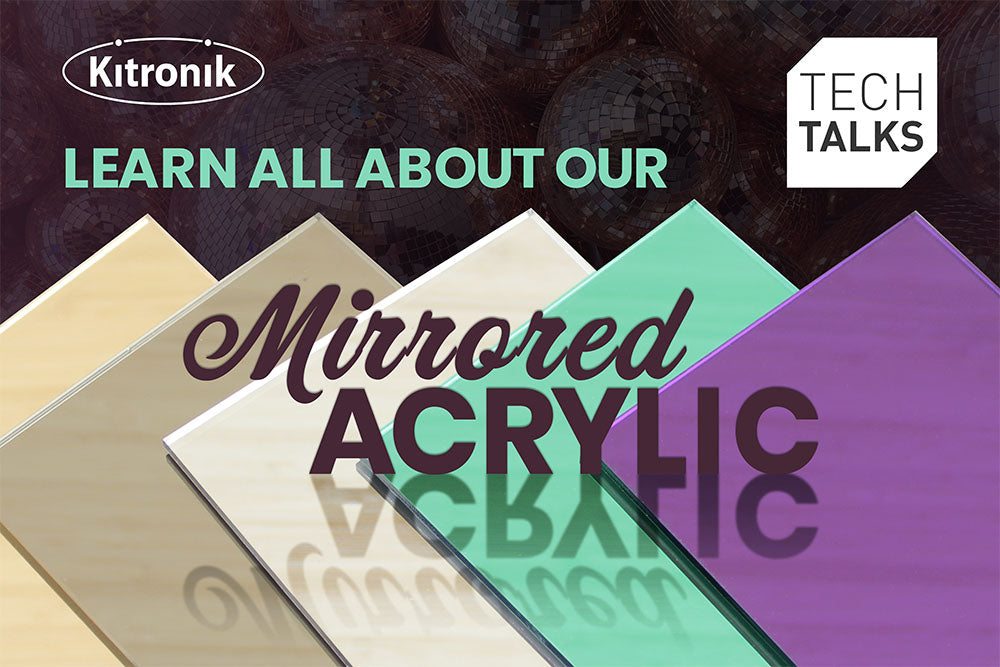
Materials Tech Talk – Mirrored Acrylic – Thurs 6th July 2023 at 10:30AM BST
Kitronik and Smoke & Mirrors are back with another materials themed tech talk. Join Emma and Dominic as they explore Mirrored Acrylic. They’ll go into how to get the best results from your laser cutter and possible uses, with examples. Tune in to YouTube on Thurs 6th July 2023 at 10:30AM BST to watch it all go down live.
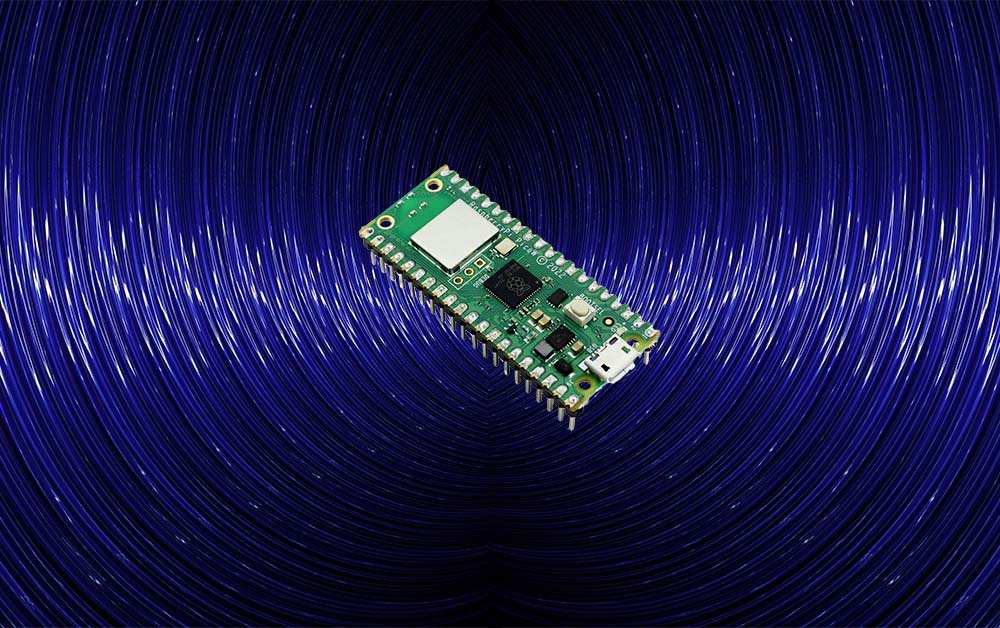
The Raspberry Pi Pico W now has Bluetooth Connectivity
The Raspberry Pi Pico W now has Bluetooth! The good news is, if you already have a Pico W you don’t need to purchase anything else. Update to the latest firmware and MicroPython build and you are good to go! Find out more…
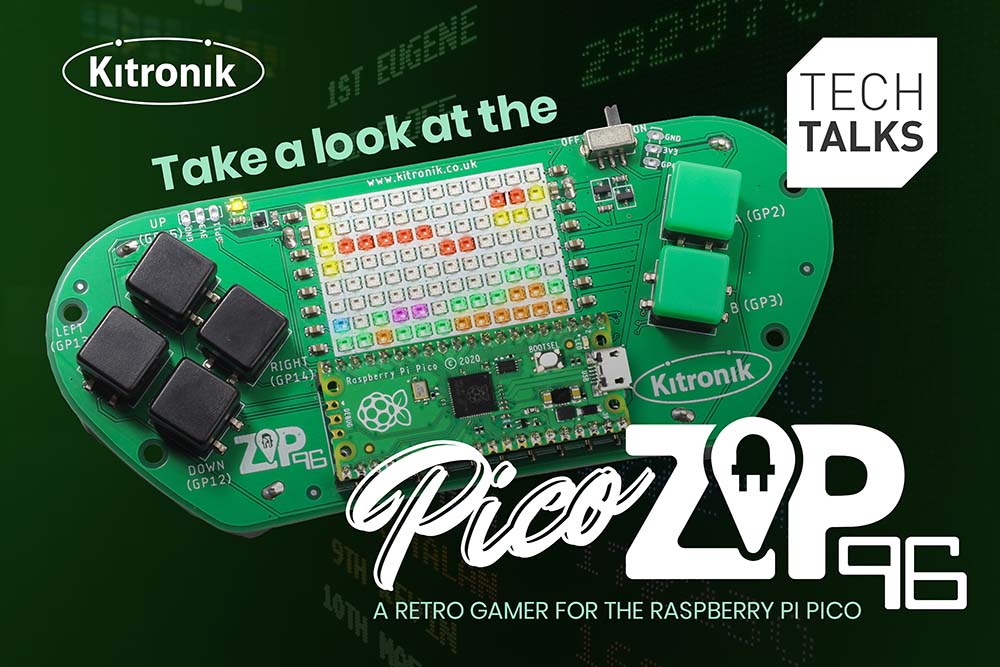
Tech Talk – Kitronik ZIP96 for Raspberry Pi Pico 15th June -10:30AM BST
Kitronik are back with a New Product themed tech talk. Join Alasdair & Kevin as they explore our new Kitronik ZIP96 retro gamer for Raspberry Pi Pico. They will be going over the features of the board, how it can be used, and the resources available to help you get the most from it. Find out more…
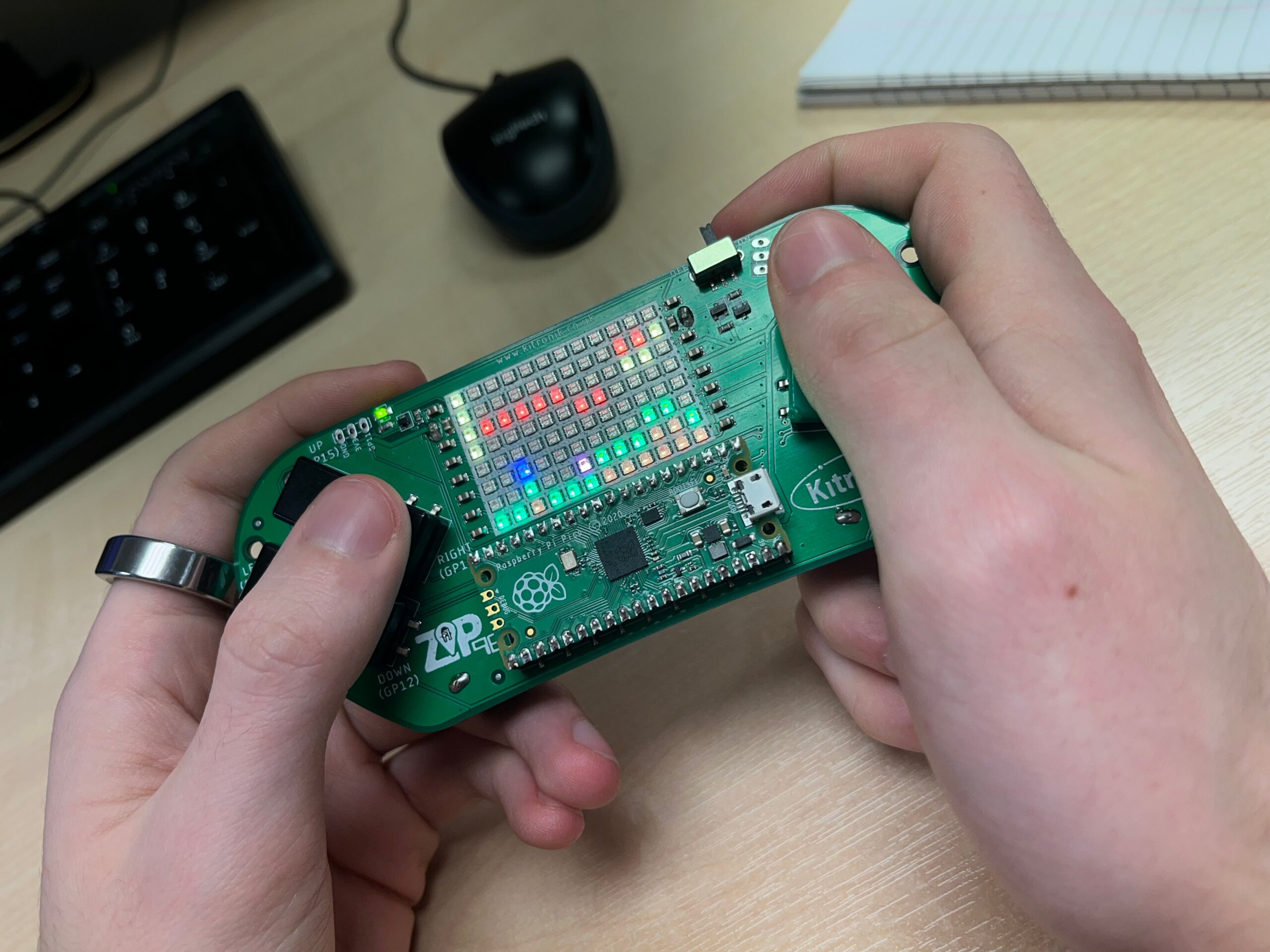
ZIP 96 Pico W Two Player Game Design
This blog explores creating a wireless two-player game, like Run Along, Jump & Jump. We start with the basic design, focusing on how the core game functionality works in both single-player and two-player. Then we move on to how the wireless communication in the two-player version works from a high-level design view.
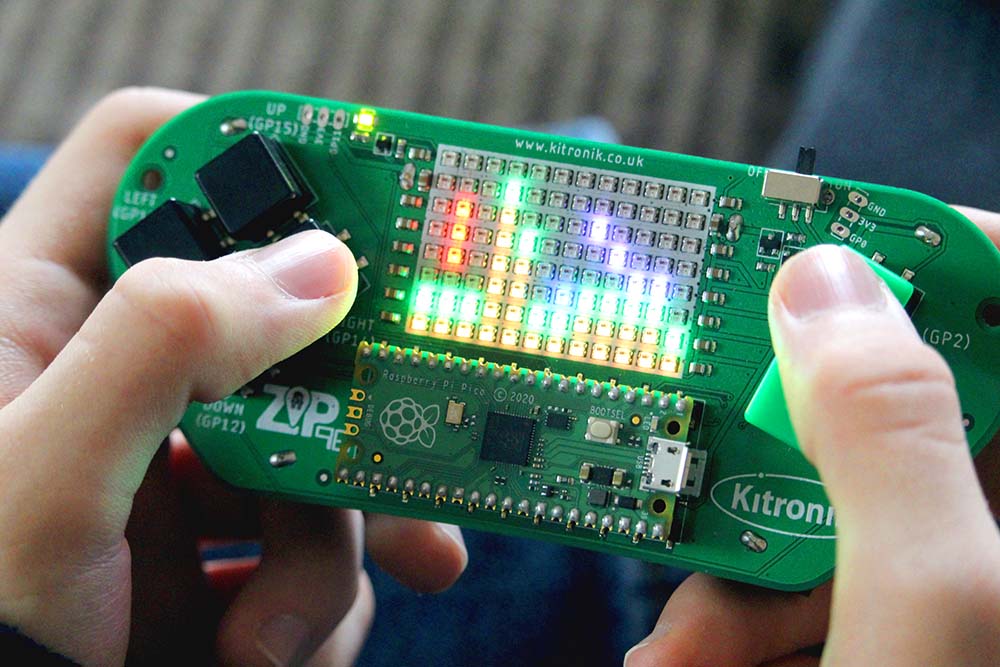
Announcing the Kitronik ZIP96 Retro Gamer for Raspberry Pi Pico
Kitronik are proud to announce the release of Kitronik ZIP96 Retro Gamer for Raspberry Pi Pico. Develop your coding skills with the’ all-in-one handheld solution for Pico gaming! The Kitronik ZIP96 is fully programmable and feature-packed handheld gamer on which you can learn and play! Find out more!
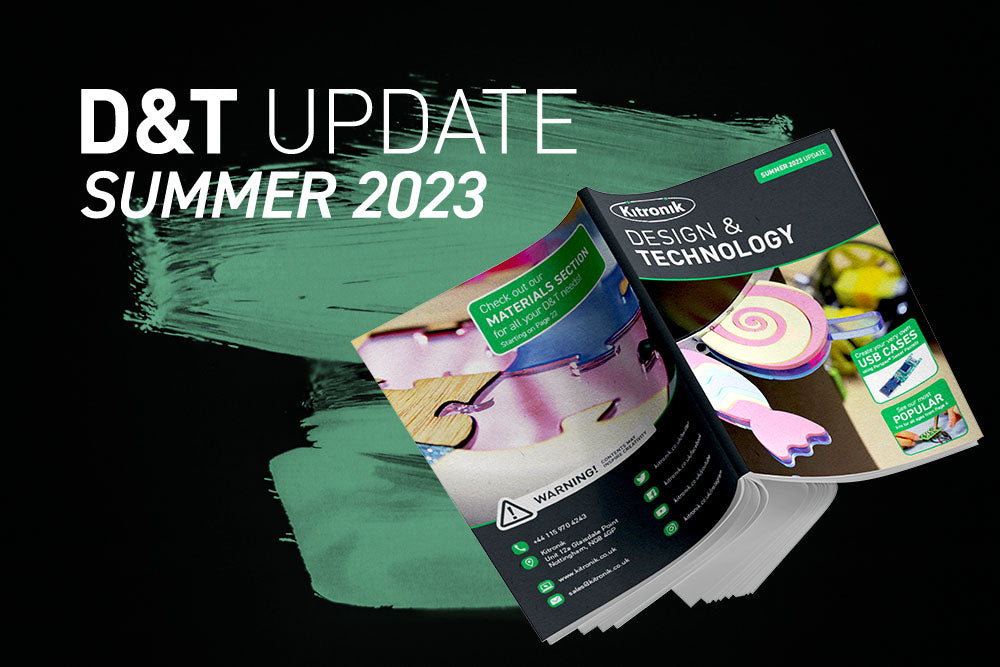
Kitronik Summer Design & Technology Flyer 2023
We’ve now completed work on our Summer Design & Technology Flyer 2023 and it’s ready for download. It is designed to go along side our most recent full 2022-2023 catalogue, it contains products, changes, and new products added to the Design & Technology range since the catalogue was released. Download a copy now!
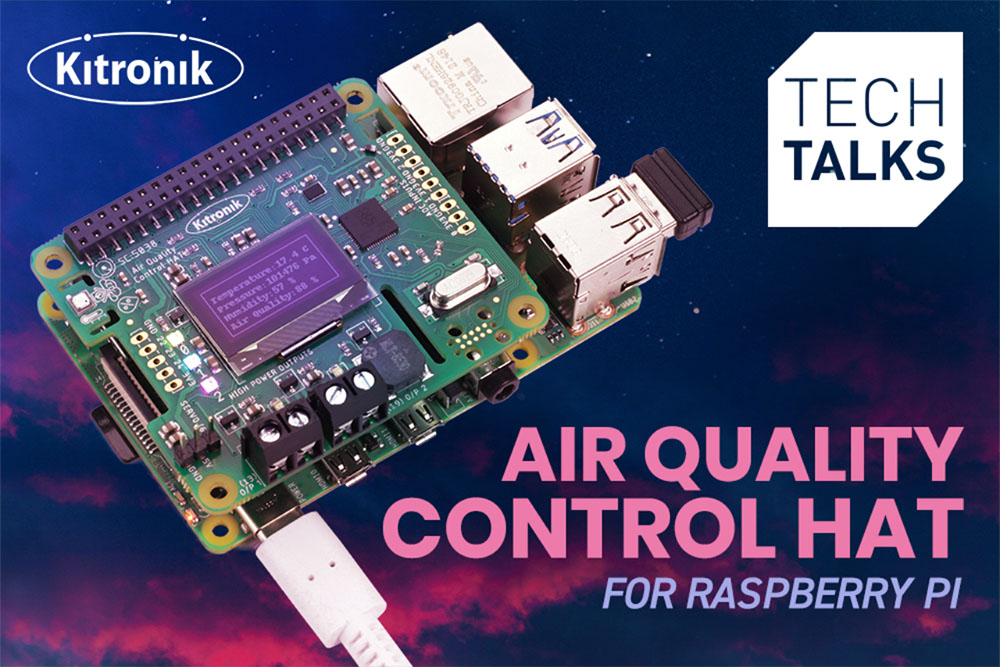
Tech Talk – Kitronik Air Quality Control HAT Thurs 25th May -10:30AM BST
Kitronik are back with a New Product themed tech talk. Join Alasdair & Kevin as they explore our first ever HAT for Raspberry Pi, the Kitronik Air Quality Control HAT They will be going over the features of the board, how it can be used, and the resources available to help you get the most from it. Find out more…