
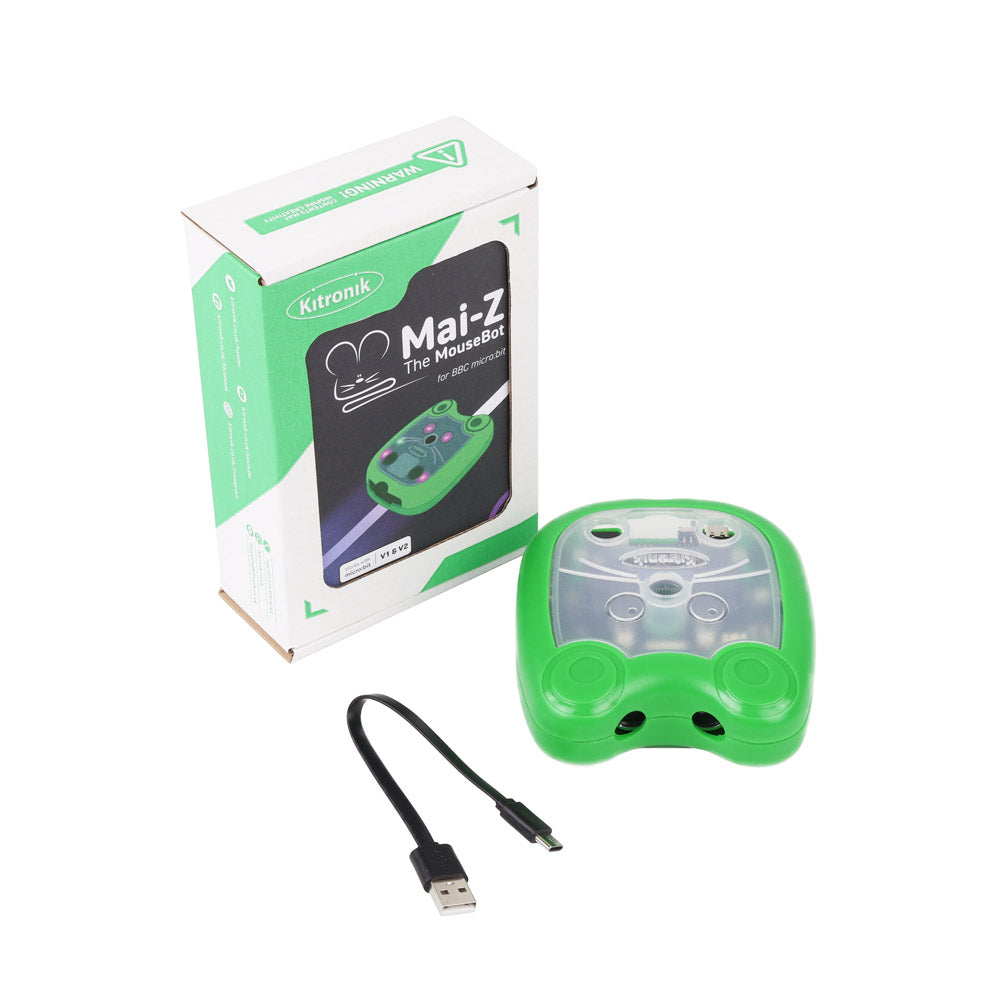
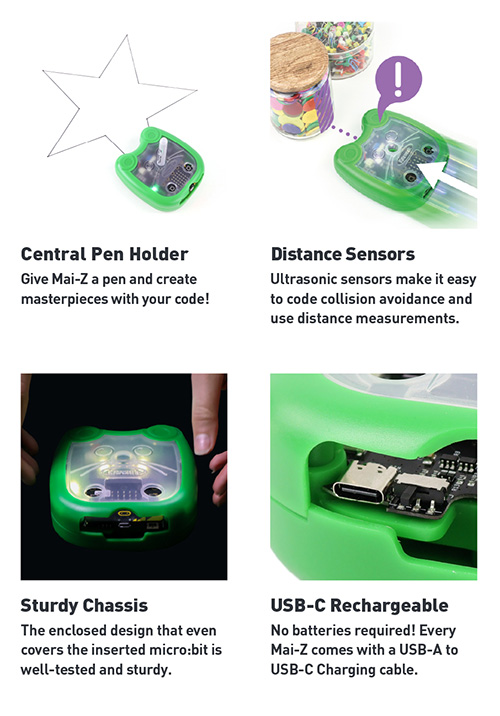
Smart, playful, and packed with potential, meet Mai-Z, the ultimate programmable robot buggy for young coders aged 8–14! Whether it’s drawing shapes, following paths, or responding to motion, your young learners are in the driver’s seat, literally!
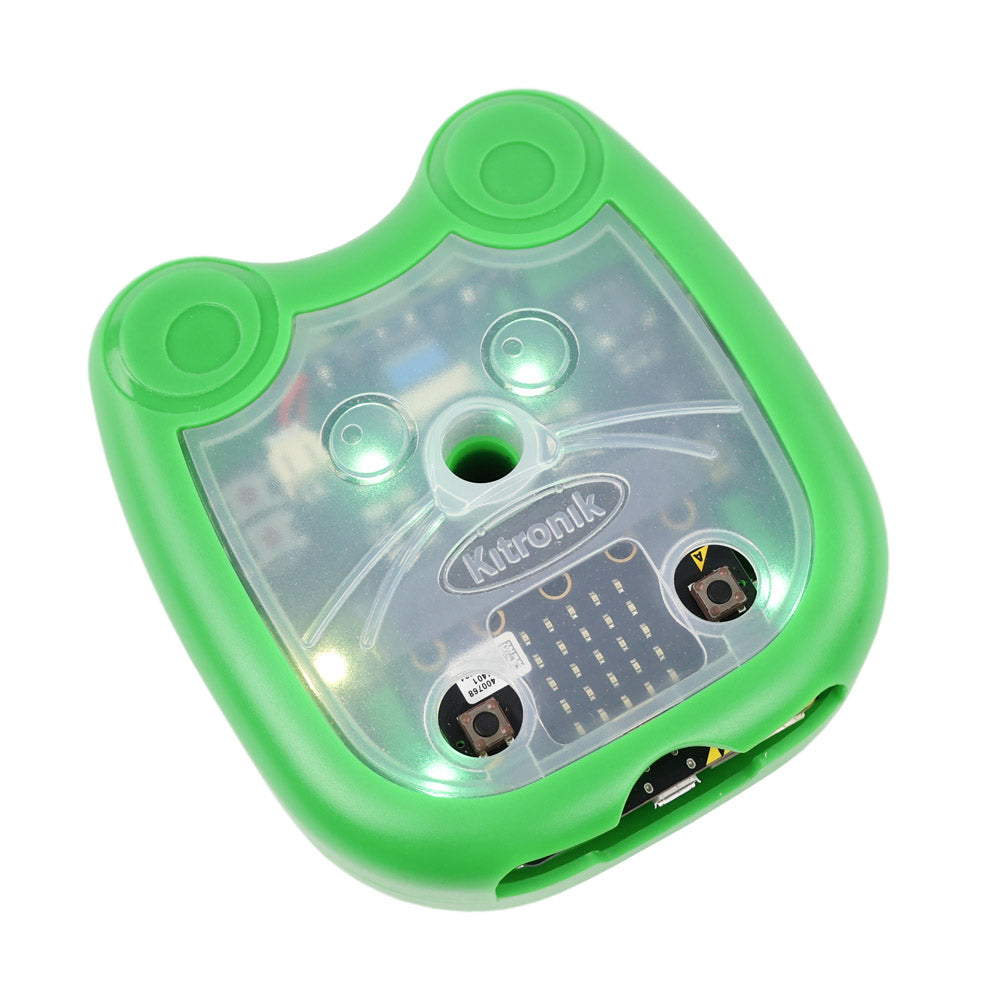
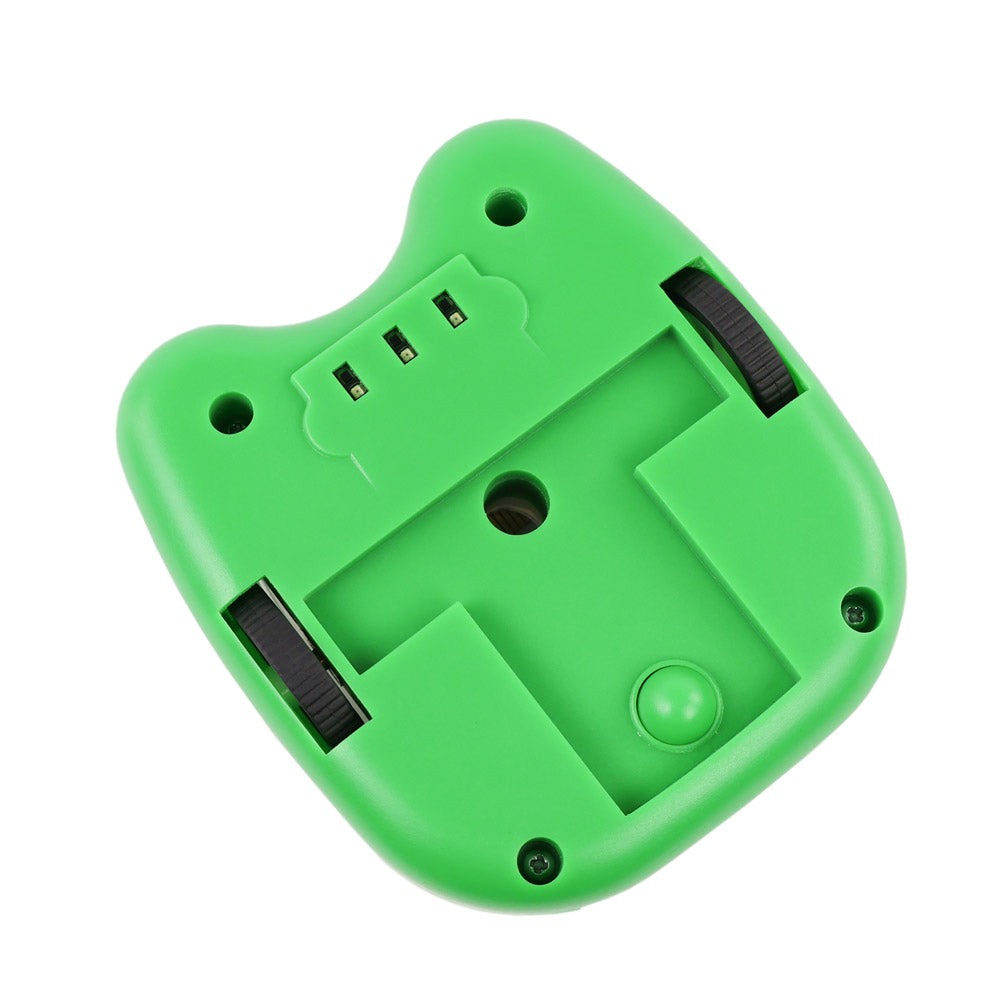
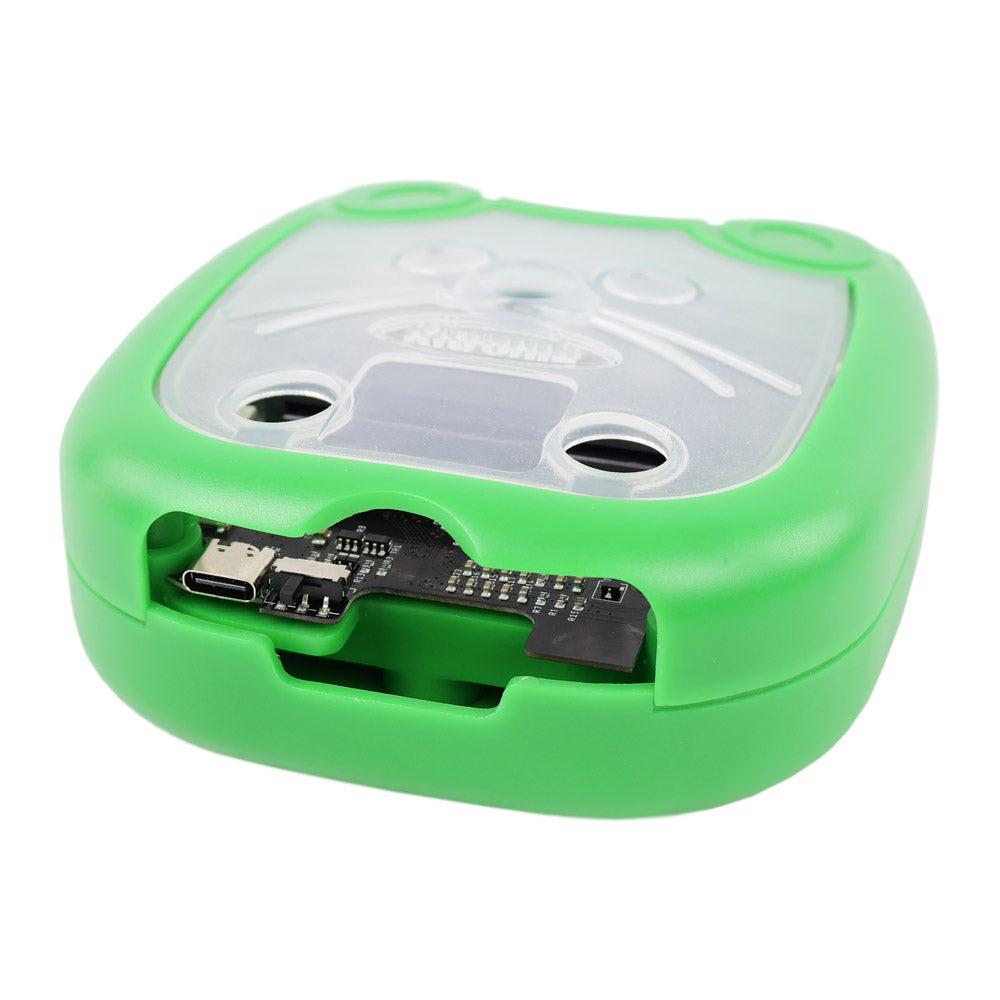
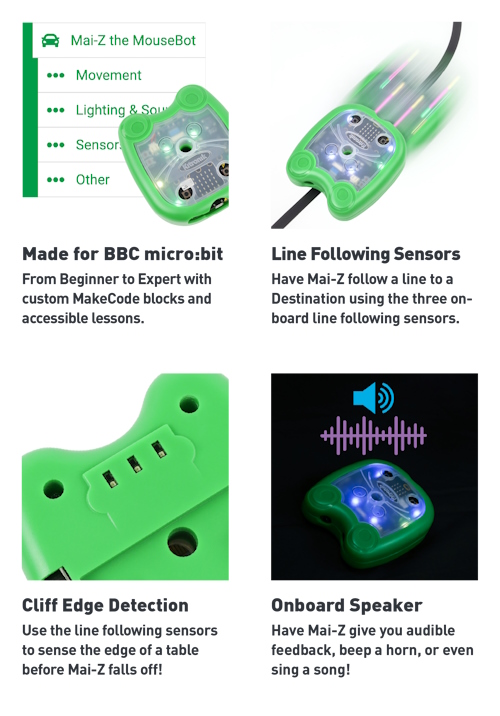
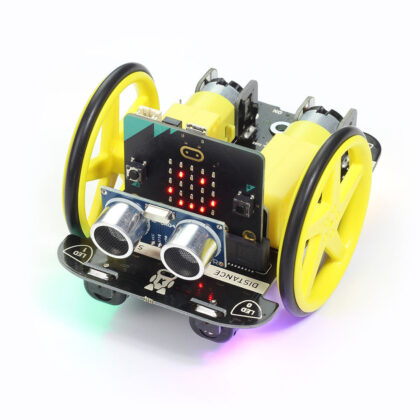
Designed for hands-on learning, the Kitronik Mai-Z the MouseBot is a versatile, educational robot built for use with the BBC micro:bit. Mai-Z has an impressive array of features, each providing a new and exciting learning opportunity. Features include: Line following sensors, distance sensors, cliff detecting sensors, 4 x programmable ZIP LEDs, a pen holder, scoop, button holes for micro:bit A/B button access, BBC micro:bit edge connector, rechargeable LiPo battery, speaker, USB-C charging port, on/off switch, and status LED.


Some examples of Mai-Z the Mousebot in use.
Make full use of your micro:bit’s built-in tech. From accelerometer-based steering to compass-guided driving, Mai-Z makes robotics interactive and exciting. You can even control Mai-Z the MouseBot with gestures via micro:bit CreateAI. The encoder-based motors driving Mai-Z’s wheels are specifically designed for steady, straight-line driving, which makes things such as line following and obstacle avoidance a smooth experience.
Mai-Z the MouseBot is a feature-rich, programmable robot designed to make coding and robotics accessible, hands-on, and engaging. Mai-Z offers a low-barrier entry into computing and robotics, with room to grow into more complex challenges, including AI integration via micro:bit CreateAI.
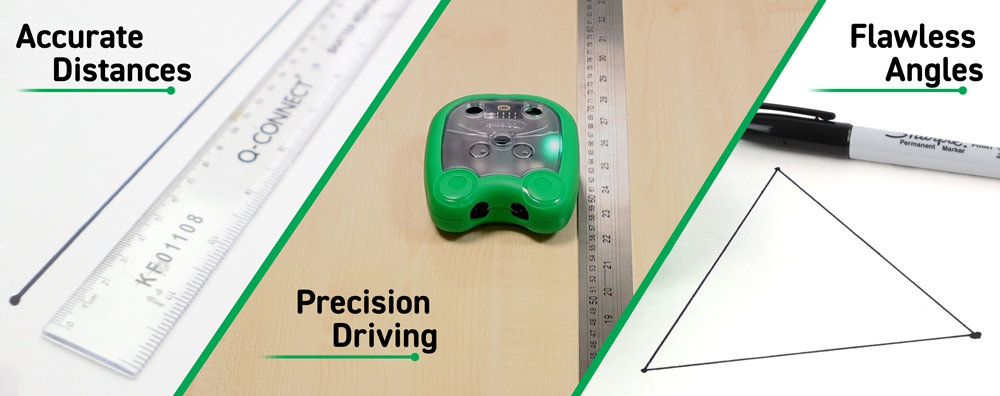
Mai-Z has been engineered to drive straight, turn precise angles and travel specific controlled distances (unlike many other programmable buggies). We have done this by continuously monitoring motor encoder data, enabling Mai-Z to automatically adjust for any deviations in position or turning speed, ensuring precise and consistent movement. The result? Exceptionally smooth, precise movement that feels effortless and refined.
Power: Mai-Z features a Standard USB-C Charging Port. Mai-Z will charge regardless of the status of the power switch, and can be safely used whilst it is being charged. The charger must be capable of providing 5V, at least 1A over a USB-C Connection.
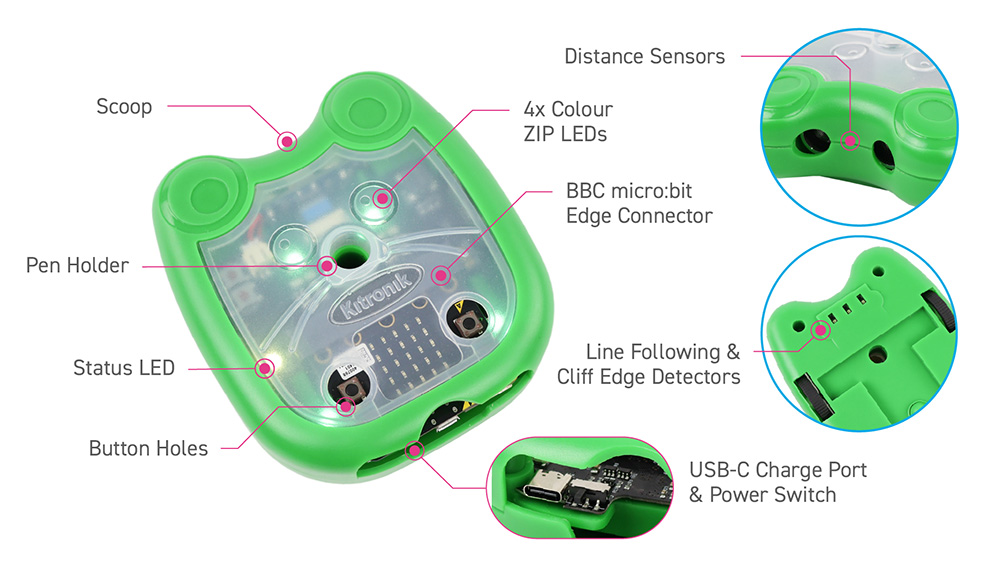
Features:
- Fully compatible with Microsoft MakeCode drag-and-drop block-based coding
- Line-following, cliff-detecting & distance sensors
- 4 x programmable ZIP LEDs
- Onboard speaker + USB-C rechargeable LiPo battery
- Pen holder & ball scoop for creative and competitive tasks
- Edge connector for attaching the BBC micro:bit to Mai-Z
- Easy access to micro:bit A and B buttons
- Status LED and on/off switch
- Smooth and accurate motor control
- Great for coding clubs, STEM lessons, and home learning
Contents:
- 1 x Kitronik Mai-Z the MouseBot for BBC micro:bit.
- 1 x 20cm USB A to USB C charging cable.
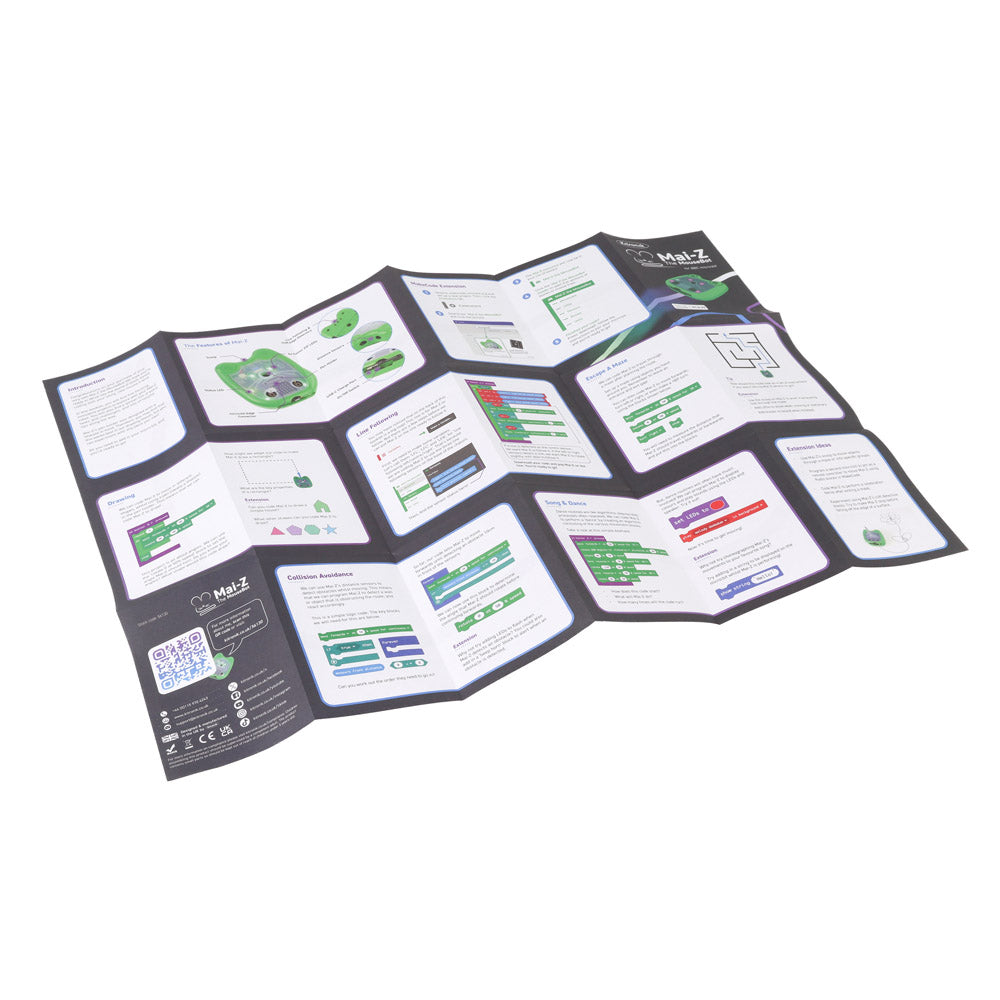
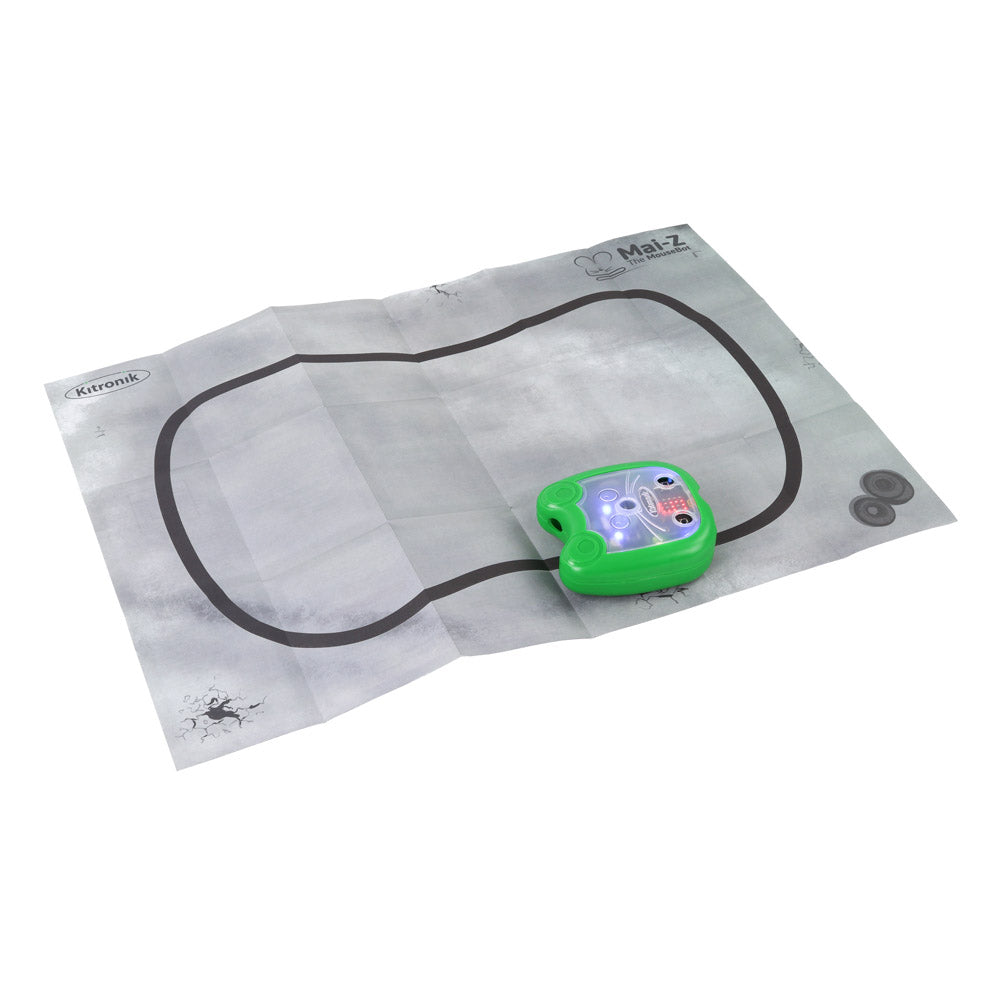
- 1 x A6 2-sided fold-out sheet.
- Side 1: Full set of Instructions.
- Side 2: Line following track.
Dimensions:
- Length: 117mm.
- Width: 105mm.
- Height: 45mm.
Video:
Requires:
- 1 x BBC micro:bit
- 1 x 5V, 1A Charger and 1 x USB-C cable.
Reviews
There are no reviews yet.