
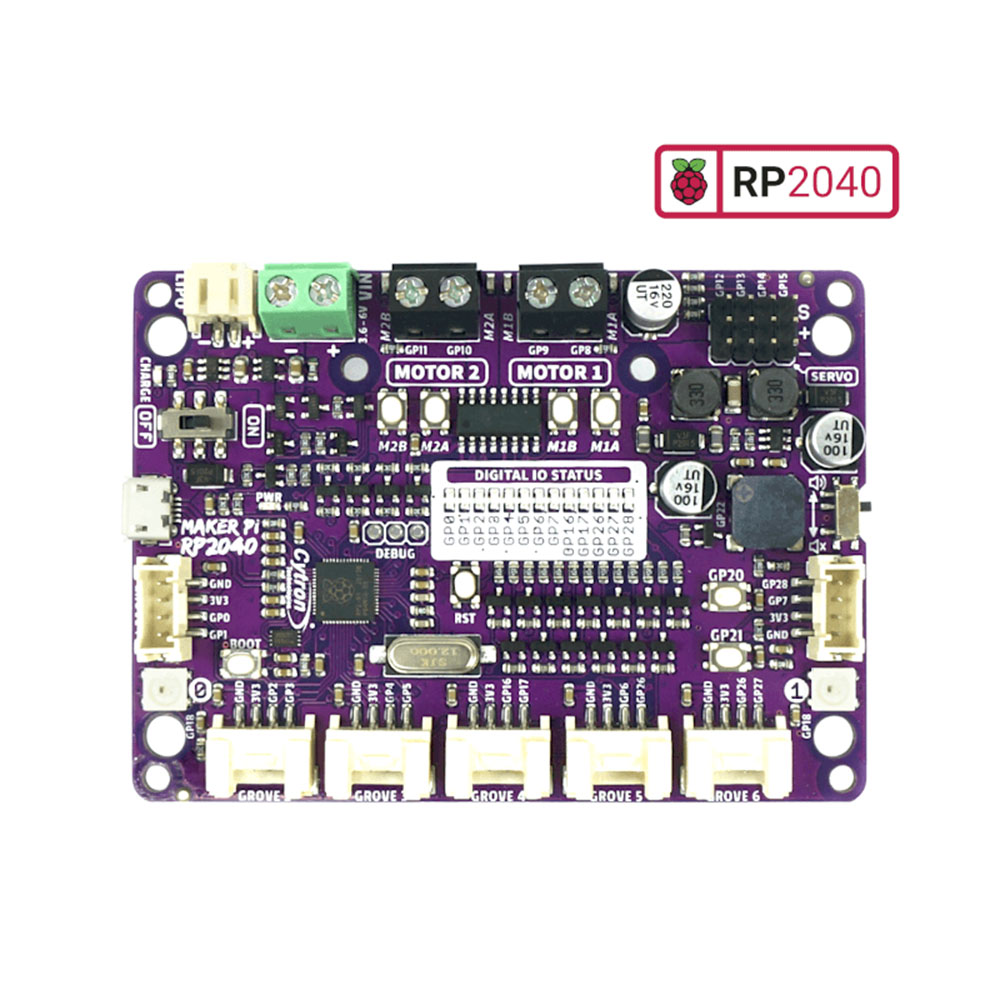
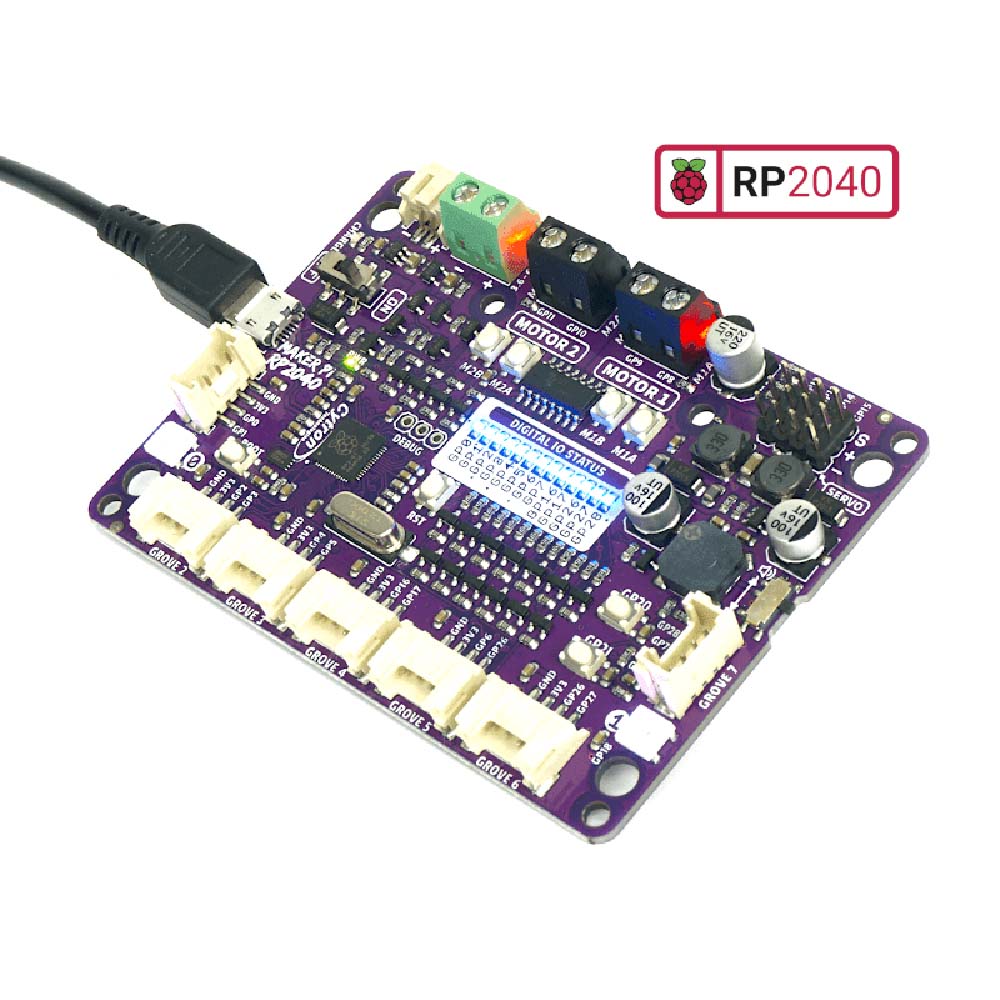
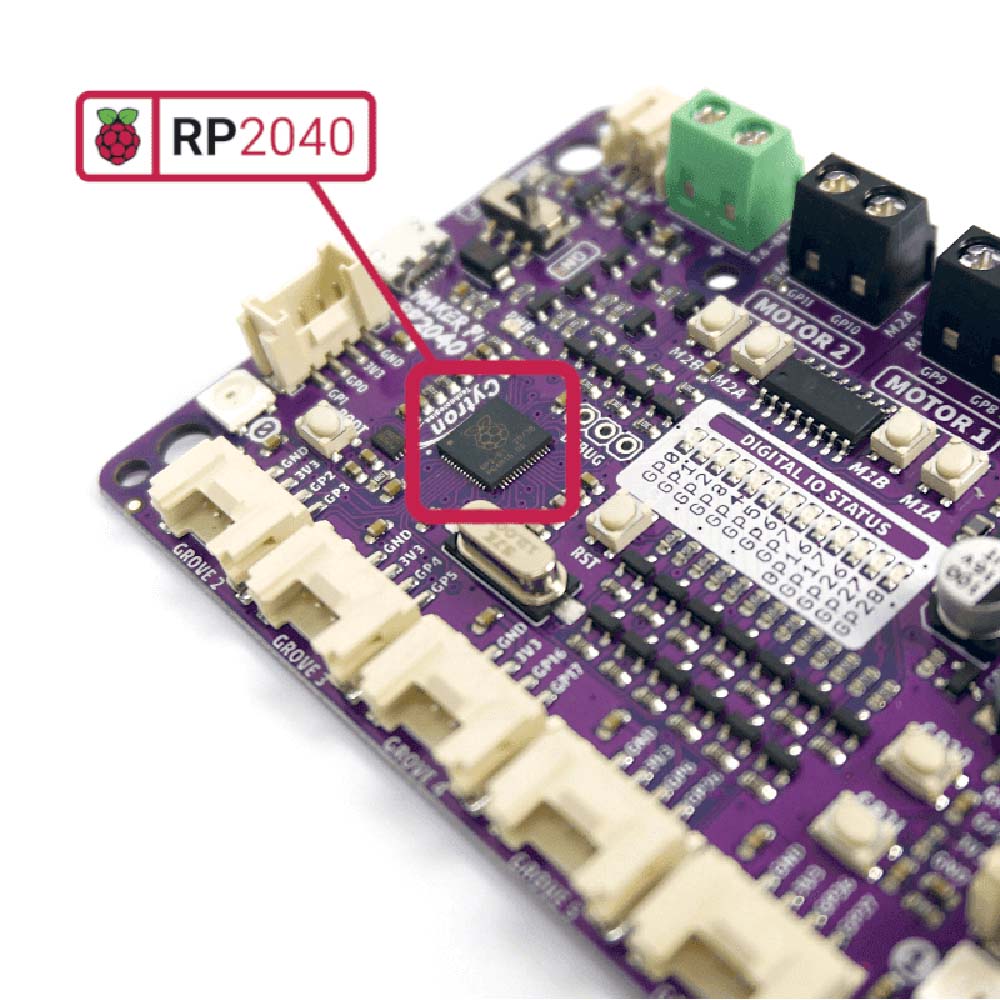
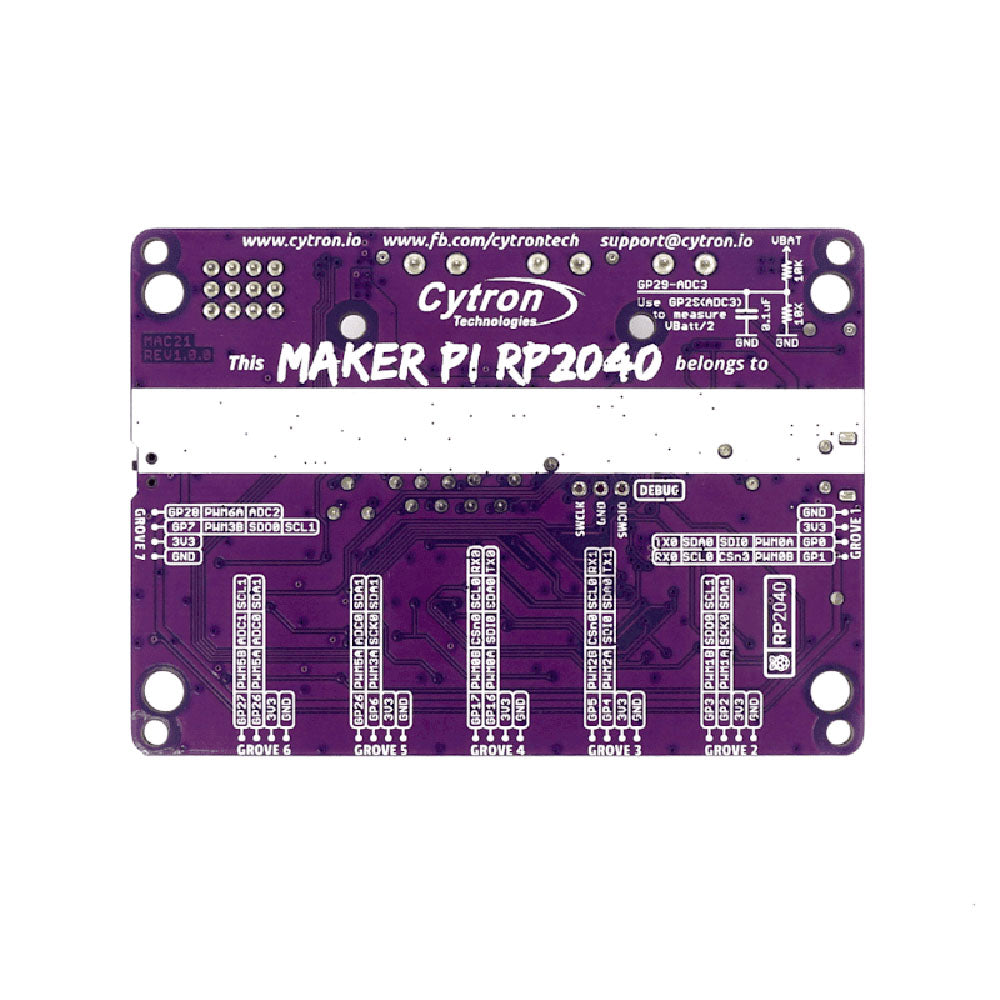
The Cytron Maker Pi RP2040 robot controller board features the first microcontroller designed by Raspberry Pi, the RP2040. The board has a dual-channel DC motor driver, 4 x servo connectors, and 7 x Grove I/O connectors. It is well appointed to serve as the basis of your next robotics/buggy/movement-based project, and you get to interact with RP2040 outside of its natural habitat– the Pi Pico (even though the RP2040 essentially makes it a pico, with extras).
The onboard motor driver is able to control 2 x DC motors or 1 x bipolar/unipolar stepper motor, supplying between 3.6V to 6V @ 1A per channel continuously. The board has built-in quick test buttons and motor output status LEDs for quick and convenient testing/monitoring (Vmotor for both DC and servo motors depends on the input voltage supplied to the board).


The Cytron Maker series of products have a number of common usability features, and this board is no exception. It is covered in LEDs, some for troubleshooting and some for taking control of visual FX. There is also an onboard sounder and push buttons that can be made use of within your projects.
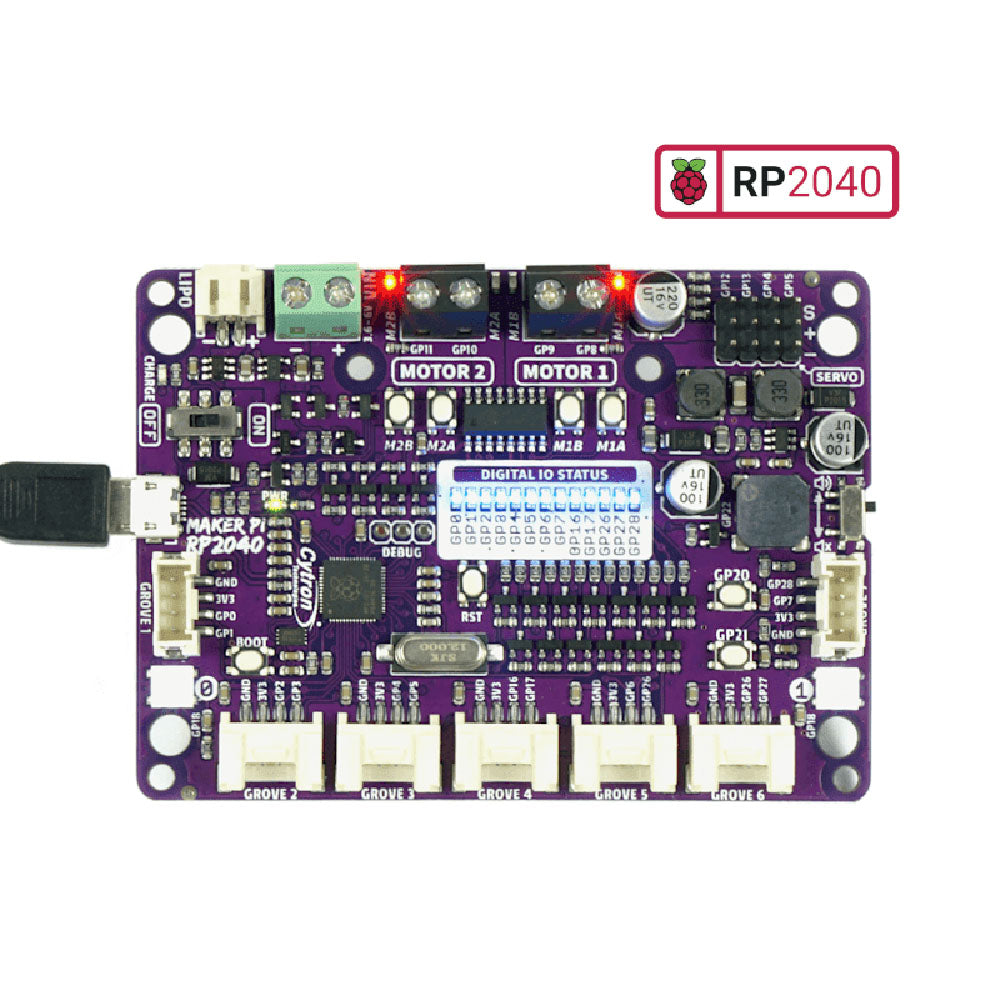
Adding power to the Maker Pi RP2040 can be done in one of three ways; via USB (5V) socket, with a single cell LiPo/Li-Ion battery or through the VIN (3.6-6V) terminals. The connected power will drive the board and connected motors and the onboard on/off switch works regardless of which powering method you choose.
The Cytron Maker Pi RP2040 is basically the Raspberry Pi Pico + Maker series’ features + Robot controller & other useful additions. Therefore, this board is compatible with the existing Pico ecosystem. Software, firmware, libraries and resources that are developed for Pico should work seamlessly with Cytron Maker Pi RP2040 too.

CircuitPython is preloaded on the Maker Pi RP2040 and it runs a simple demo program right out of the box. Connect it to your computer via a USB micro cable and turn it on, you will be greeted by a melody tune and an LED light show. Press GP20 and GP21 push buttons to toggle the LEDs on/off while controlling any DC and servo motors connected to it to move and stop. With this demo code, you get to test the board the moment you unbox it!
While connected to your computer, a new CIRCUITPY drive appears. Explore and edit the demo code (code.py & lib folder) with any code editor you like, save any changes to the drive and you shall see it in action in no time. That’s why we embrace CircuitPython – it’s very easy to get started. Wish to use other programming languages? Sure, you are free to use MicroPython and C/C++ for Pico/RP2040. For those of you who love the Arduino ecosystem, please take a look at this official news by Arduino and also the unofficial Pico Arduino Core by Earle F. Philhower.

Features:
- Powered by Raspberry Pi RP2040
- Dual-core Arm Cortex-M0+ processor
- 264KB internal RAM
- 2MB of Flash memory
- the exact same specifications as Raspberry Pi Pico
- Robot controller board
- 4x Servo motors
- 2x DC motors with quick test buttons
- Versatile power circuit
- Automatic power selection: USB 5V, LiPo (1-cell) or Vin (3.6-6V)
- Built-in 1-cell LiPo/Li-Ion charger (over-charged & over-discharged protection)
- Power on/off switch
- 13x Status indicator LEDs for GPIO pins
- 1x Piezo buzzer with mute switch
- 2x Push button
- 2x RGB LED (Neopixel)
- 7x Grove ports (flexible I/O options: digital, analog, I2C, SPI, UART…)
- Preloaded with CircuitPython by default
- Mounting holes
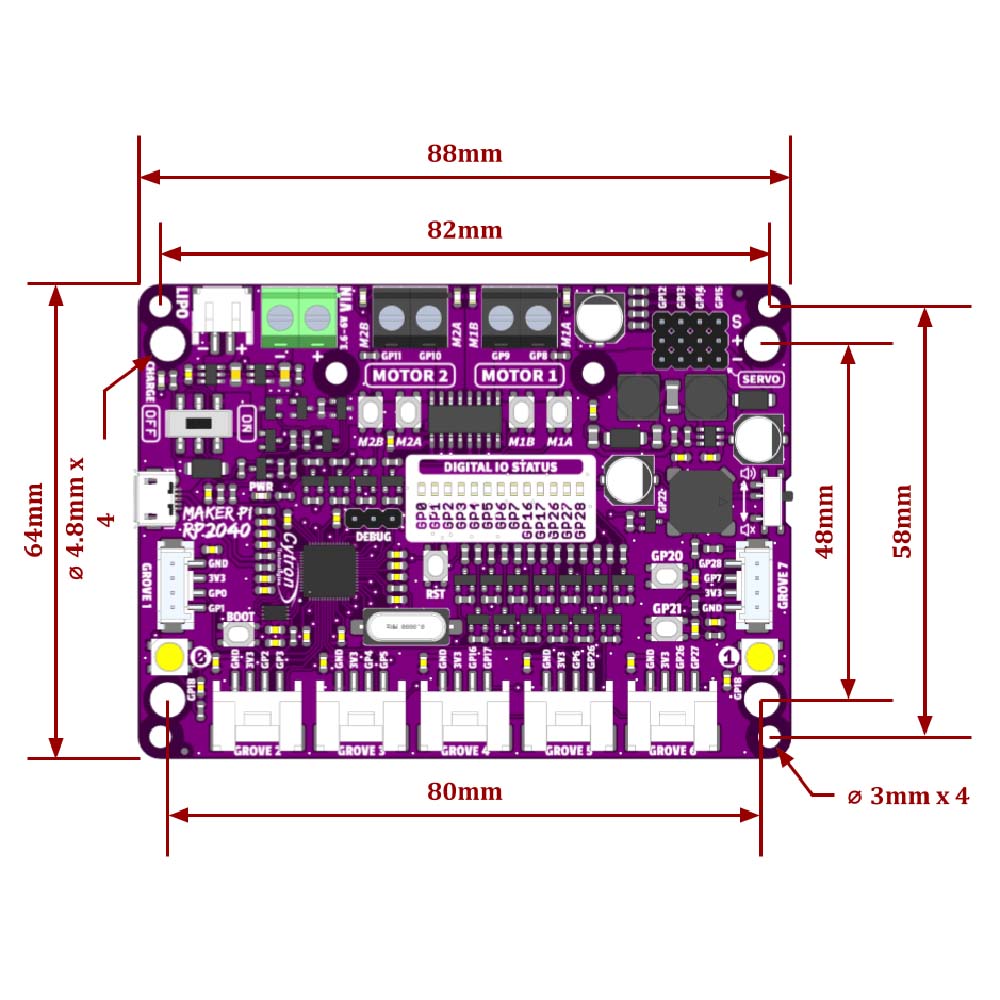
- 4x 4.8mm mounting hole (LEGO® pin compatible)
- 6x M3 screw hole
Contents:
- 1 x Cytron Maker Pi RP2040
- 4 x Grove to Female Header Cable
- 1 x Mini Screwdriver
- 1 x Silicone Rubber Feet (Pack of 4)
Dimensions:
- Length:88mm.
- Width: 64mm.
- Height: 13mm.
Video:
Requires:
- 1A USB Power Supply and USB lead.
- The following list is of optional additions;
- Hobby Motors.
- 360 Degree Servos.
- 180 Degree Servos
- Compatible Grove Sensors.
- Stepper Motor.
Reviews
There are no reviews yet.