
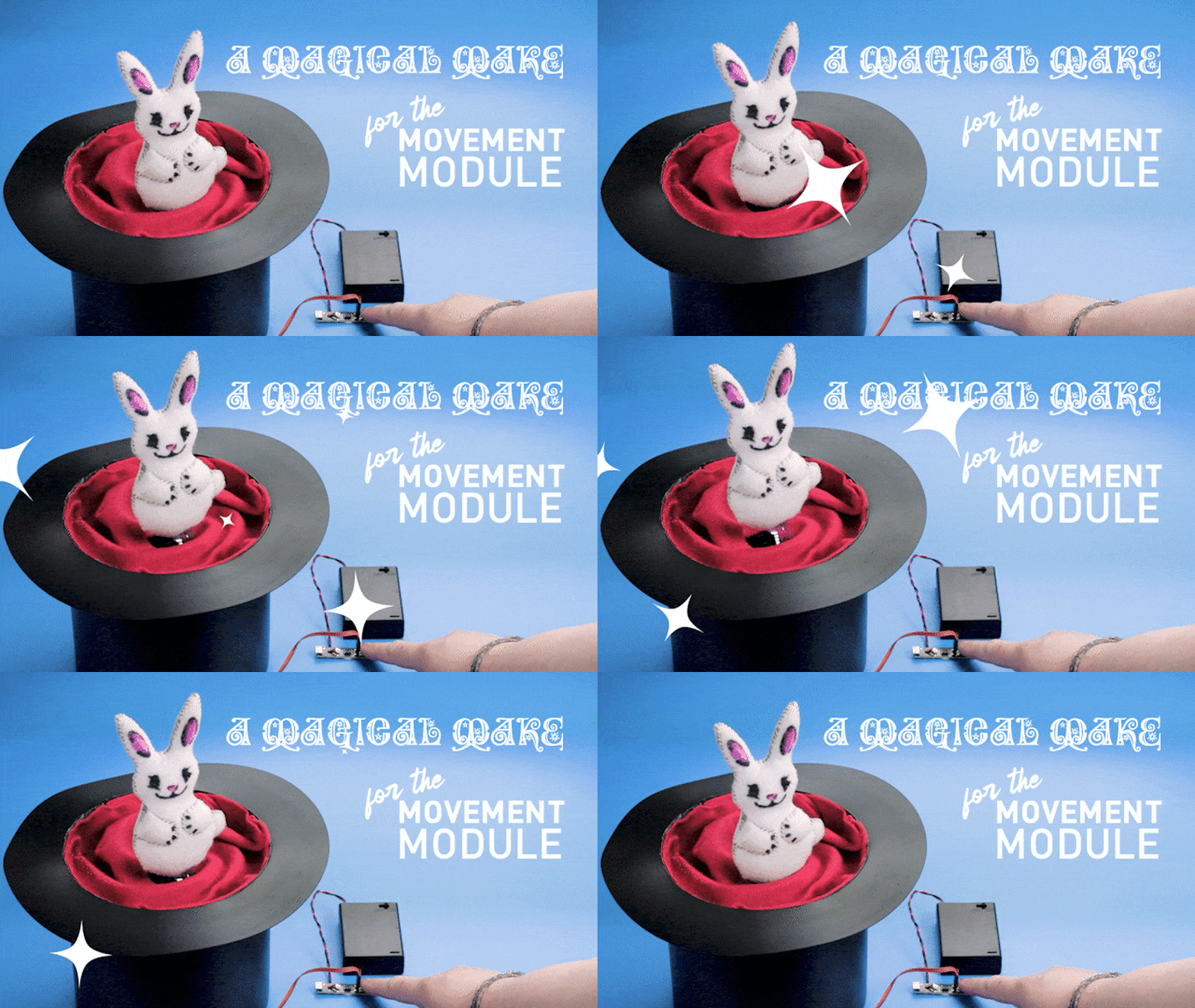
This adorable little plush rabbit is made from felt, coloured with markers and stuffed with cotton batting, and is a nice easy project in and of itself! Add in a linear actuator powered by our Movement Module, hide the battery box and linear actuator inside a top-hat, and you have an easy magic trick! Learn how…
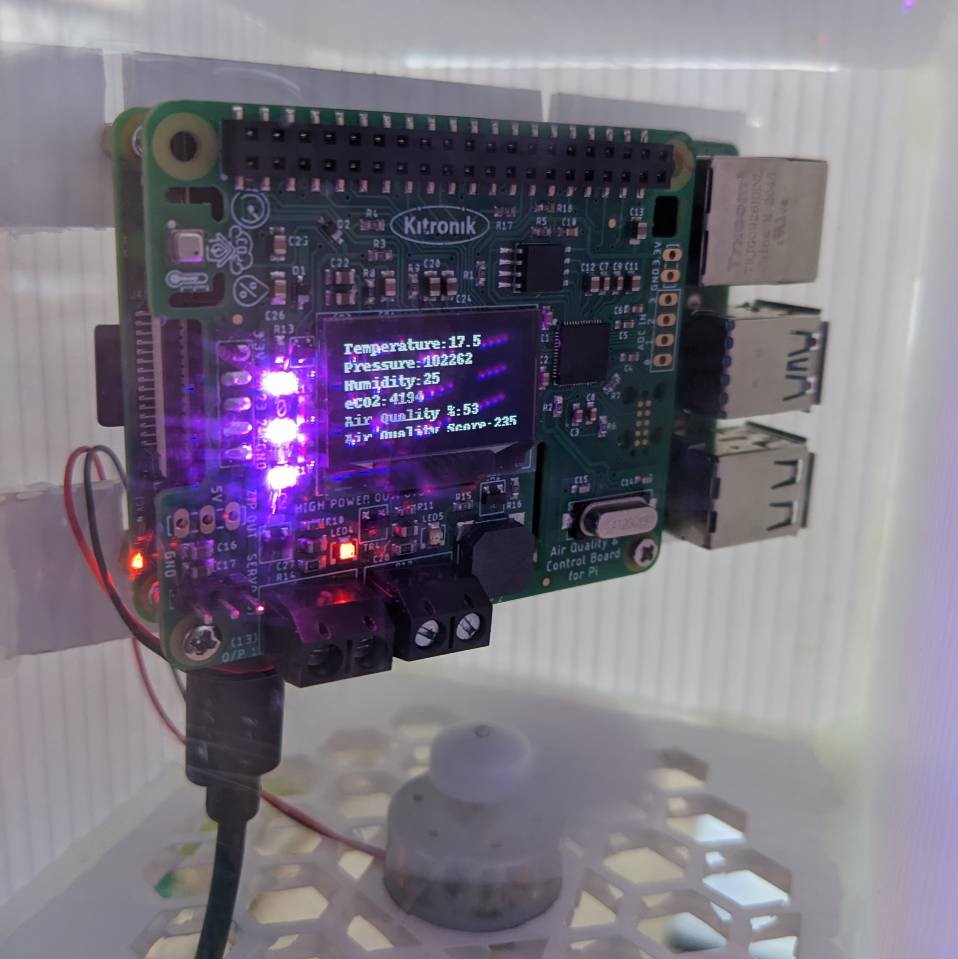
Making an Outdoor Enclosure for the Kitronik Air Quality Control HAT for Raspberry Pi
In this blog we will explore making and testing an outdoor enclosure for the Kitronik Air Quality Control HAT for Raspberry Pi. The library and example code for the Air Quality Control HAT can be found on our GitHub repo. Find out more!

Tech Talk – micro:bit Python Editor – Thurs 9th of March at 10:30AM GMT
We’re back with another tech talk. Join Emma & Kevin as they explore the basics of using the New micro:bit Python Editor. They’ll explore the interface and get hands on with some code examples. If you want to get into Python with micro:bit but are unsure of where to start, this is the tech talk for you. Learn more…
Simple DandT SpOoOoky Make Ideas For Halloween 2022
Get festive this October with some easy Halloween makes! Emma guides you through how she made each of the following projects, and we’ve provided you with all of the necessary DXFs, PDFs, Illustrator Files, and HEX files. Read on to find out more.
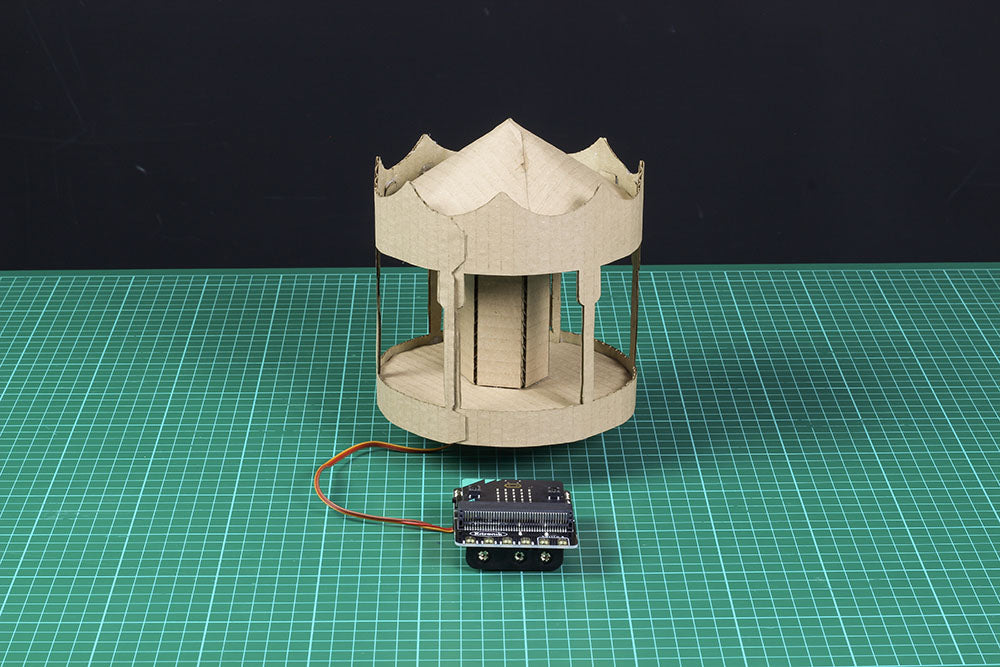
How to Make a Carousel with the Simple Servos Starter Pack for BBC micro:bit
Another installment in our series of makes for the Kitronik Simple Servos Starter Pack for BBC micro:bit – a Carousel! This is a deceptively easy make, with only some cardboard to stick together and a single servo attached to a wheel. Learn how…
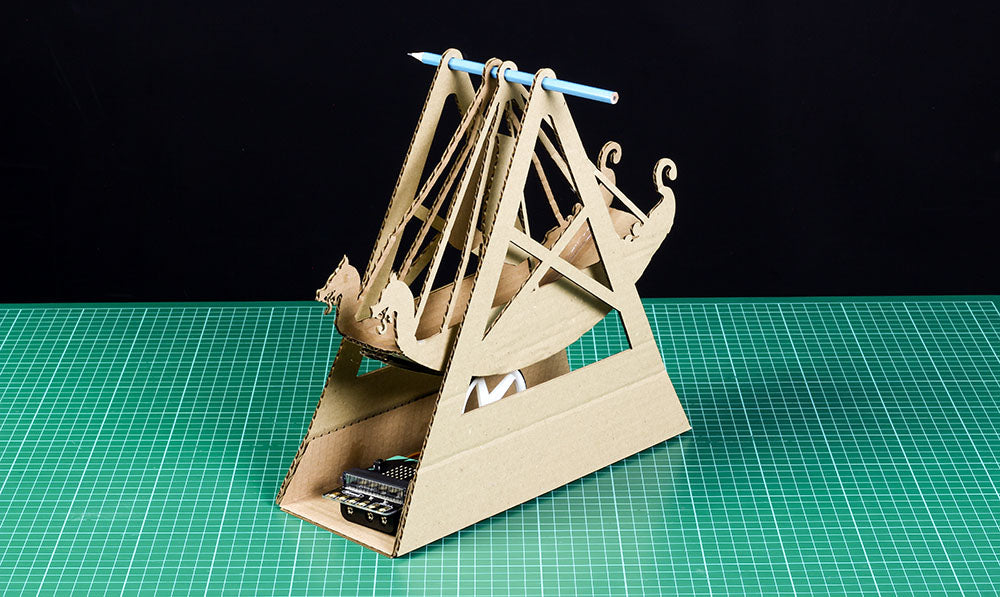
How to Make a Swing Boat with the Simple Servos Starter Pack for BBC micro:bit
The third make in the Simple Servo Kit makes series, this is a fairground swing boat ride propelled by a wheel which runs along the underside of the boat. It only uses one Servo, and so is still a relatively simple make. Follow along with Emma and learn how to make your own. Find out more…
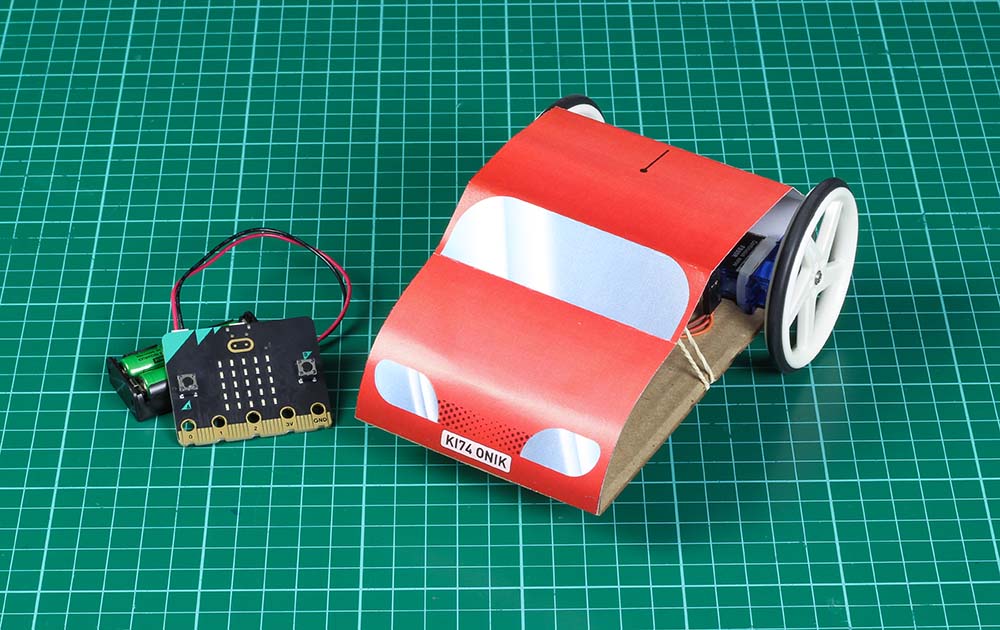
How to Make an RC Car with the Simple Servos Starter Pack for BBC micro:bit
Fourth in the Simple Servo Kit make series is a fun little remote control car! Using the radio functions on the BBC micro:bit you will make the two servos respond to various inputs on a micro:bit being used as a remote control. Follow Emma’s process and make your own simple radio controlled car for the BBC micro:bit.
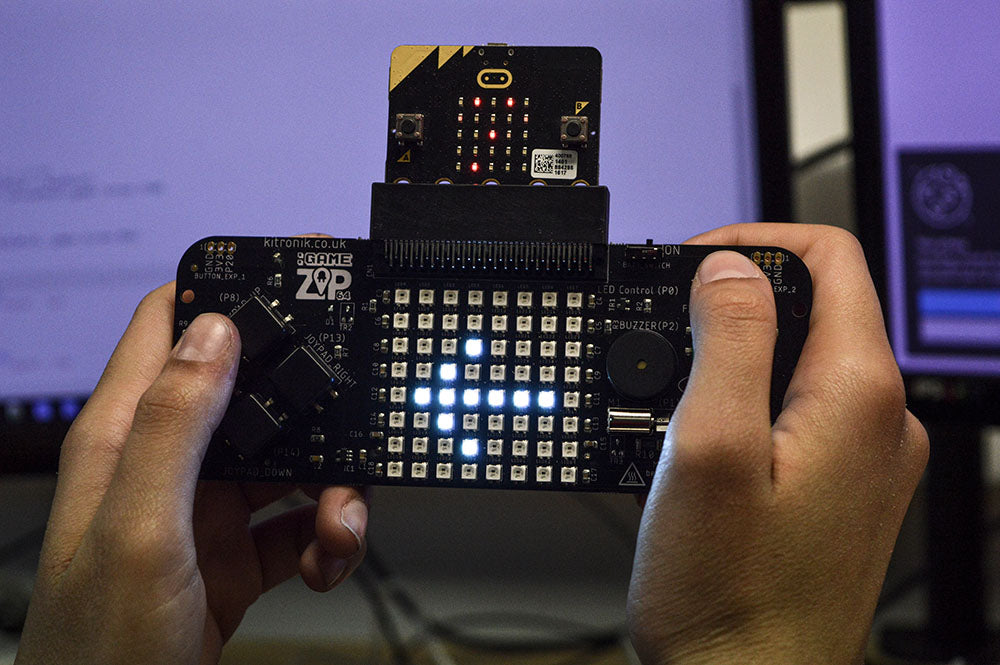
How To Create A Reaction Game For The :GAME ZIP 64 And BBC micro:bit
Hana from Kesteven and Grantham Girls School shows you how to build a reaction game using the Kitronik :GAME ZIP 64 for microbit; there are six stages that have been made to help guide your learning and construct your coding confidence! So, with that in mind, let’s get learning.
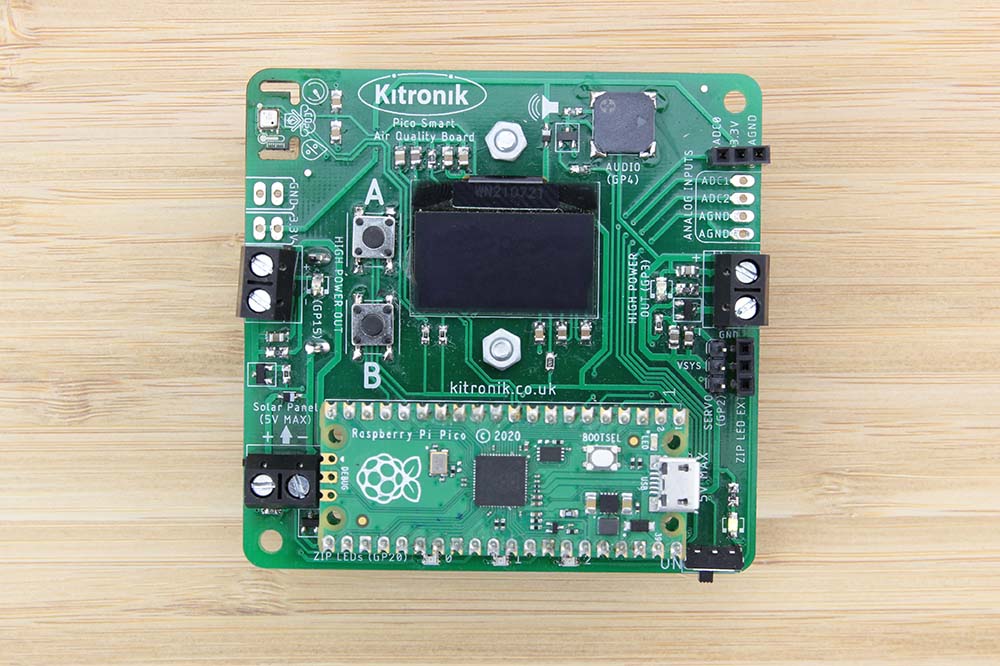
Online Tutorial – Pico Smart Air Quality Board – Using the BME688 Sensor
The BME688 sensor provides the main functionality of the board: measuring air quality and climate data which the Pico can then access and read. Learn how use the sensor to gather and monitor readings with the Raspberry Pi Pico.
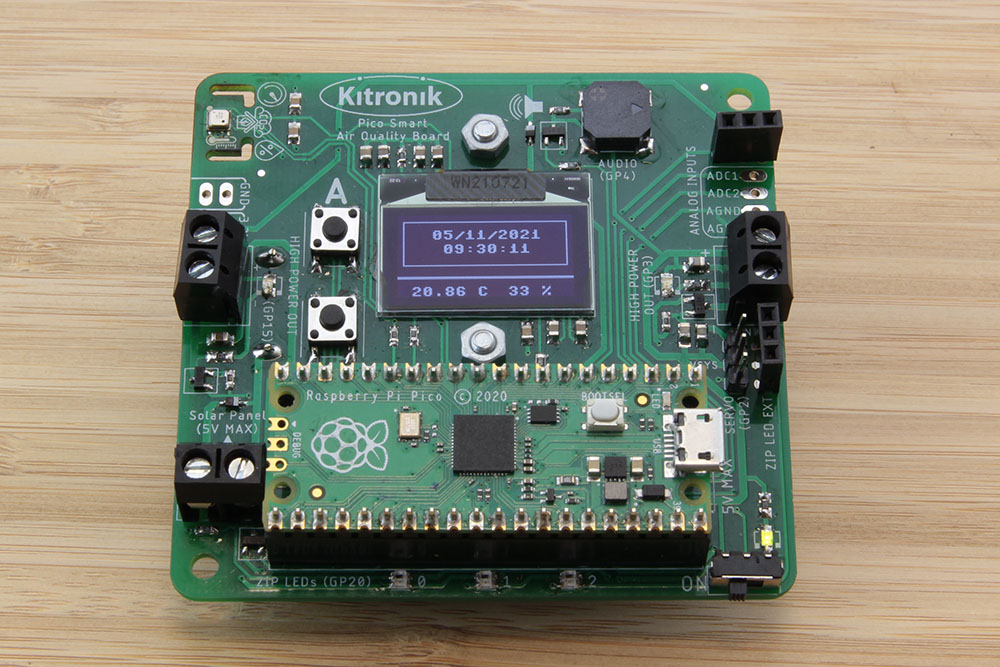
Online Tutorial – Pico Smart Air Quality Board – OLED and RTC
The Pico has a number of built-in features beyond just having lots of pins for controlling and communicating with external devices, and one of these is the real-time clock (RTC). Learn how to make use of the boards RTC and OLED display.