
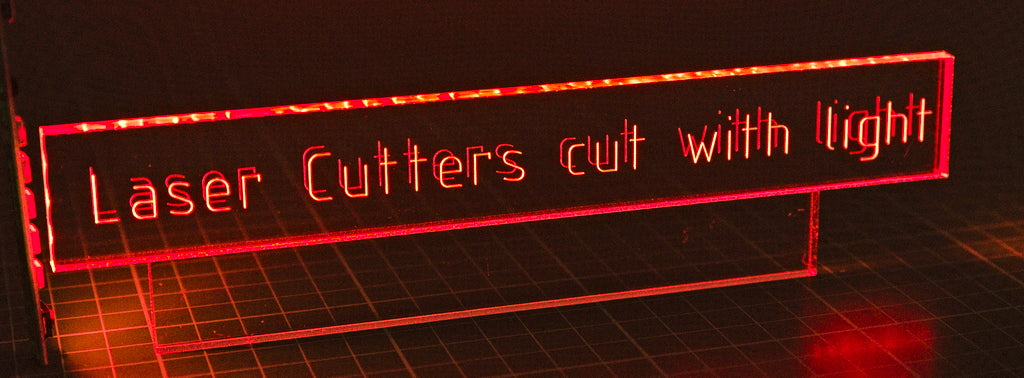
‘Kiss cutting’ is a different laser technique that lightly engraves a surface, but the laser doesn’t follow a raster pattern, it follows a cut line. ‘Kiss cutting’ is especially useful for engraving lettering. Find out more…
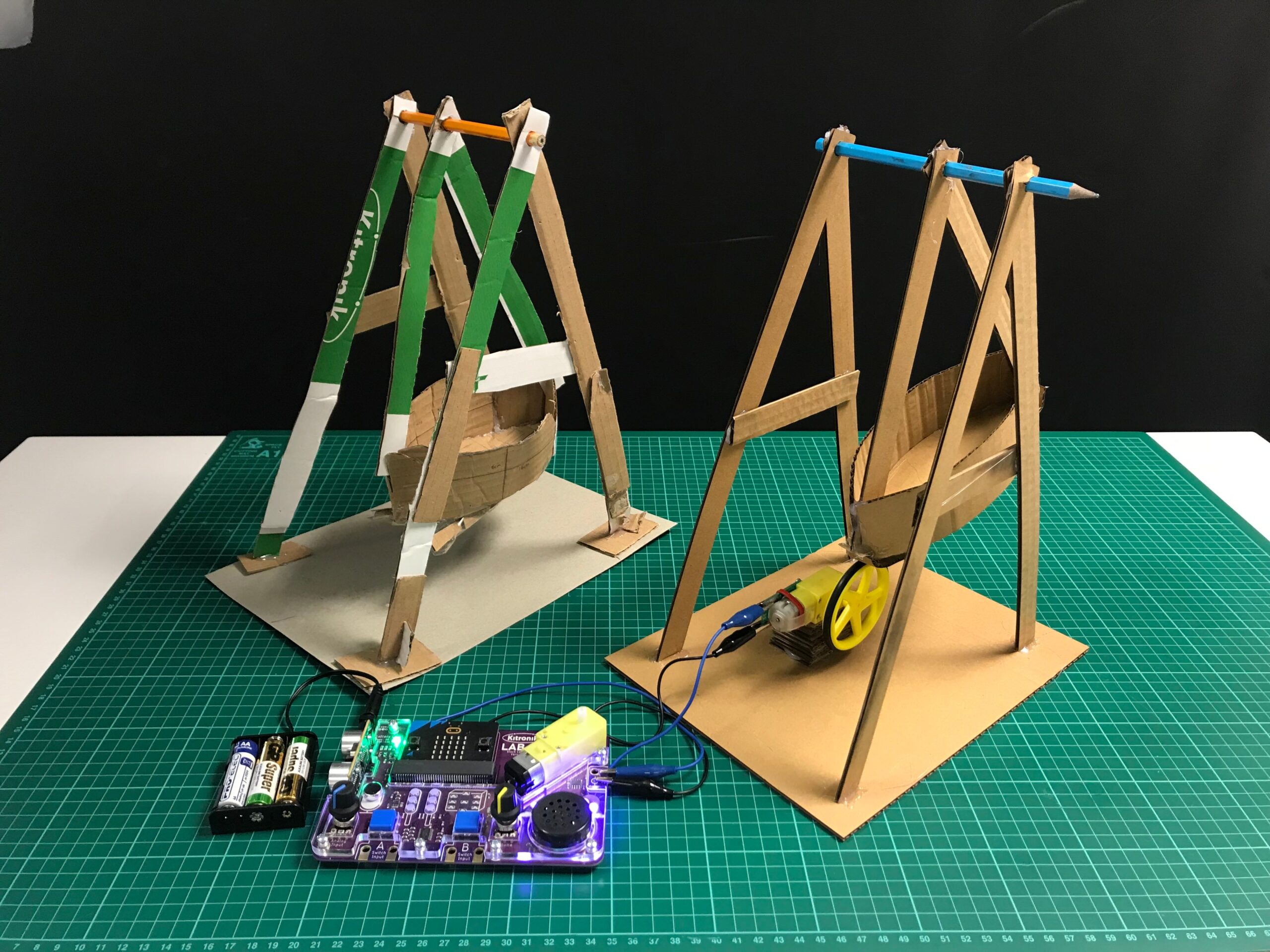
A Pirate Ship for the LAB:bit for BBC micro:bit
Isabelle from The Fernwood School joined us recently for a weeks work experience, and was tasked with creating a set of Fairground rides to complement the LAB:Bit. Her brief was to create some designs that could be made in a KS2 classroom using cardboard, glue and sticky tape. Here is what she came up with:
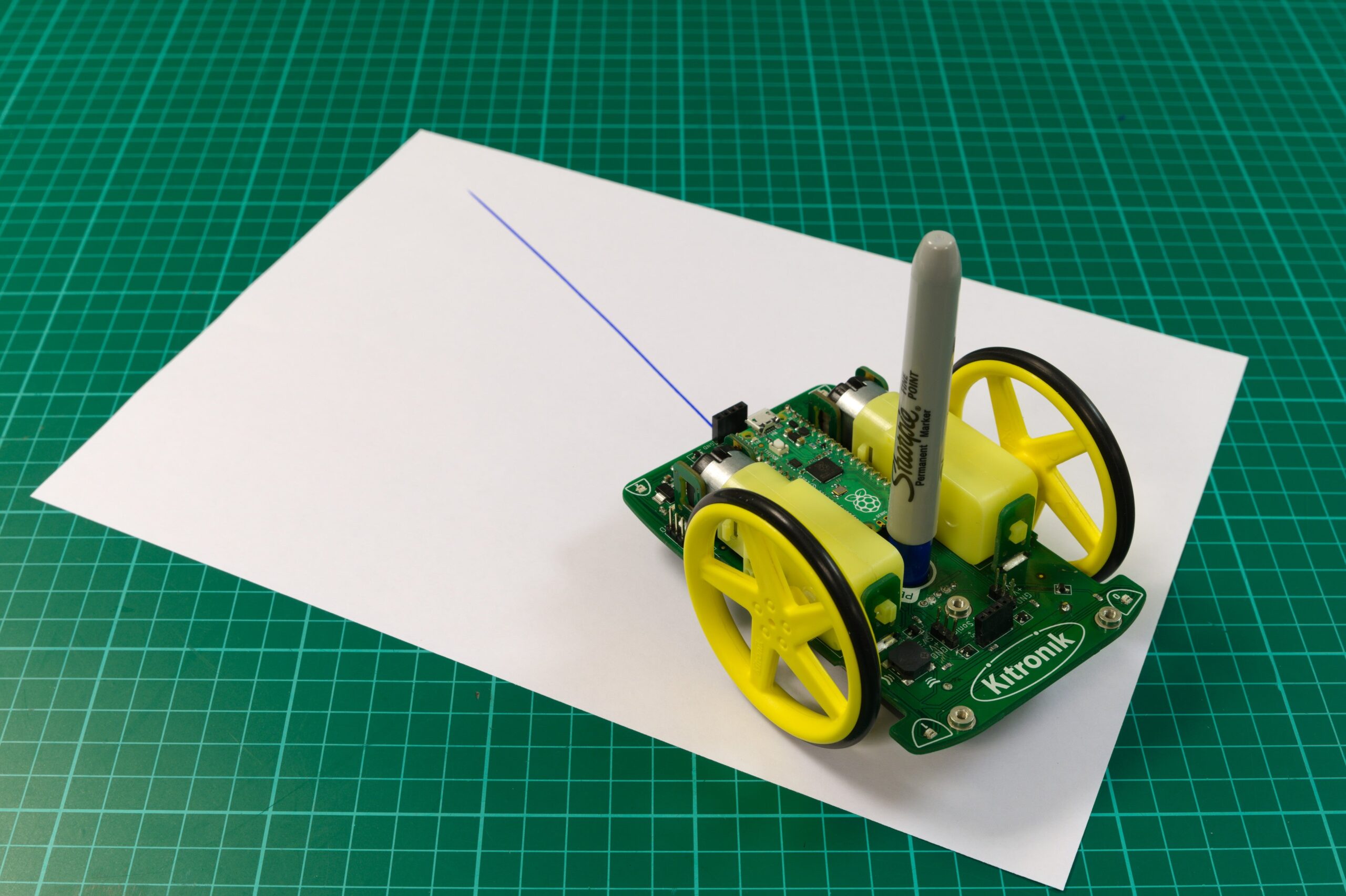
Online Tutorial – Autonomous Robotics Platform for Pico – Using the Motors
Learn how to write code to take control of the motors on the Kitronik Autonomous Robotics for Raspberry Pi Pico (Pico-ARP). Learn how to get the wheels turning, at the same speed, and how to turn your Pico-ARP into a drawing bot.
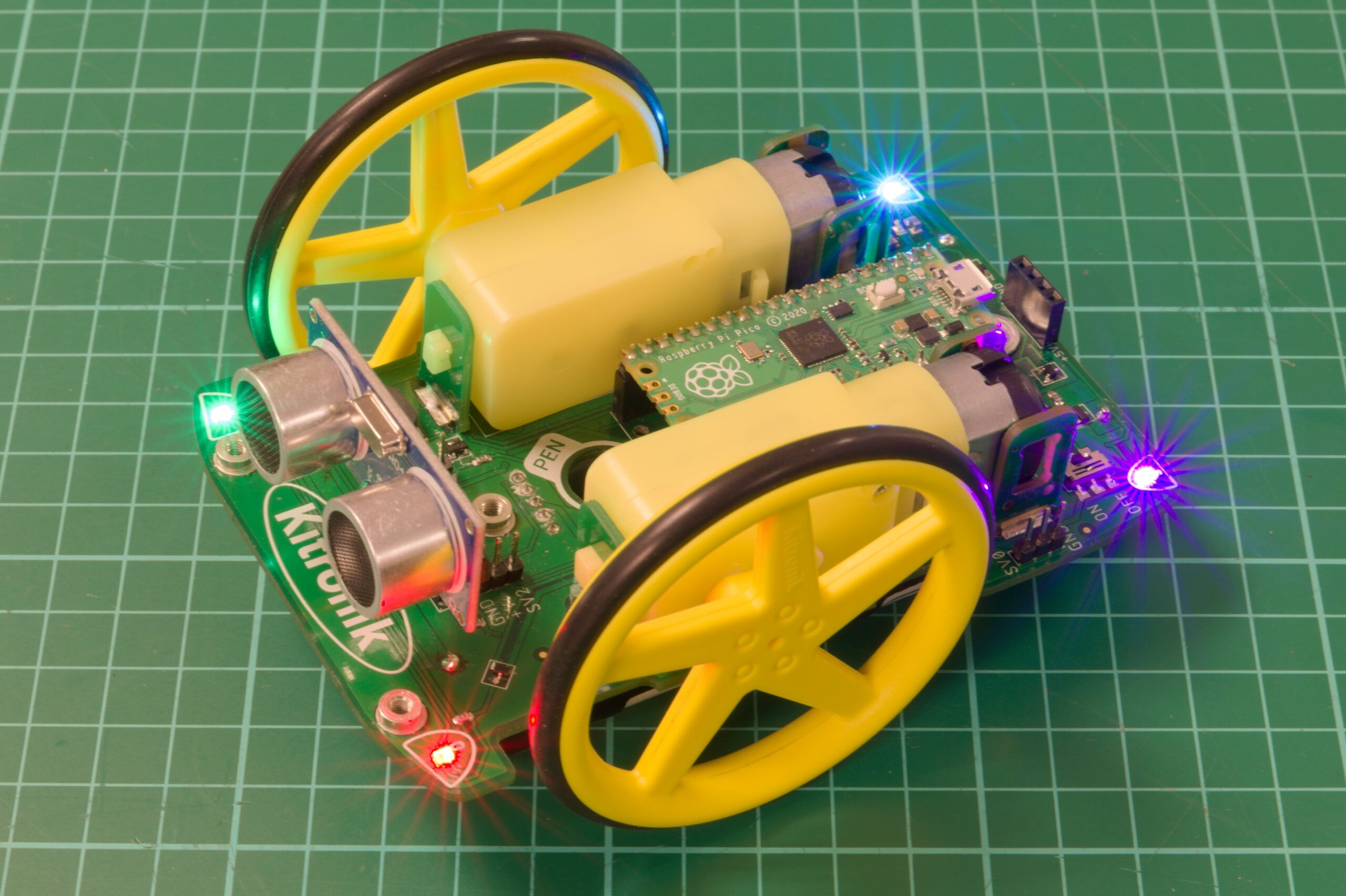
Online Tutorial – Autonomous Robotics Platform for Pico – Buzzer, Button and Lights
Learn to code the additional features of the Kitronik Autonomous Robotics platform for Raspberry Pi Pico. Take control of the Pico-ARP Buzzer, button, & Lights. The resource contains code and a full walk-through of how it works.
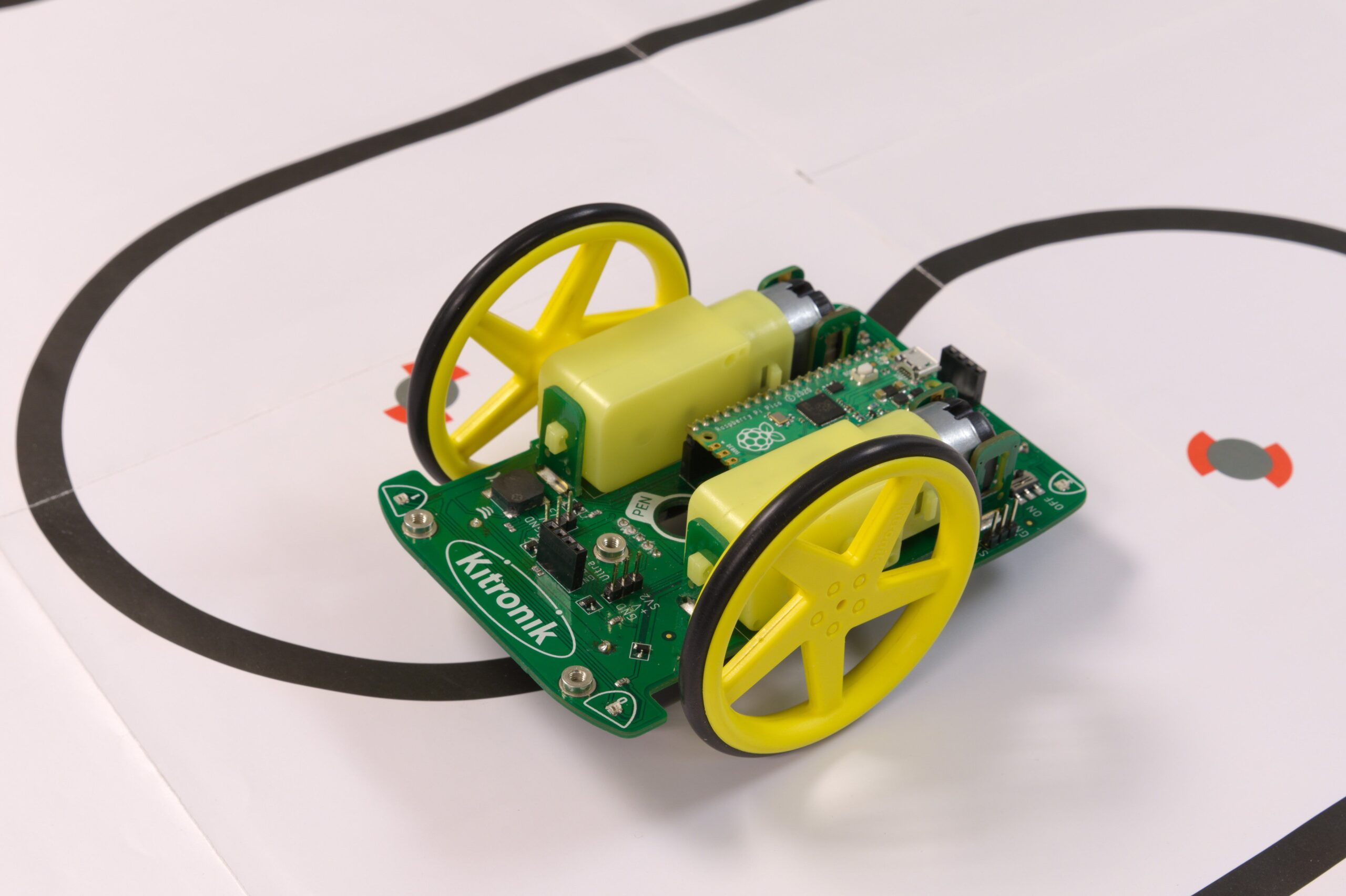
Online Tutorial – Autonomous Robotics Platform for Pico – Using the Line Following Sensors
Learn how to take control of the line following sensors on the Kitronik Autonomous Robotics Platform for the Raspberry Pi Pico. Work through this resource and learn how to add line following to your buggy.
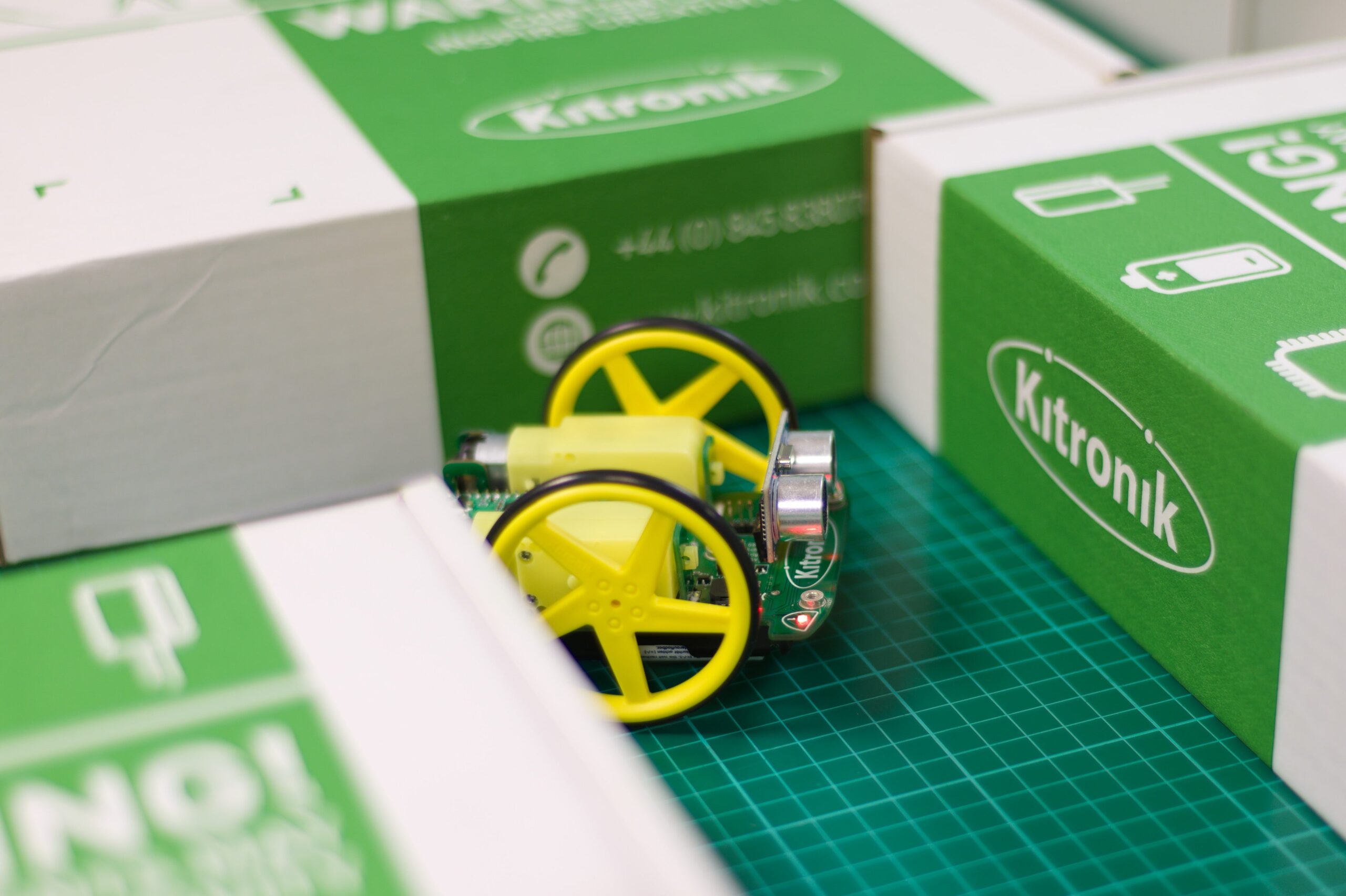
Online Tutorial – Autonomous Robotics Platform for Pico – Using the Ultrasonic Sensor
Learn how to add distance sensing and obstacle avoidance to the Kitronik Autonomous Robotics Platform for Pico. The buggy is supplied with a distance sensor, learn how to add more autonomy to your robot with this guide.
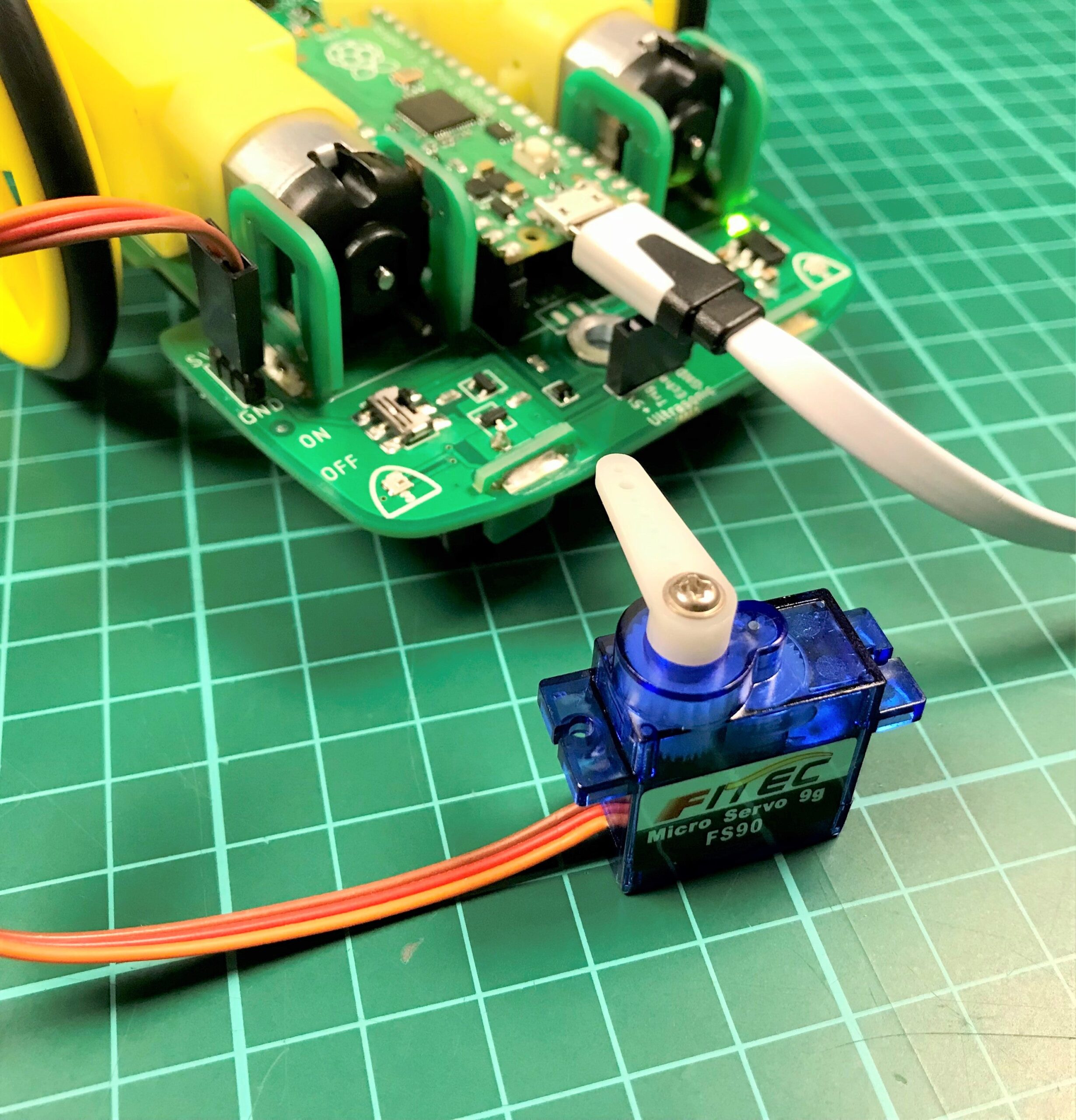
Online Tutorial – Autonomous Robotics Platform for Pico – Using the Servo connections
The ARP has 4 servo connections. These can be used to control standard hobby servos. The servo connectors are located 2 towards the rear of the ARP, just outside the motors, and 2 towards the front, by the ultrasonic connector. Learn how to set up and code for the servos to enhance your robotics project.
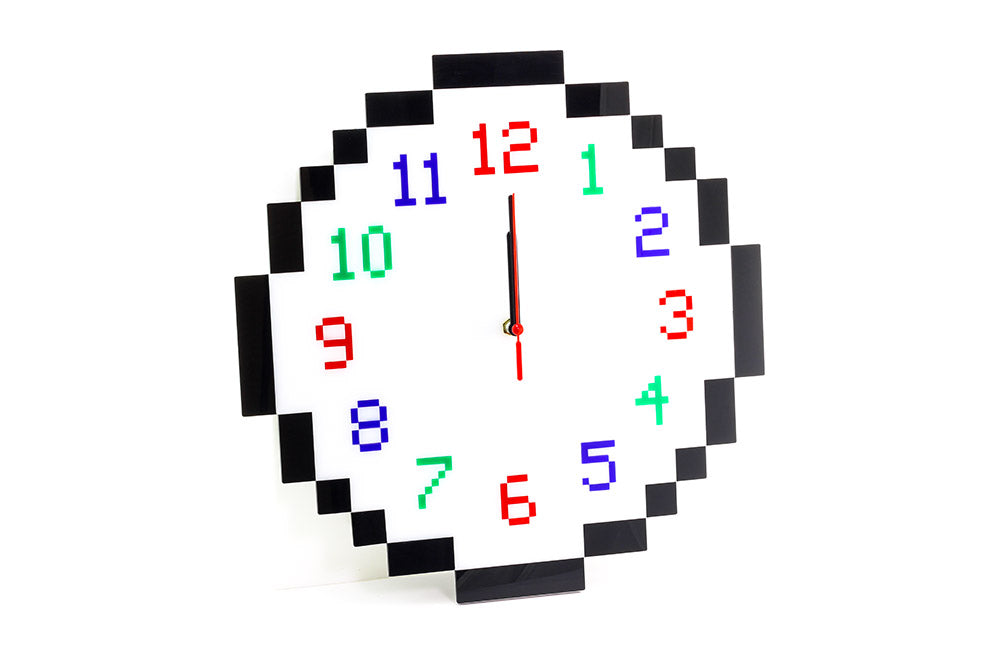
How To Make A Pixel Clock With Value Acrylic
Take a break from the hi-res courtesy of this Pixel Clock made from our value range of cheap acrylic sheets. This make is easy to make and will look great on your desk on a shelf in your workspace. As always, the DXF files are downloadable for free. Use them to make your own or as the basis for your own designs!
Tech Talk – Halo HD for BBC micro:bit – Thurs 15th July
The Kitronik Halo HD for BBC micro:bit, Kevin and Alasdair will run through the features and they will answer any questions you have live. Join us for live Q&A. The Halo HD is a very versatile bit of kit, you can use to display real-time information such as time and compass heading, the only limit is your imagination.
Pico Thermometer – Discovery Kit For Raspberry Pi Pico Extension Exp 1
This is the first of several extension experiments for the Discovery kit that will only be available online. Learn how to read the onboard temperature sensor and understand the conversion from Voltage to ADC.