
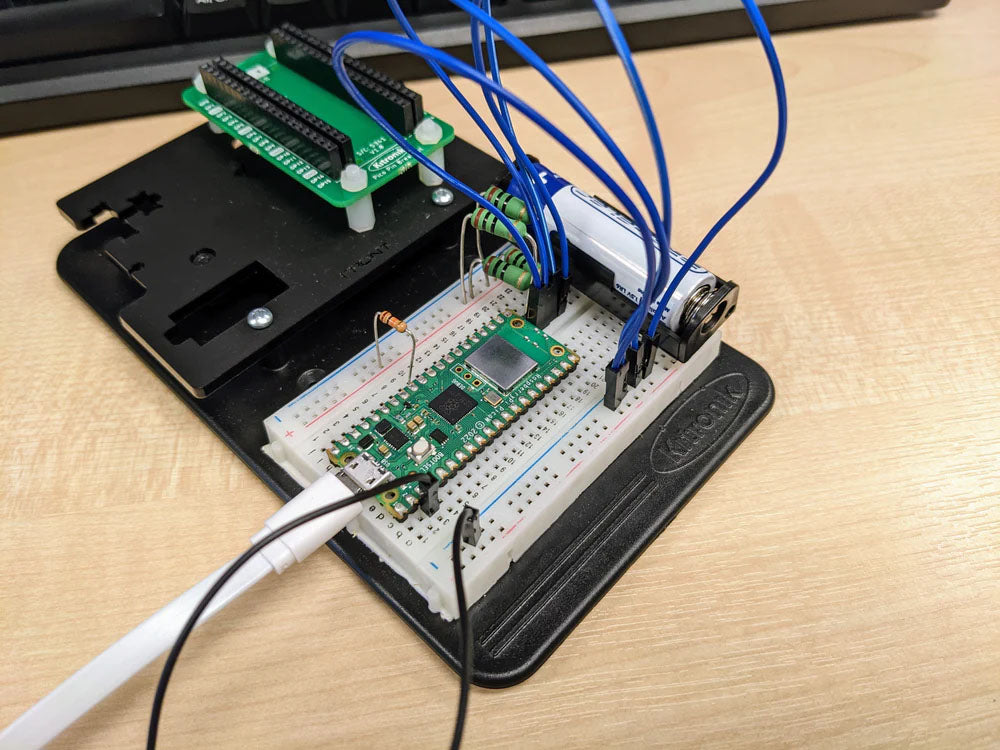
Using a Raspberry Pi Pico to record how long it takes for a battery to drain In this tutorial we’ll demonstrate how a Raspberry Pi Pico can be used along with some simple electronic components and Python code to record the voltage of a AA battery. Learn more…
Tech Talk – Black MDF – Thurs 27th Oct @ 10:30AM BST
Kitronik and Smoke & Mirrors are back with another materials themed tech talk. Join Emma & Dominic as they explore laser compatible Black MDF. What is it, what can you make with it, and why you might choose it over something else. All this and more, don’t forget to tune in this Thursday 27th of October at 10:30 AM BST.
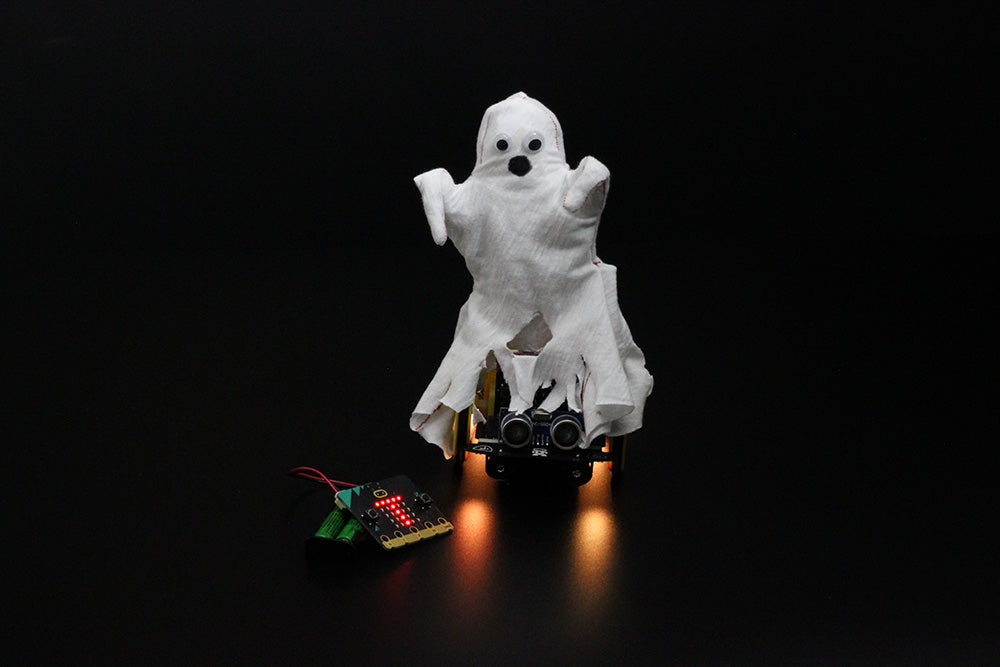
Turn The :MOVE Motor Into A Radio Controlled Halloween SpookMobile
This is a simple make that sits on top of your :MOVE Motor and adds some Halloween drama to your remote-controlled buggy. The LEDs are used to replicate the flickering of candles, and the V2 micro:bit’s speaker is used to make a ghostly noise. Follow Emma’s instructions and make your own!
Tech Talk – Laser Compatible Rubber – Thurs 6th Oct @ 10:30AM BST
Kitronik and Smoke & Mirrors are back with another materials themed tech talk. Join Emma and Dominic as they explore laser compatible rubber. What is it, what can you make with it, and why you might choose it over something else. All this and more, don’t forget to tune in this Thursday 6th of October at 10:30 AM BST.

The micro:bit Educational Foundation Launches A New micro:bit Python Editor
In celebration of Code Week, the non-profit micro:bit Education Foundation today released a new micro:bit Python editor. This new coding tool aims to transform how we teach text-based coding languages and also to help more children learn the world’s most in-demand software languages. Find out more…
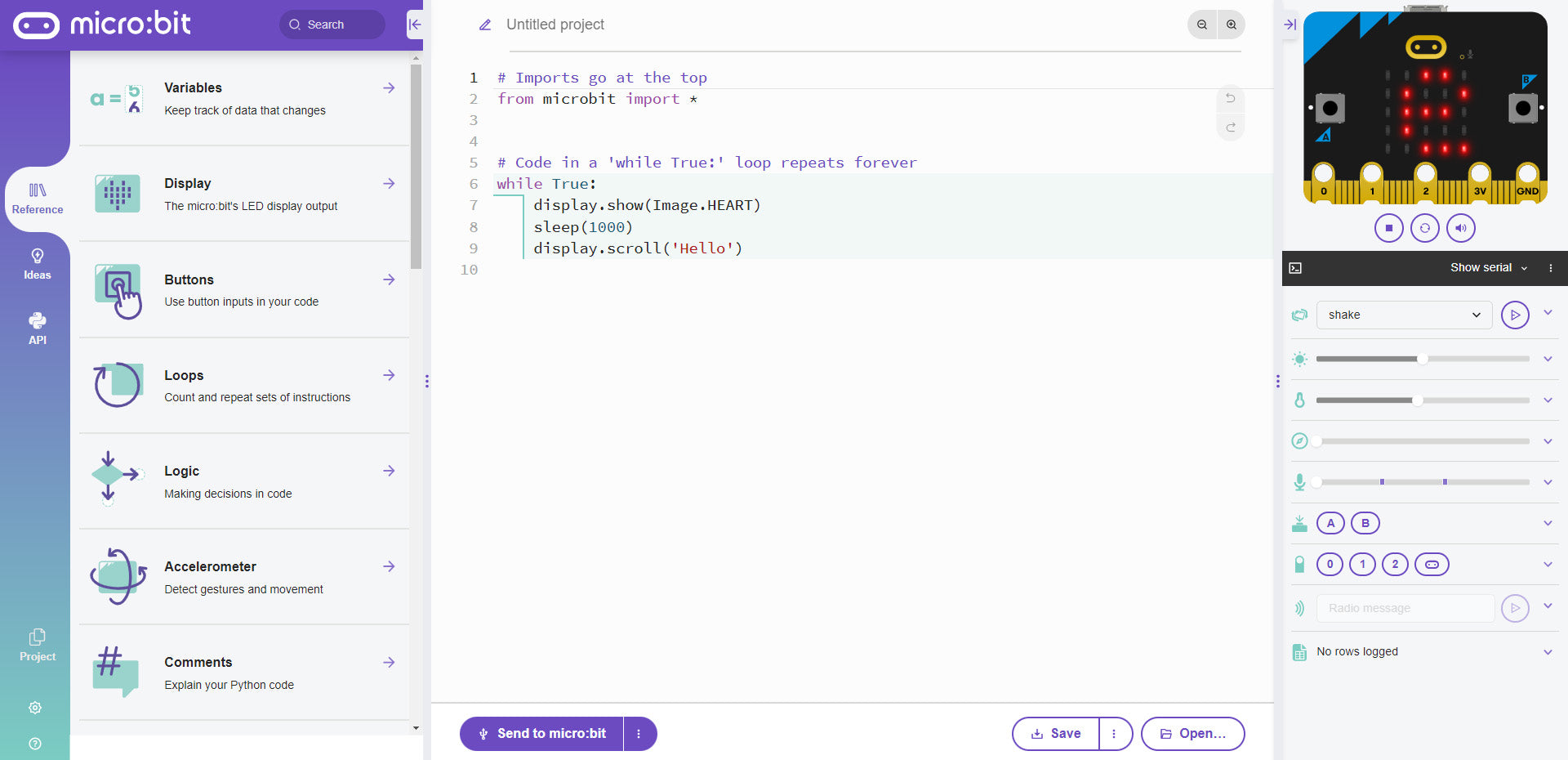
The Beginners Guide To The New micro:bit Python Editor
This morning, Monday 3rd October, saw the release of the new micro:bit Python Editor by the micro:bit Educational Foundation. This guide has been produced to help you get going straight away. This guide also contains a video that walks you through the basics. Find out more…
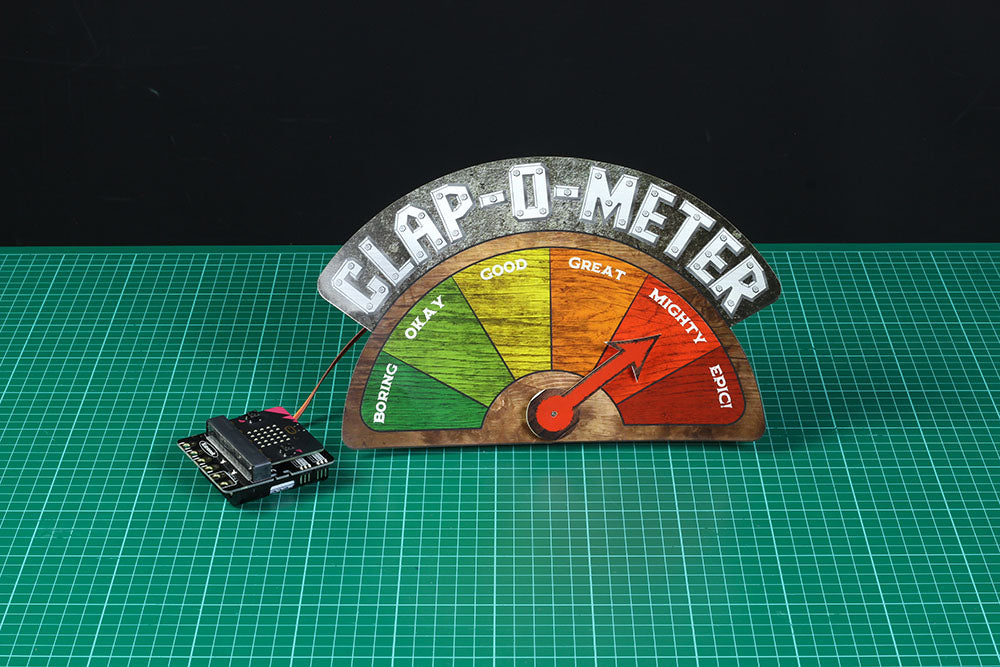
How to Make a Clap-o-meter with the Simple Servos Starter Pack for BBC micro:bit
The first in a series of makes for the Simple Servo Kit – a Clap-O-Meter! This simple make reads the sound level using the microphone on the BBC micro:bit V2 and a Kitronik Simple Servos Starter Pack for BBC micro:bit. Find out how…
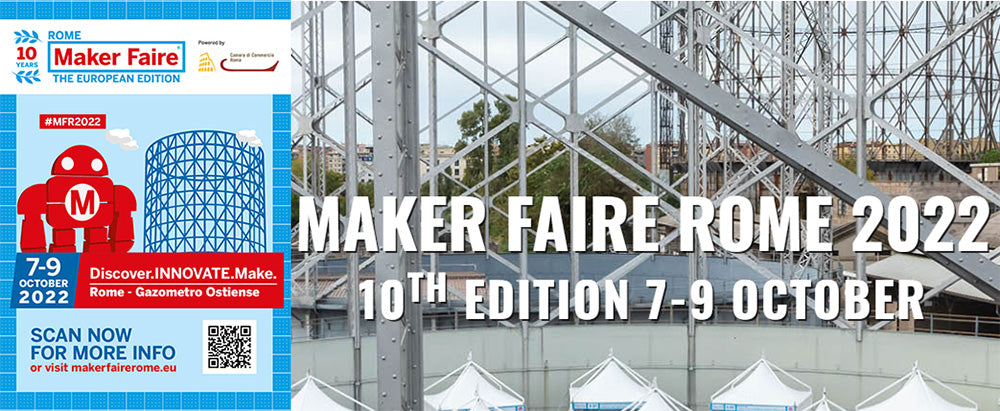
Kitronik are going to the 10th Rome Maker Faire 7-9th Oct 2022
From the 7-9th October “Maker Faire Rome – The European Edition” is back at the Gazometro Ostiense and is celebrating 10 years of innovation. We will be joining our good friends and MFR Partners Digi-Key Electronics and showing off a selection of our innovative products. See you there?
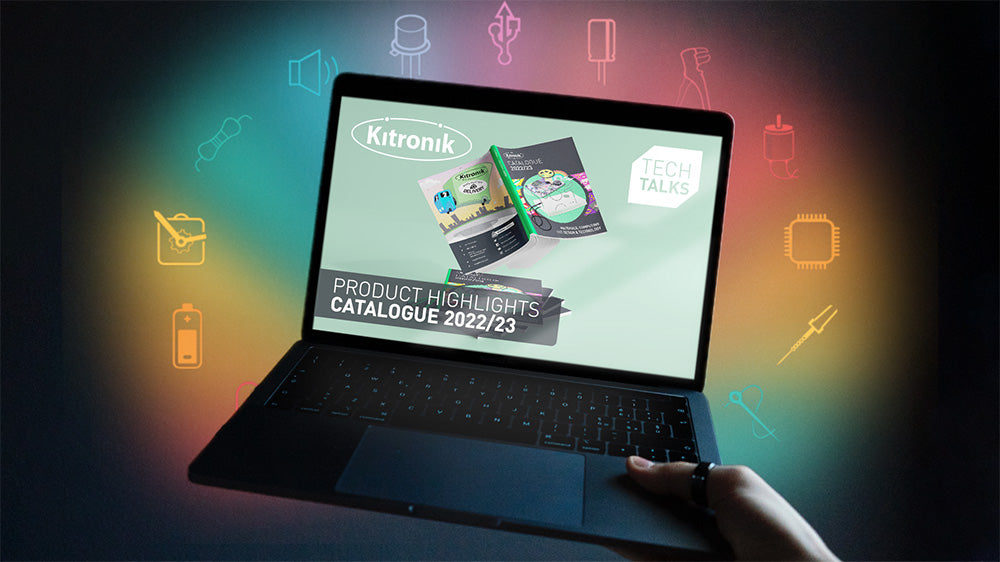
Tech Talk – New Catalogue Highlights – Thurs 22nd Sept @ 10:30AM BST
The Kitronik team are back with another Tech Talk. This time we’re exploring our new Materials, Computing & Design & Technology Catalogue 2022-2023. Alasdair & Emma will go through it and highlight newly added products and resources. Set your reminder!
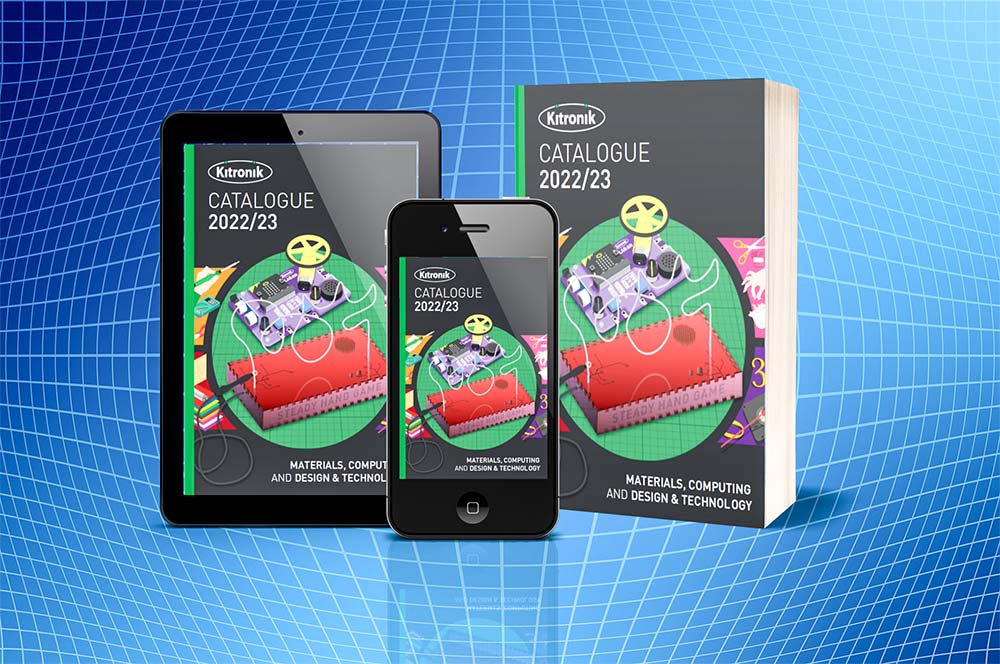
Kitronik Materials, Computing & Design & Technology Catalogue 2022-2023
We hope everyone had a great summer and that you’re ready for the year ahead. The start of the new school year also marks a new catalogue release from Kitronik. We are pleased to bring you the new Materials, Computing & Design & Technology Catalogue 2022-2023.