
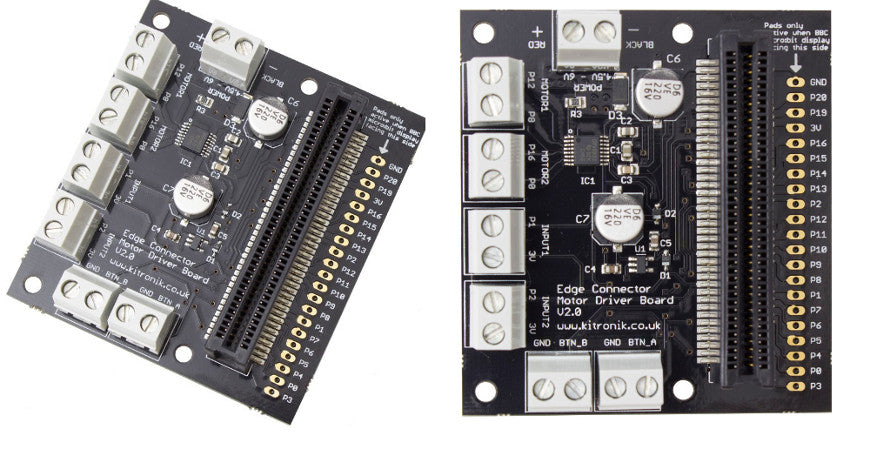
As has been highlighted in the most recent BBC micro:bit newsletter, we have just launched a new and improved version of our very popular Motor Driver Board for the BBC micro:bit, The Motor Driver Board V2.
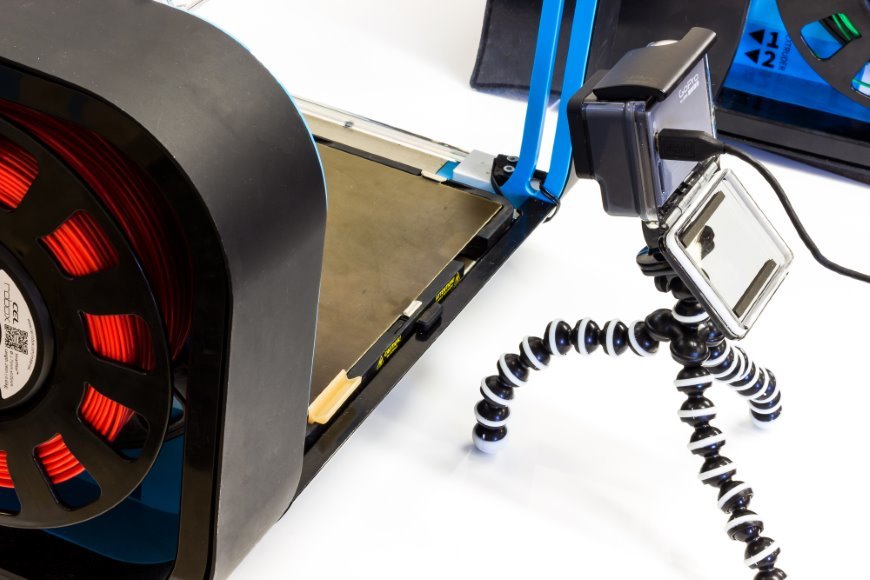
Make A Time-Lapse 3D Print Video With A GoPro
We’re always looking for interesting ways to show off our kits, and recently we got hold of a Go Pro to take some buggies eye footage (more on that soon). Whilst we were all set up we thought we’d show you how easy it is to make a time-lapse video of a 3D print on the Robox RBX-01 Printer using a Go Pro.
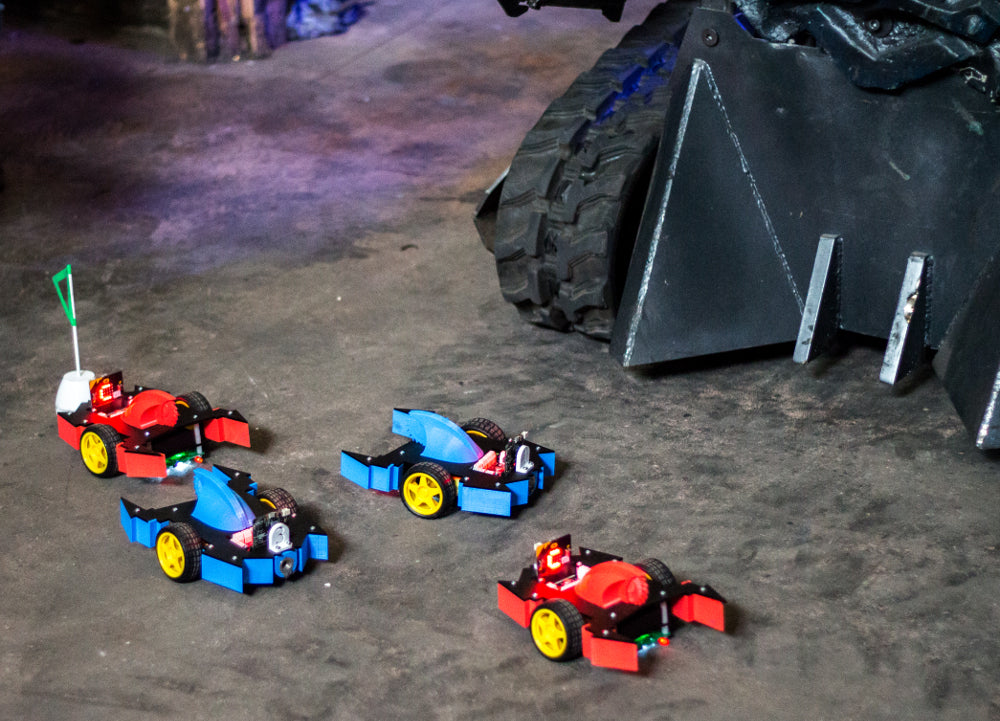
Robot Buggy Part 1 An Introduction
This fun learning resource has been put together to provide teachers with an all in one design and technology challenge that you can set for your students over the course of a term or a year. The resource includes a number of different design and technology aspects; electronics, mechanical assembly, 2D and 3D design, using a laser cutter, using a 3D printer and coding and testing. There are also alternative production methods highlighted in the individual resources.
Robot Buggy Part 6 Coding With The MakeCode Editor
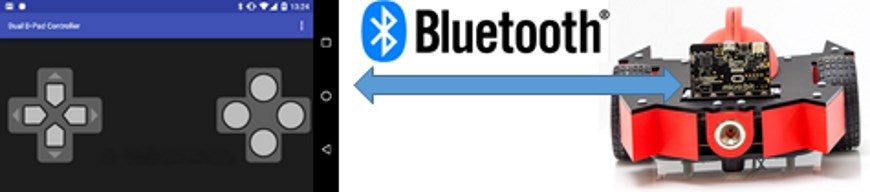
Martin Woolley explains how he wrote the Robot Buggy code using the Microsoft PXT Editor for the BBC micro:bit. Includes a link to the completed code. Martin not only wrote the code that we use for the remote controlled buggies, he also designed the Bluetooth profile for the BBC micro:bit and wrote and released the micro:bit Blue App, which we used to control the buggys.
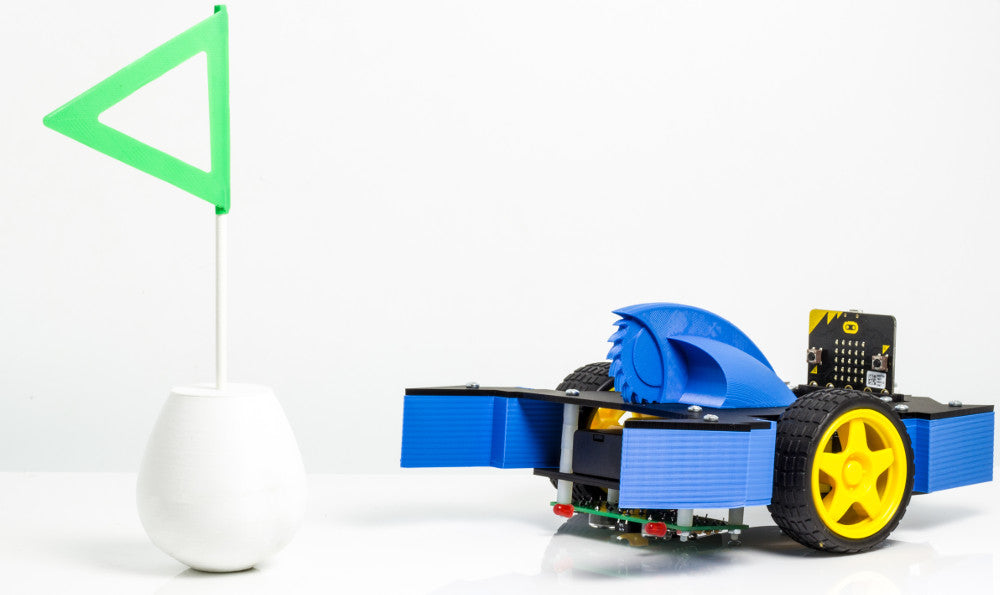
Robot Buggy Part 5 The Self Righting Flag
The last part of our physical design challenge was to design a flag for a capture the flag style game. As with most of the design challenges that this project presented, we had some ideas and discarded the difficult and impractical until we were left with a simple but effective solution.
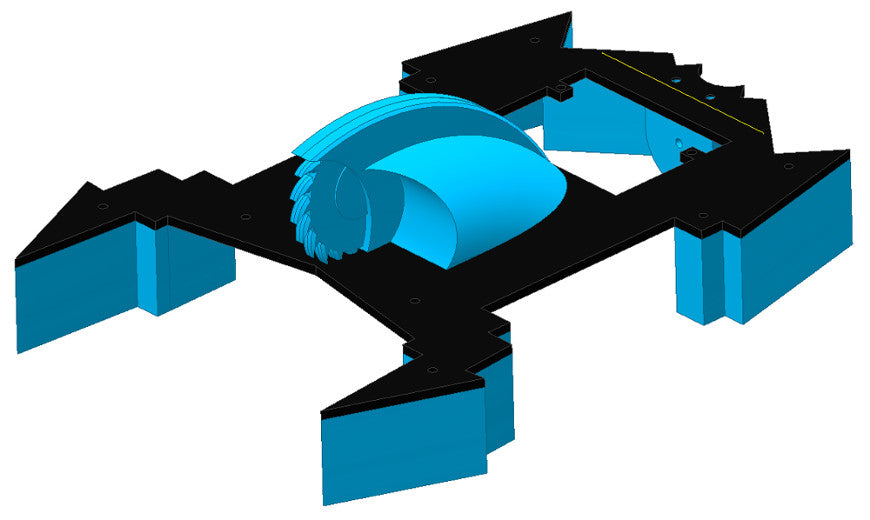
Robot Buggy Part 4 The 3D Printed Add-Ons
When designing the 3D printed add-ons we had two main aims; that they maintained our Robot Wars theme and that they could be printed easily. Our additional goals were to create two team colour schemes and that each buggy had it’s own personality.
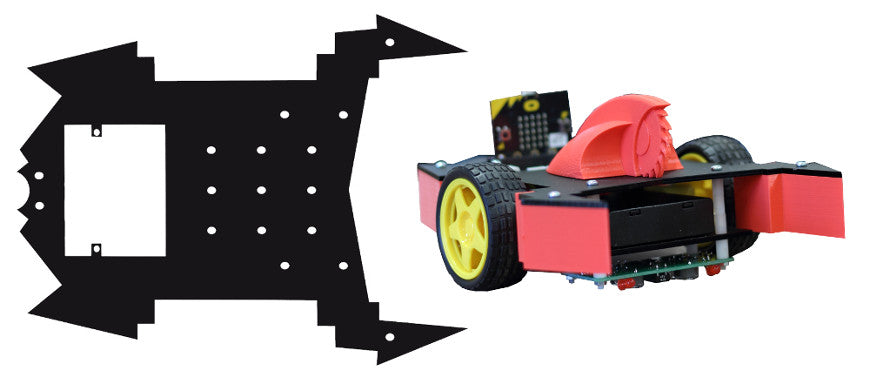
Robot Buggy Part 3 Creating The Perspex Top Plate
We looked at a few different ways of achieving our Robot Wars inspired buggy but quickly settled on keeping the buggy completely intact and cutting a top plate from a perspex sheet. We wanted it to be functional, aesthetically pleasing and also easy to produce. We had six buggies to design and build and only a few days to get them done.
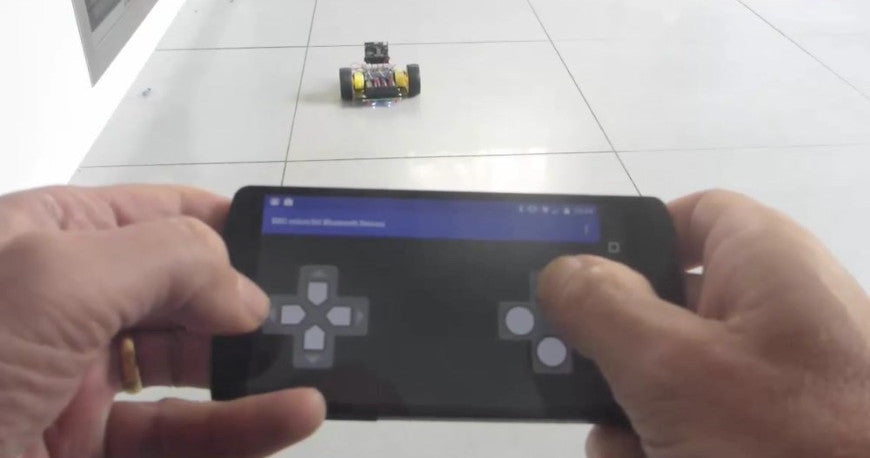
Robot Buggy Part 7 Remote Control Via Bluetooth
Bluetooth is the technology that makes the remote control aspect of this project possible, fortunately, the BBC micro:bit comes with Bluetooth functionality as standard. Martin Woolley explains how to pair your Android device with the BBC micro:bit and how to use is micro:bit Blue App to control the Robot Buggy.
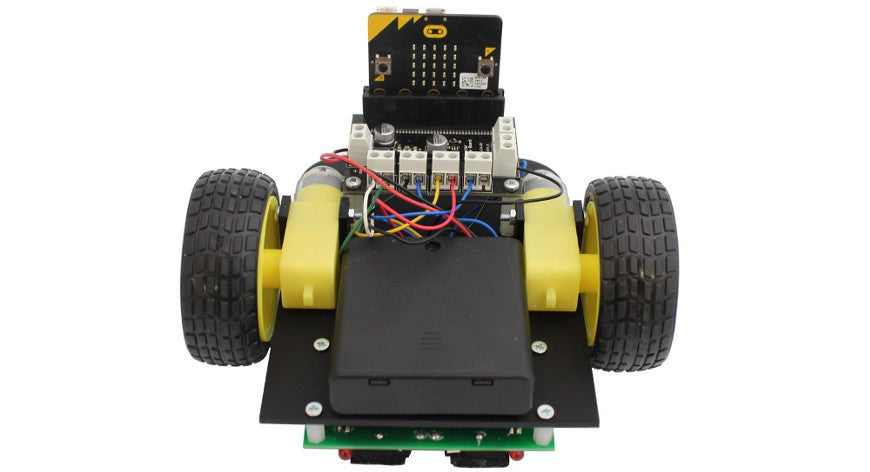
Robot Buggy Part 2 The Line Following Buggy
The line following buggy for the BBC micro:bit is a great kit for students to build as it combines several elements of design and technology; electronics, mechanical assembly and coding and it is this buggy that the Robot Buggies are built upon. The kit has relatively few parts and is simple to build, making it a suitable option as a classroom activity.
Coming Soon – New Kits and Products
Whilst many of our customers enjoy a well earned holiday during August, we’re busy putting the final touches to some exciting new kits, and bringing you a couple of additions to our materials section.