
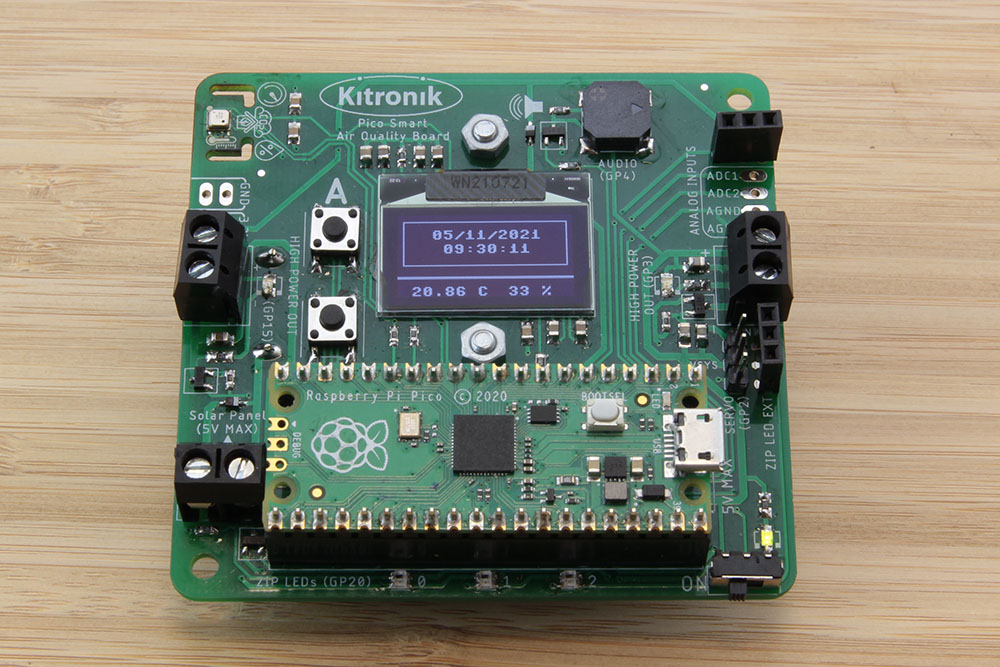
The Pico has a number of built-in features beyond just having lots of pins for controlling and communicating with external devices, and one of these is the real-time clock (RTC). Learn how to make use of the boards RTC and OLED display.
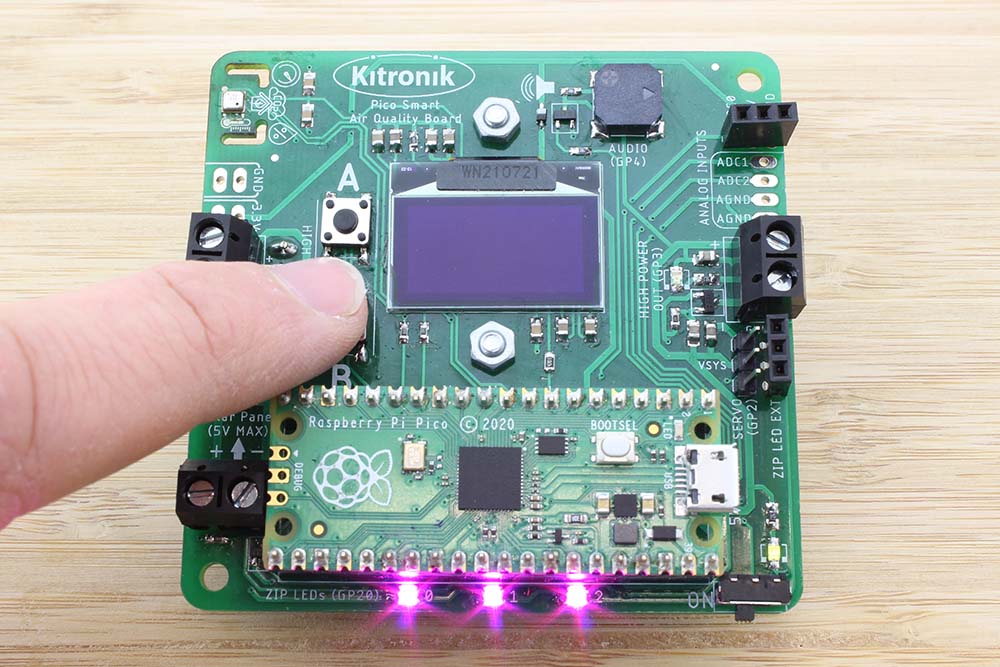
Online Tutorial – Pico Smart Air Quality Board – Buzzer, Buttons and ZIP LEDs
The Smart Air Quality board for Raspberry Pi Pico has two buttons which can be used as inputs to control the program which is running. There is also a buzzer, which is great for adding audio output to projects. We are going to introduce both of these in this section of the tutorial.
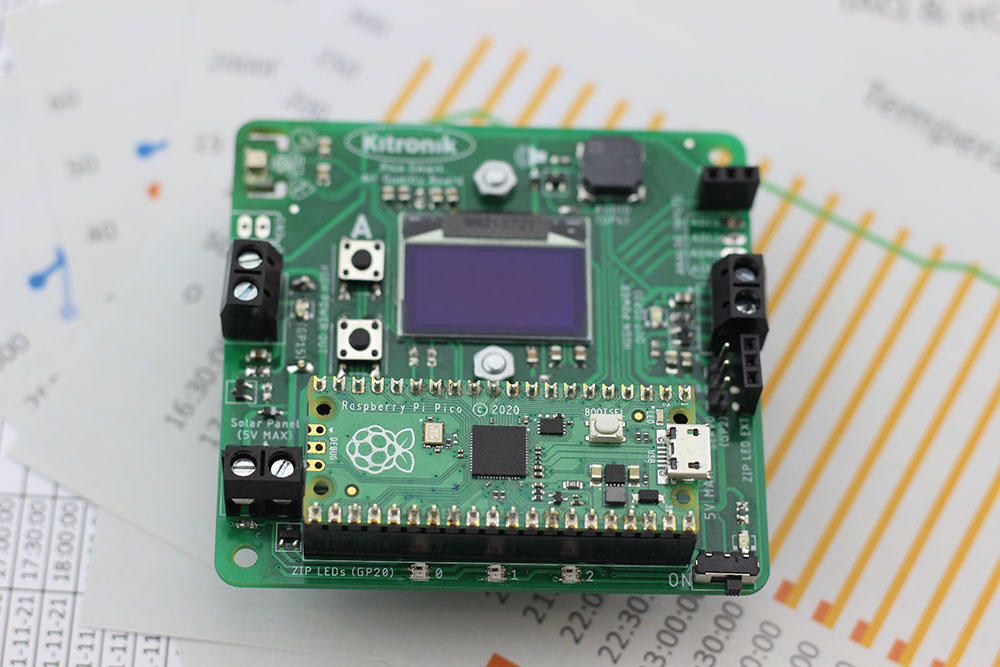
Online Tutorial – Pico Smart Air Quality Board – Data Logging
One of the main functions the Pico Smart Air Quality Board is designed for is data capture and logging. In this tutorial we will be taking that information and saving it to a file on the Pico.
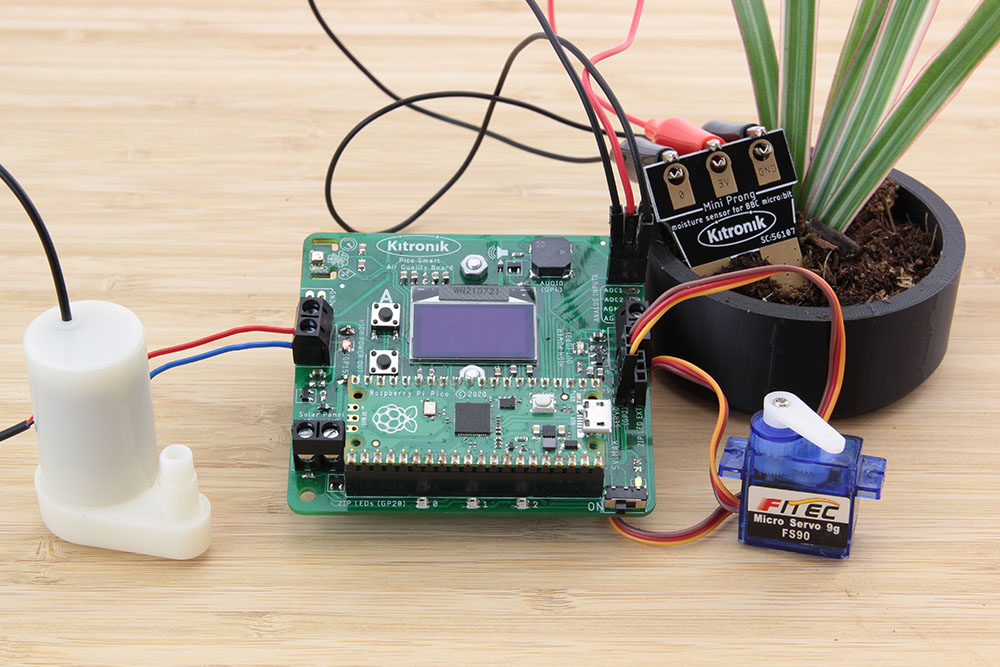
Online Tutorial – Pico Smart Air Quality Board – Analogue Input and Output Control
Learn how to connect, control and monitor external sensors to the Kitronik Air Quality Data-logging Board for the Raspberry Pi Pico. This guide contains a full description of the process and code required.
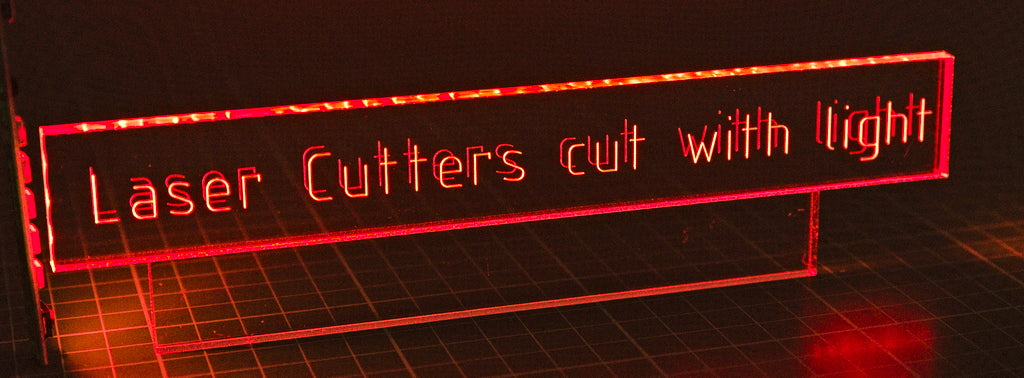
Kiss Cut Lettering with a Laser Cutter
‘Kiss cutting’ is a different laser technique that lightly engraves a surface, but the laser doesn’t follow a raster pattern, it follows a cut line. ‘Kiss cutting’ is especially useful for engraving lettering. Find out more…
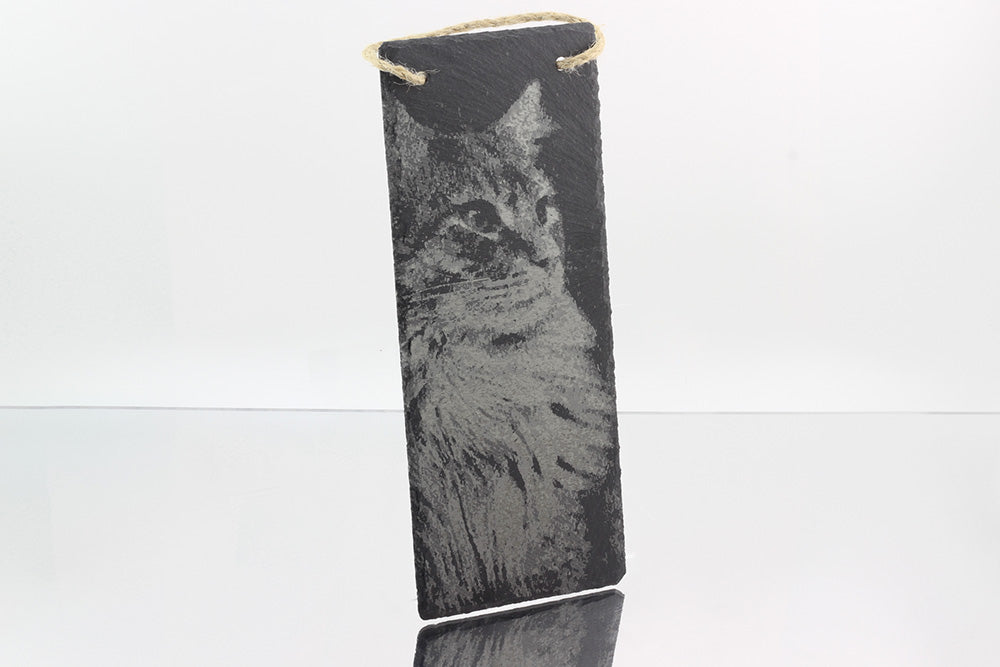
Creating Shades In Laser Engraving Using ‘Scan Gap’
Emma shows you how to get more from laser engraving with Scan Gap Engraving is a medium that relies heavily on contrast between the base material and engraved surface. I’ve been looking to find ways to use the settings artistically and so far, I have found the most artistic possibility with the “scan gap” function.
Kitronik Are Going To Bett 2022 – See You There?
Bett 2022 is almost here! It seems like an eternity since we were last there, but it’s back and Kitronik are going! Are you? It will be held in ExCeL London and will deliver three days of non stop inspiration between 23-25 March.
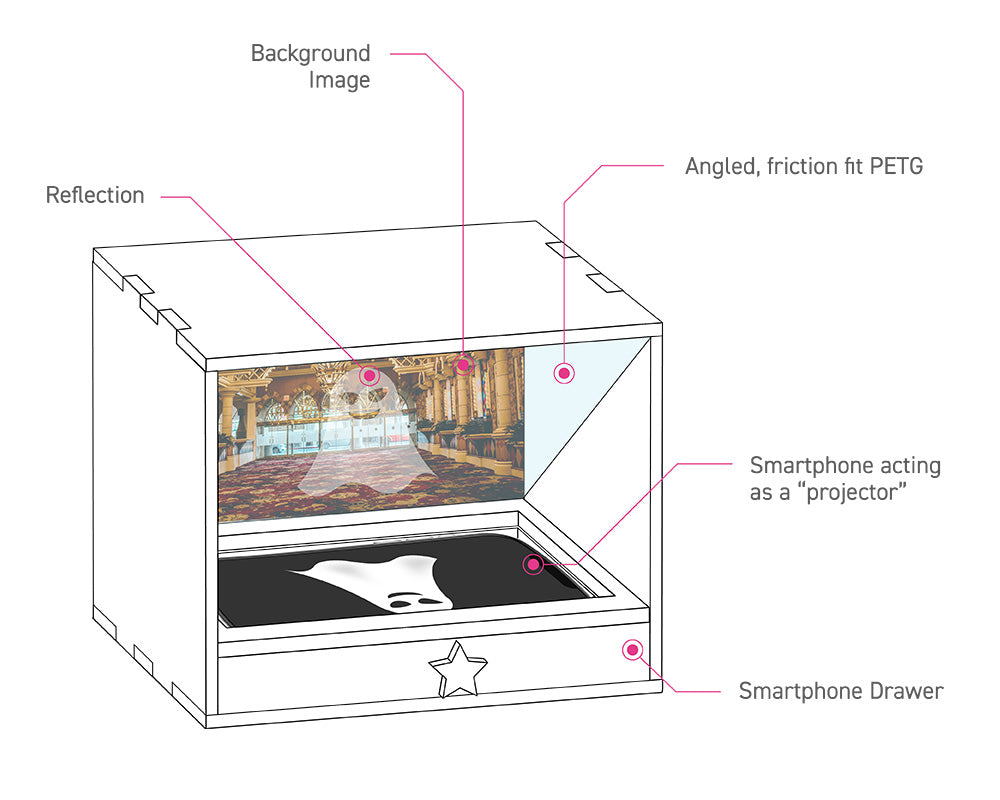
Pepper’s Ghost – Using “Holograms” in your makes!
Exploring interesting concepts from various areas of design and technology is one of the best things about making new projects. Today, Emma pulls inspiration from Victorian theatres and Theme Park dark rides to make a tiny demonstration of the Pepper’s Ghost effect!
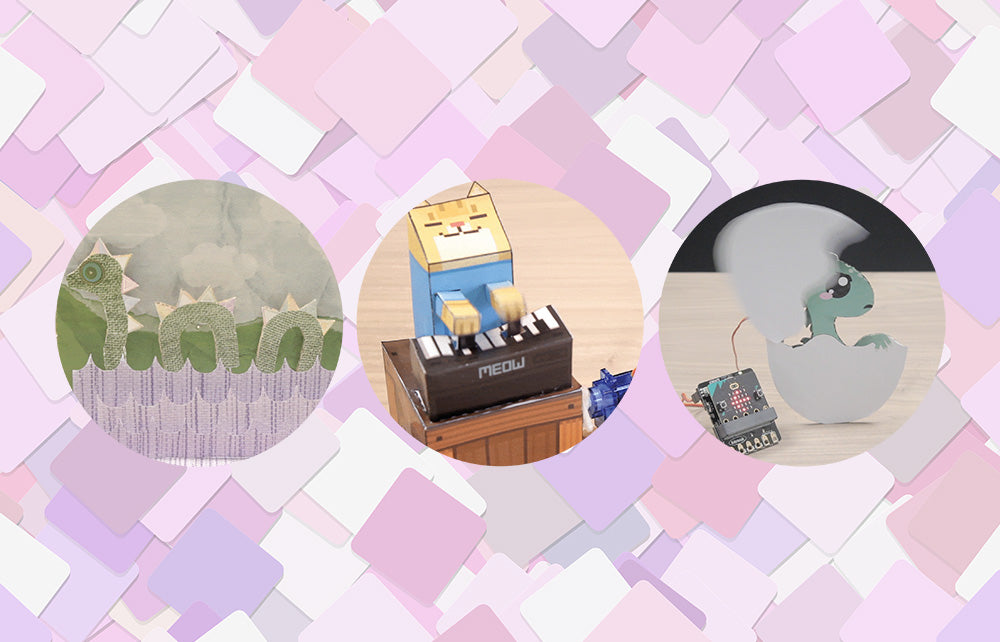
Automating Paper Automata with the :CREATE Simple Servo Board for micro:bit
We recently launched the Kitronik Simple Servo Control Board for BBC micro:bit, and Emma wasted no time in putting together three great resources for it. We’ve included all three resources below, with all of the files needed and step by step instructions for each.
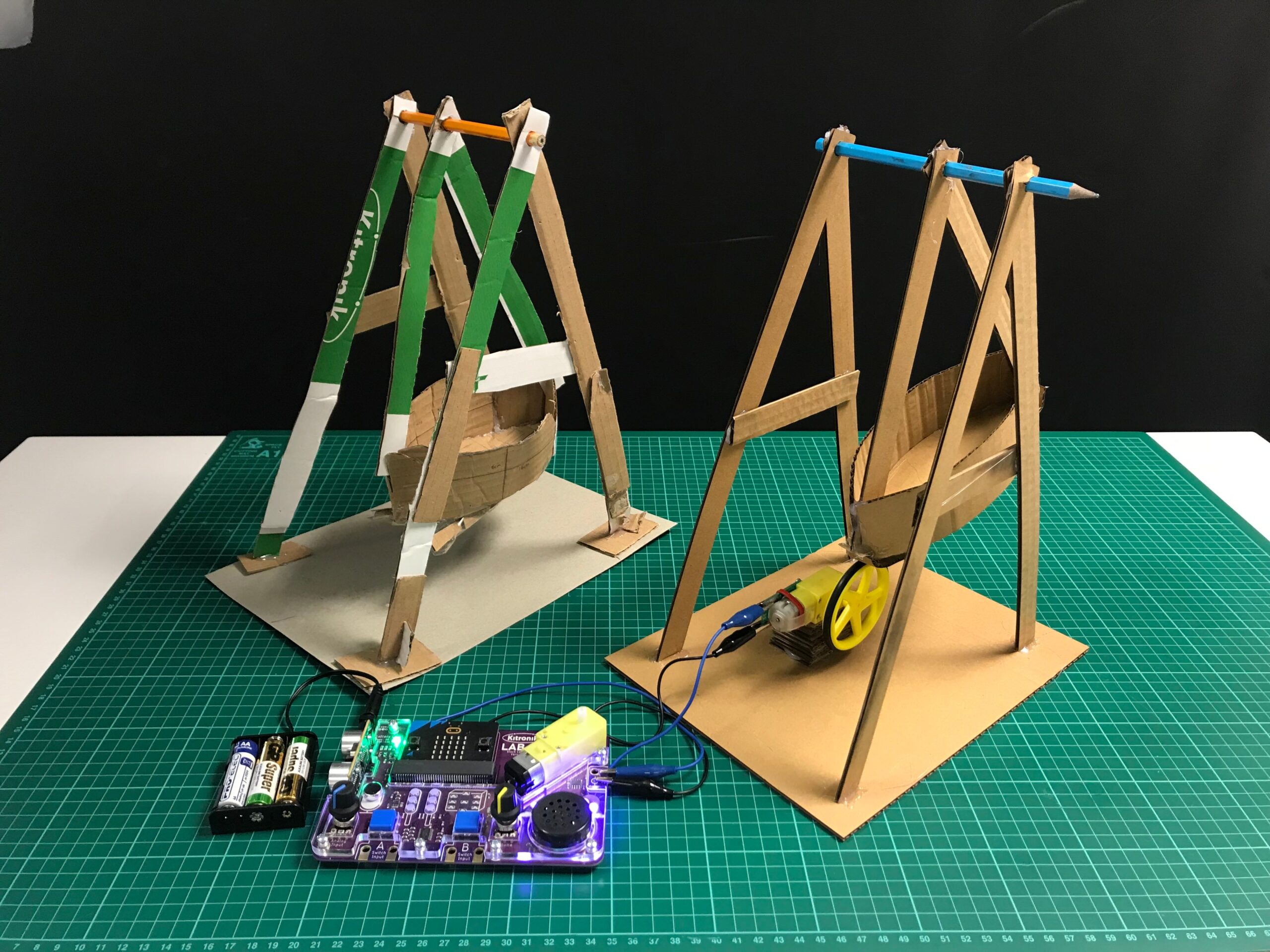
A Pirate Ship for the LAB:bit for BBC micro:bit
Isabelle from The Fernwood School joined us recently for a weeks work experience, and was tasked with creating a set of Fairground rides to complement the LAB:Bit. Her brief was to create some designs that could be made in a KS2 classroom using cardboard, glue and sticky tape. Here is what she came up with: